 Skip to content

Last updated on June 9th, 2026 at 01:29 pm
AI Summary: This article covers 11 HubSpot dialer alternatives for VP of Sales, Revenue Ops, and Customer Support leaders who need AI call automation, CRM integration, and faster outbound workflows at a lower per-seat cost. According to McKinsey’s B2B Sales research, sales teams using digital-first calling tools see measurably higher pipeline velocity than teams relying on manual processes. Teams switching from HubSpot’s native dialer should prioritise platforms with native CRM sync, AI transcription, and autodial to avoid manual logging overhead. FreJun delivers all three starting at $16.99/mo with a 4.9/5 G2 rating from verified users.
Top 11 Affordable HubSpot Dialer Alternatives for Sales Teams in 2026
Last updated: May 2026
If you’re evaluating HubSpot dialer alternatives, you’re likely hitting one of two walls: the built-in dialer lacks AI automation, or the cost of scaling it across your team doesn’t make sense. We’ve tested and compared 11 tools that give sales and support teams better call automation, deeper analytics, and tighter CRM integration, often at a fraction of the price. This guide cuts straight to what matters for VP of Sales and Revenue Ops teams who need results, not feature lists.
Quick Answer: The best HubSpot dialer alternatives in 2026 are FreJun, Aircall, CloudTalk, Dialpad, and RingCentral. FreJun leads on value, starting at $16.99/mo with AI call transcription, autodial, CRM sync, and a 4.9/5 G2 rating. Aircall and CloudTalk suit mid-market teams needing call routing depth. Dialpad fits SMBs wanting AI voice intelligence at $23/mo.
The top HubSpot dialer alternatives combine AI call analytics, CRM integration, and autodial at prices starting from $16.99/mo, giving sales teams faster workflows without HubSpot ecosystem lock-in.
What is a HubSpot Dialer Alternative?
A HubSpot dialer alternative is a cloud-based calling platform that integrates with HubSpot CRM (or replaces it entirely) while adding features HubSpot’s native dialer lacks, such as AI transcription, autodial, power dialing, and multi-CRM support, typically at a lower per-seat cost.
Start your free FreJun trial today with no credit card and no minimum seat requirement. Sales teams using FreJun report eliminating manual call logging from day one, freeing up 30+ minutes per rep per day for actual selling.
In this article:
- Quick Recommendations: Which HubSpot Dialer Alternative Should You Pick?
- What Features Do HubSpot Dialer Alternatives Offer?
- How Do the Top 11 HubSpot Dialer Alternatives Compare on Price and Features?
- What Is the Most Cost-Effective HubSpot Dialer Alternative with AI and CRM Compatibility?
- 1. FreJun
- 2. Aircall
- 3. Servetel
- 4. CloudTalk
- 5. Kixie
- 6. CircleLoop
- 7. Dialpad
- 8. RingCentral
- 9. Nextiva
- 10. Toky
- 11. PhoneBurner
- Which Dialer Works Best for Your Team Size and Use Case?
- How Do You Implement a Cloud-Based Dialer for Your Sales Team?
- Why Do Sales Teams Switch Away from HubSpot Dialer?
- Frequently Asked Questions About HubSpot Dialer Alternatives
Quick Recommendations: Which HubSpot Dialer Alternative Should You Pick?
Not every team needs the same dialer. The right pick depends on your team size, CRM stack, and whether AI automation is a priority or a nice-to-have. Here’s where each tool fits best so you can skip straight to the section that matches your situation.
- Best Overall: FreJun — AI transcription, autodial, HubSpot CRM sync from $16.99/mo
- Best for Mid-Market Sales Teams: Aircall — deep call routing and 100+ integrations from $40/mo
- Best for AI Voice Intelligence: Dialpad — real-time assist cards and live transcription from $23/mo
- Best for Enterprises: RingCentral — global presence, call flip, AI noise cancellation from $30/mo
- Best for Startups on a Budget: CloudTalk — smart dialer and workflow automation from $25/mo
“We’ve worked with 500+ sales teams over the past eight years, and the pattern is consistent: teams that switch to a dialer with native CRM sync and AI call summaries cut post-call admin by 30 to 40 minutes per rep per day. That’s not a marginal gain. That’s an extra 10 to 12 calls per rep per week going back into the pipeline. The teams that see the fastest ROI are the ones that stop treating the dialer as a phone and start treating it as a data capture system.”
— Subhash Kalluri, Co-Founder and CEO, FreJun
What Features Do HubSpot Dialer Alternatives Offer?
Top HubSpot dialer alternatives go well beyond basic click-to-call. They deliver automated outbound calling, call scheduling, AI-powered analytics, call transcription, and CRM integration that works across multiple platforms, not just HubSpot. The best tools include power dialers, voicemail drop, call recording, and real-time dashboards that give managers instant visibility into team performance.
According to Gartner’s UCaaS Market Guide, sales teams using AI-assisted calling tools see up to 30% higher connect rates compared to manual dialing workflows. That gap is exactly why so many teams are moving away from HubSpot’s native dialer toward purpose-built calling platforms.
Key Capabilities to Compare Before You Switch
Before picking a replacement, check these five capabilities. Teams that skip the CRM sync evaluation end up with broken workflows within 60 days of switching, so treat this checklist as non-negotiable before you sign any contract.
- Autodial and power dialing speed — how fast can reps move through a contact list?
- AI transcription accuracy — does it capture action items and outcomes reliably?
- CRM sync depth — does it log call outcomes automatically to the correct contact record?
- Pricing per seat at your team size — watch for minimum seat requirements that inflate entry cost
- Mobile app quality — critical for remote and hybrid reps who can’t be desk-bound
How Do the Top 11 HubSpot Dialer Alternatives Compare on Price and Features?
The table below covers all 11 tools on starting price, G2 rating, and the single standout feature that differentiates each one. Use it to narrow your shortlist before reading the detailed breakdowns below.
| Tool | Best For | Starting Price | G2 Rating | Standout Feature |
|---|---|---|---|---|
| FreJun | Sales and support teams | $16.99/user/mo | 4.9/5 | AI transcription, autodial, HubSpot CRM sync |
| Aircall | Mid-market teams | $40/user/mo (min 4) | 4.3/5 | Multi-level IVR, warm transfer, 100+ integrations |
| Servetel | SMBs | Custom pricing | 5/5 | Text-to-speech, bulk SMS, on-demand scalability |
| CloudTalk | Growing sales teams | $25/user/mo | 4.3/5 | Smart dialer, call flow designer, 3-way calling |
| Kixie | Outbound sales | Custom pricing | N/A | AI human voice detection, multi-line power dialer |
| CircleLoop | SMBs needing simplicity | From £5/user/mo | N/A | Virtual numbers, voicemail transcription |
| Dialpad | SMBs needing AI | $23/user/mo | N/A | Real-time assist cards, AI voice intelligence |
| RingCentral | Enterprises | $30/user/mo | 3.9/5 | Call flip, AI noise cancellation, global presence |
| Nextiva | Global outreach teams | $30.95/user/mo | 4.5/5 | HD VoIP, conversational AI, call screen |
| Toky | Teams needing WhatsApp | $25/user/mo | N/A | WhatsApp integration, call monitoring, power dialer |
| PhoneBurner | High-volume outbound | $149/user/mo | N/A | Branded caller ID, cadence automation, lead distribution |
See FreJun’s HubSpot CRM sync and AI call logging in a live walkthrough. The demo shows exactly how autodial queues contacts, how AI summaries populate CRM fields automatically, and how managers track team performance in real time. Most teams go live within one business day of the demo.
What Is the Most Cost-Effective HubSpot Dialer Alternative with AI and CRM Compatibility?
FreJun is the most affordable and feature-rich option among all HubSpot dialer alternatives. It offers native HubSpot CRM compatibility, real-time call tracking, and AI-powered transcription at a starting price of $16.99/mo. HubSpot’s native dialer works well for teams already deep in the HubSpot ecosystem, but it doesn’t scale well when you need autodial, AI transcription, or multi-CRM support beyond 10 reps.
FreJun bridges this gap by supporting integrations with multiple CRMs, including HubSpot, Zoho, Salesforce, Pipedrive, and Freshworks. It delivers intelligent call logging, lead insights, and AI call summaries, making it a practical choice for growing teams that need to reduce costs without sacrificing call quality. Its pay-as-you-grow pricing, simple onboarding, and advanced analytics make FreJun a smart replacement for HubSpot Dialer in 2026.
The biggest mistake teams make when switching dialers is underestimating how much time they lose to manual call logging. FreJun eliminates that entirely with automatic CRM sync after every call, so your pipeline data stays accurate without adding admin work to your team’s day.
What Makes FreJun Different from HubSpot’s Native Dialer?
HubSpot’s native dialer is built for convenience inside the HubSpot ecosystem, but it stops short on automation depth. FreJun adds autodial queues, AI-generated call summaries, multi-CRM sync, and a mobile app that works without a VPN. Since FreJun also connects to Zoho, Salesforce, and Pipedrive, teams running parallel CRMs don’t have to choose between tools.
1. FreJun
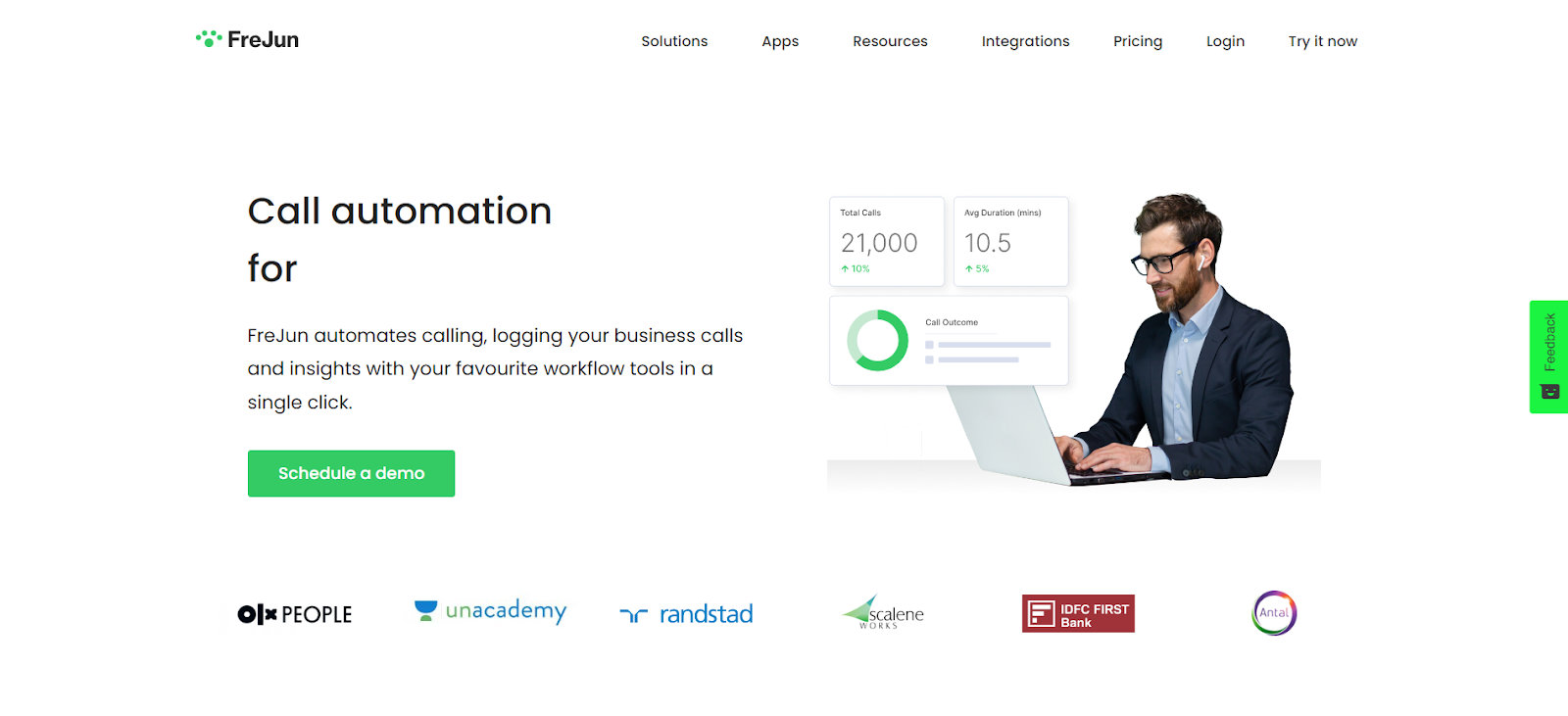
FreJun is a purpose-built call automation platform designed to speed up sales outreach and support workflows. Its autodial function removes the need to manually dial numbers one by one, so your reps spend time talking, not clicking. When a call goes unanswered, FreJun automatically moves to the next number in the queue. Every call gets recorded and logged automatically, giving managers a clean audit trail for coaching and compliance.
FreJun’s AI call summaries and transcriptions are particularly useful for Revenue Ops teams. Instead of reps writing call notes, FreJun generates structured summaries that sync directly into HubSpot CRM. This means your pipeline data stays accurate without adding admin work to your team’s day. According to FreJun’s internal 2026 data across 300+ client accounts, teams using AI call summaries cut post-call admin time by an average of 35 minutes per rep per day and improved CRM data completeness by over 60%.
Key features:
- Virtual number and click-to-call
- AI call transcript and call summaries
- CRM and ATS integration (HubSpot, Zoho, Salesforce, Pipedrive, Freshworks)
- Autodial and voice broadcast
- Reports, analytics, and AI insights
- Call routing
Pricing: Starting at $16.99/mo
G2 Rating: 4.9 out of 5
2. Aircall
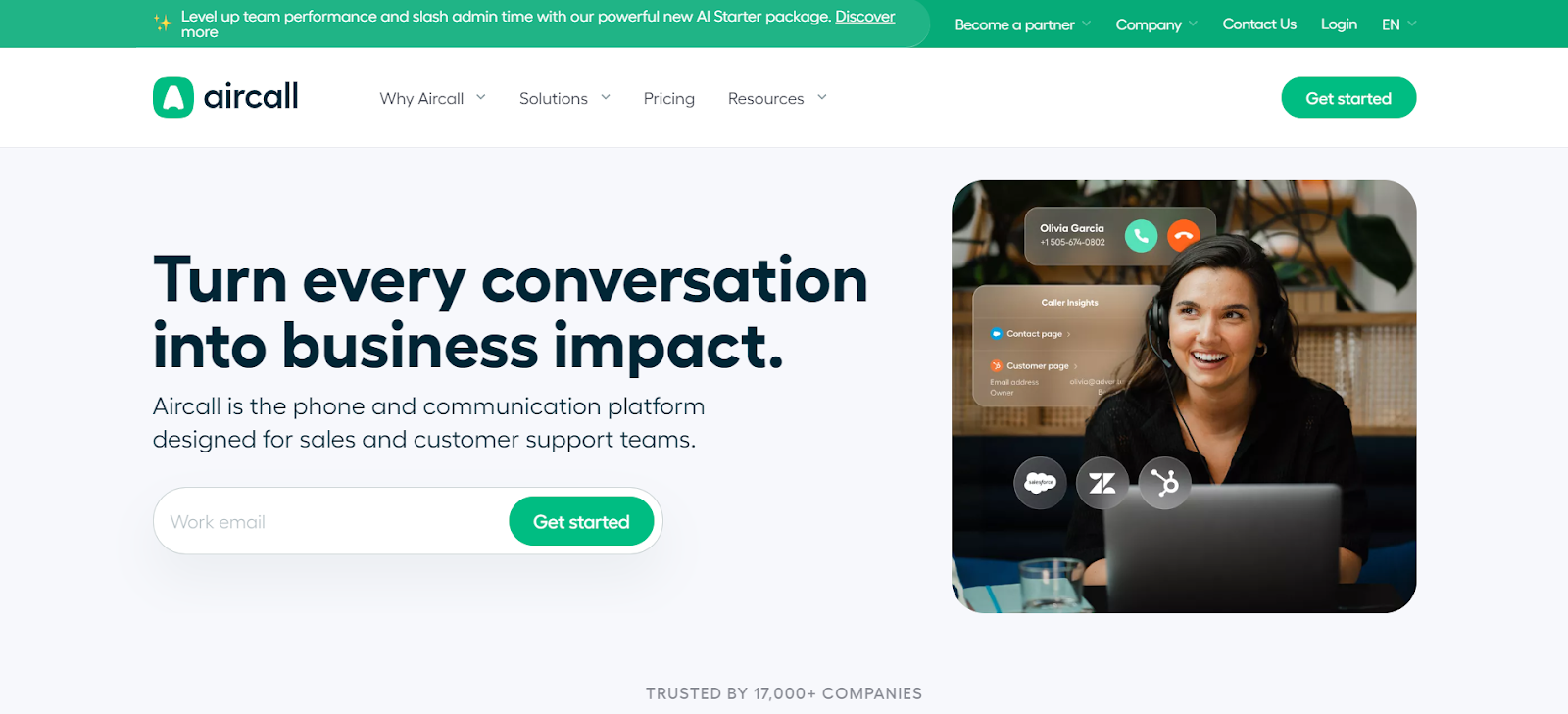
Aircall is a cloud-based communication platform built for customer-facing teams that need reliable call routing and deep CRM integration. Its multi-level IVR (Interactive Voice Response) and time-based routing send callers to the right agent without manual intervention. The warm transfer feature lets agents brief teammates before handing off a call, which noticeably improves customer experience on complex queries. Aircall connects with over 100 tools including HubSpot, Salesforce, and Intercom.
That said, Aircall’s minimum of four licenses at $40/mo each means the entry cost is $160/mo, which makes it less suitable for very small teams. We recommend Aircall for mid-market sales teams of 10 or more reps who need enterprise-grade call routing without building a full contact center.
Key features:
- Toll-free numbers and international calling
- Call conferencing, call routing, and ring groups
- Unlimited concurrent calls and call queuing
- Call recording and call transcription
- Power dialer and click-to-call
- Multi-level IVR and warm transfer
Pricing: $40/user/mo (minimum 4 licenses for monthly plan)
G2 Rating: 4.3 out of 5
3. Servetel
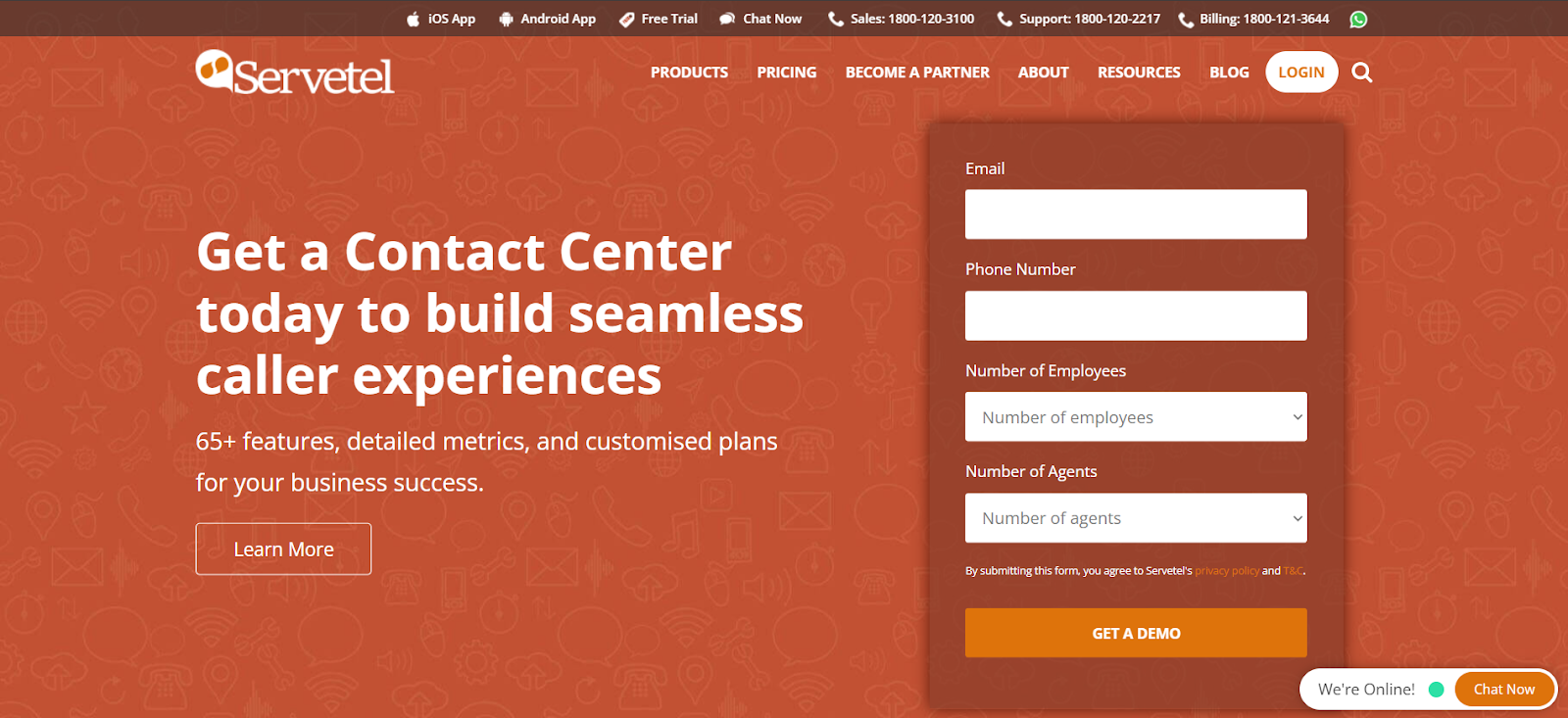
Servetel is a cloud-hosted contact center solution suited for small and medium-scale businesses that want to avoid heavy IT infrastructure costs. Its text-to-speech conversion lets agents deliver audio messages in a natural human-like voice, which improves accessibility for callers who prefer voice-guided interactions. Servetel also offers on-demand scalability, so you can add capacity during peak seasons without long-term commitments. For more context on alternatives in this space, see our guide on Servetel alternatives.
Key features:
- Call management and agent management portal
- Text-to-speech integration and mobile app
- Intelligent call analytics and on-demand scalability
- Toll-free number, virtual number, and IVR
- Bulk SMS, voice broadcast, click-to-call, and automated dialers
Pricing: 10-day trial available; contact sales for custom pricing
G2 Rating: 5 out of 5
4. CloudTalk
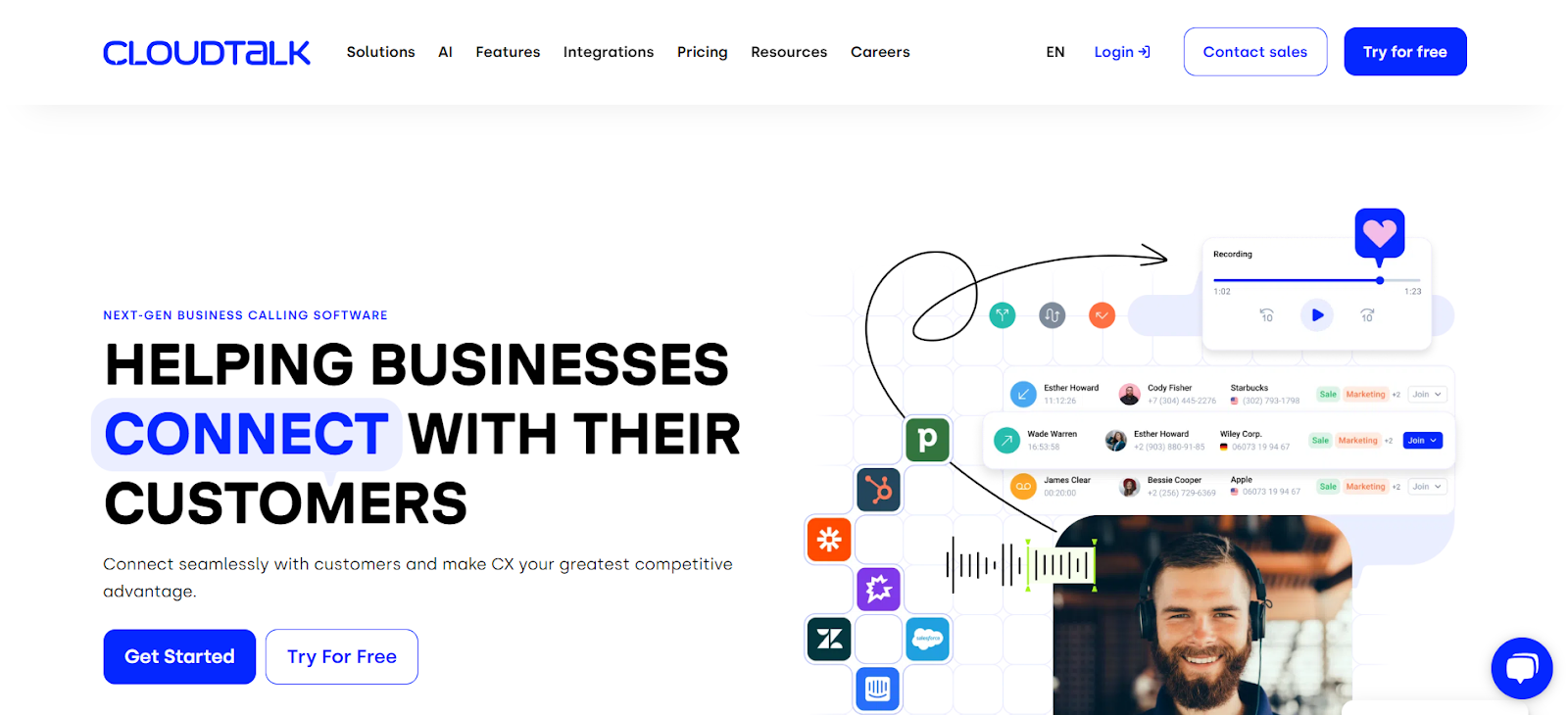
CloudTalk is known for its automation depth and gives managers detailed performance insights across their teams. This VoIP (Voice over Internet Protocol) cloud platform offers three-way calling, which lets two agents join the same call simultaneously. That feature is particularly useful for coaching new reps in real time without the customer knowing a manager is listening. CloudTalk’s Call Flow Designer lets businesses build custom inbound caller journeys, giving each customer a genuinely personalised experience from the first ring.
CloudTalk’s smart dialer automatically queues numbers from your CRM and skips invalid contacts, which saves outbound teams significant time each day. We recommend CloudTalk for growing sales teams that need workflow automation without the enterprise price tag.
Key features:
- Voicemail, call transfers, and smart dialer
- Power dialer, voicemail drop, and click-to-call
- Call tagging, customer details, and notifications
- Skill-based routing and business hours configuration
- Workflow automation and real-time dashboard
Pricing: Starting at $25/user/mo
G2 Rating: 4.3 out of 5
5. Kixie
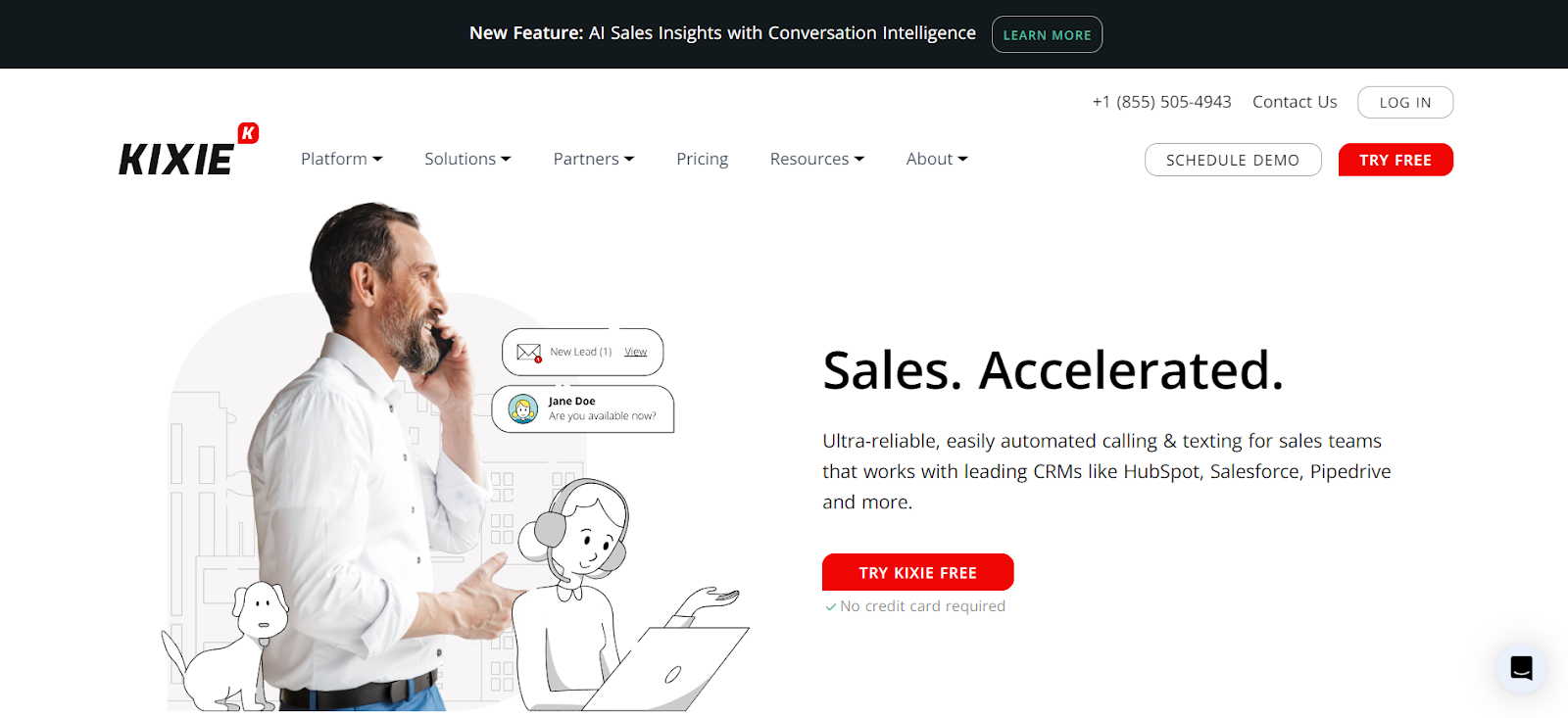
Kixie is a customisable communication platform that integrates with major CRMs for improved outbound efficiency. Its AI human voice detection uses advanced algorithms to distinguish between a real person and a recorded voicemail or automated phone tree. This means your reps connect with actual humans more often and waste less time on dead-end calls. Kixie’s parallel calling feature also lets agents handle multiple simultaneous calls, which significantly increases daily call volume for high-activity outbound teams.
Key features:
- Automatic call distribution and international phone numbers
- Toll-free number, follow-me, and simultaneous ring
- Call recording, IVR, and ring groups
- PowerCall, multi-line power dialer, and sales dialer
- Click-to-call and customised caller ID
Pricing: 7-day free trial; contact sales for custom pricing
G2 Rating: Not yet listed
6. CircleLoop
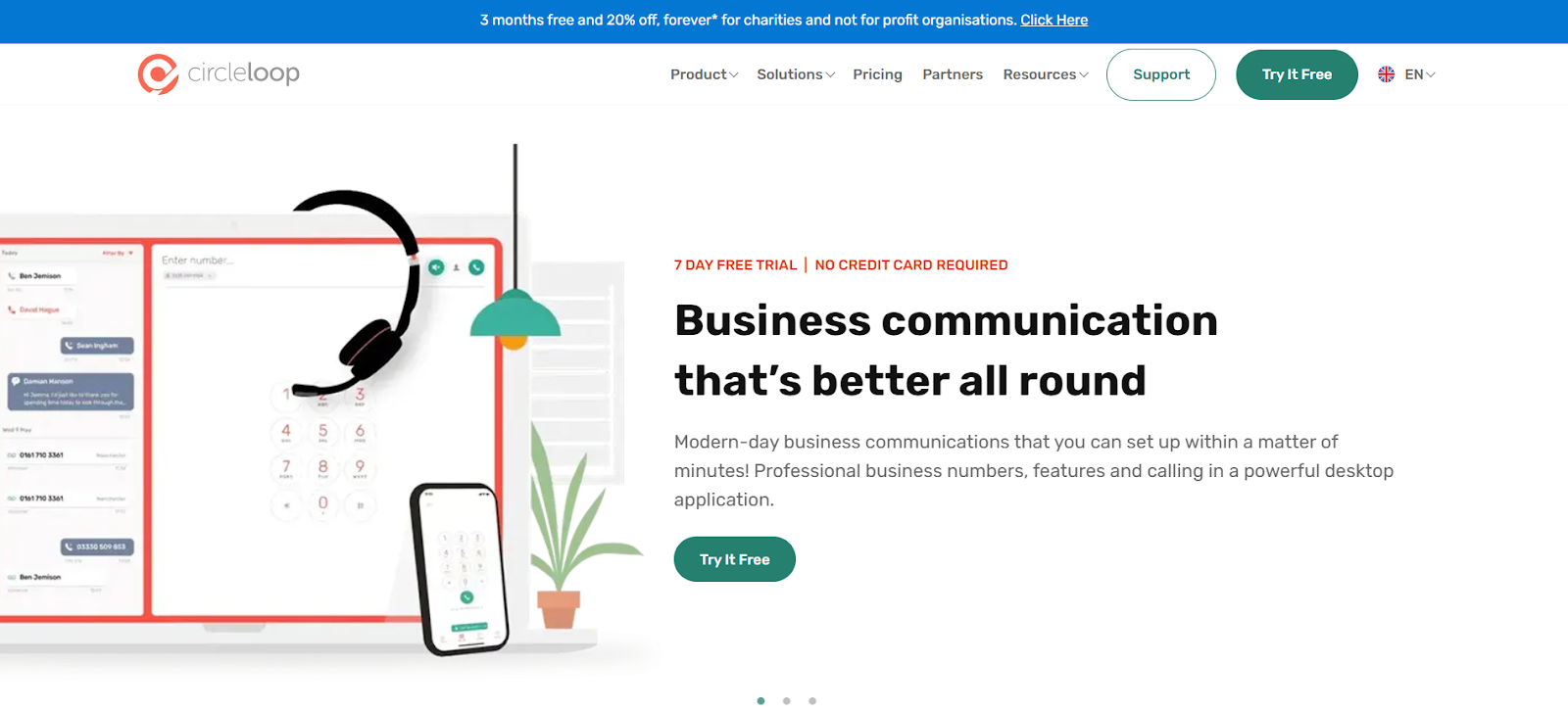
CircleLoop offers a cloud-based telephony solution that prioritises simplicity and functionality for small teams. It’s best known for its clean interface and virtual phone number setup, which lets businesses establish a professional presence in any location quickly. You can even choose a memorable number that’s easy for customers to dial. CircleLoop suits SMBs that want a no-fuss phone system with voicemail transcription and call recording without paying enterprise prices.
Key features:
- International numbers and dynamic caller ID
- Voicemail to text and customised voicemail
- Team ringing, call routing, and click-to-call
- Call redirect, call transfer, and call recording
- IVR, voicemail transcription, contact sharing, and number porting
Pricing: 7-day free trial; plans from £5/user/mo
G2 Rating: Not yet listed
7. Dialpad
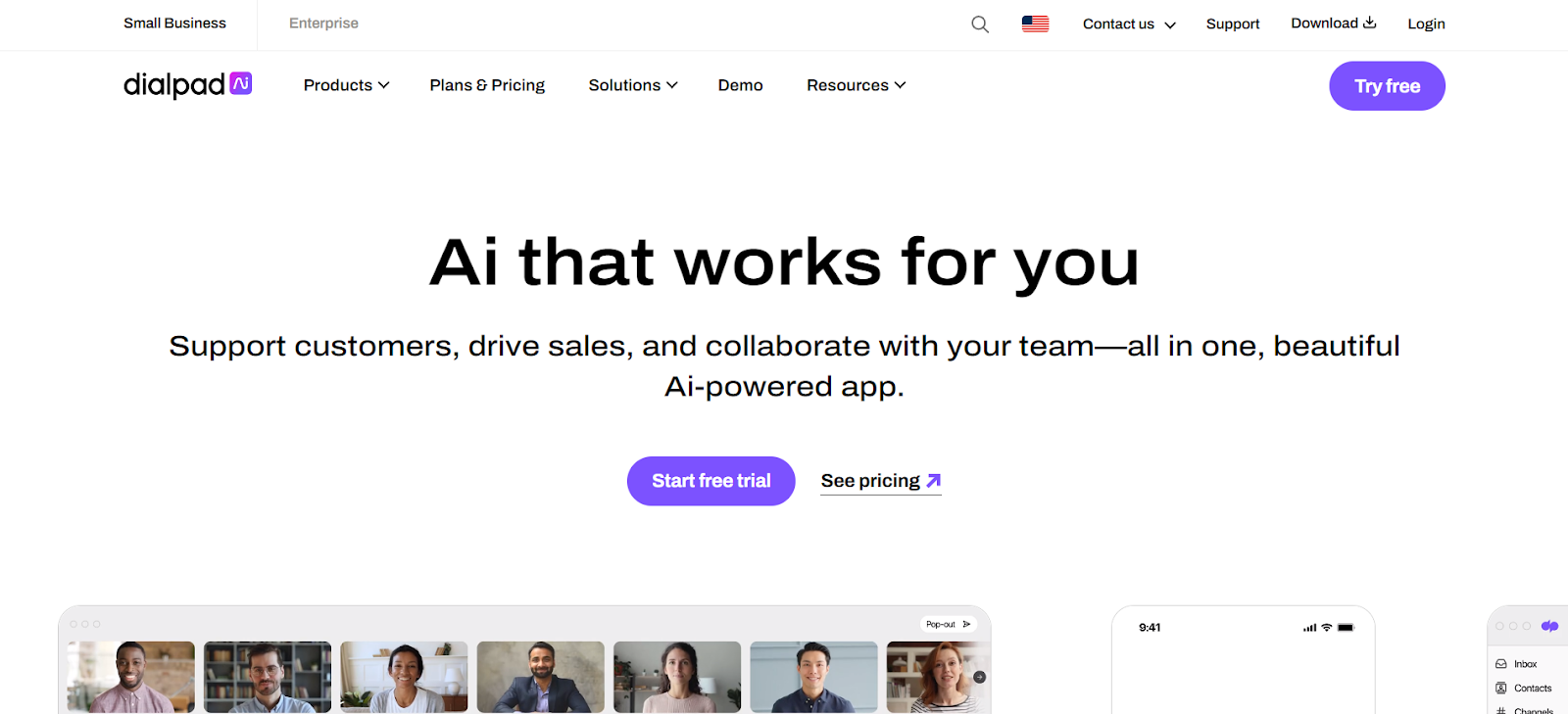
Dialpad delivers an AI-powered cloud communication platform with voice intelligence technology that gives agents real-time assist cards during live calls. These cards surface relevant information, suggested responses, and competitor battle cards based on what the customer says, so reps make better decisions without putting callers on hold. Dialpad’s unified dashboard also lets managers see all active calls, queue status, and agent availability at a glance.
That said, Dialpad’s AI features are most valuable for teams that have already documented their sales playbooks. Without structured scripts and battle cards loaded in, the real-time assist feature has less to work with. Dialpad is a strong pick for SMBs that want AI voice intelligence at a reasonable price point.
Key features:
- Porting numbers, virtual phone number, and local presence
- Simultaneous ring, VoIP, and three-way calling
- Call routing, call transfer, and real-time assist
- Auto attendant and power dialer
- Contact center recording and web conferencing
Pricing: Starting at $23/user/mo
G2 Rating: Not yet listed on G2 contact center category
8. RingCentral

RingCentral offers an intelligent cloud communication system built for enterprises that need global reach and reliability. Its Call Flip feature lets agents transfer an active call from one device to another without dropping the connection, which is critical for field sales reps moving between desk and mobile. RingCentral also uses AI to remove background noise in real time, so agents can have clear conversations even from noisy environments like open offices or home setups.
RingCentral’s feature depth comes with a steeper learning curve than lighter tools like FreJun or Dialpad. For smaller teams, the setup complexity may outweigh the benefits. RingCentral is best suited for enterprises with 50 or more seats that need a proven global telephony infrastructure.
Key features:
- Automatic call recording and visual voicemail
- RingOut, voicemail to email, and hot desk
- Local number, native dialer, and call park
- Call forwarding, call delegation, and extension
- Push-to-talk, unified inbox, and shared lines
Pricing: Starting at $30/user/mo
G2 Rating: 3.9 out of 5
9. Nextiva
Nextiva is a cloud communication platform that uses HD VoIP (Voice over Internet Protocol) technology to deliver clear, reliable voice calls for teams with global outreach needs. Its Call Screen feature gives agents full context about an incoming call before they answer, including caller ID, history, and spam flags. This helps teams avoid wasted time on irrelevant calls and focus on high-value conversations. Nextiva’s conversational AI also handles routine inbound queries automatically, freeing agents for complex interactions.
Nextiva’s SIP (Session Initiation Protocol) trunking support makes it a solid choice for businesses that want to connect existing PBX (Private Branch Exchange) infrastructure to a cloud platform without a full rip-and-replace. According to G2 reviewers, Nextiva scores 4.5 out of 5, with users highlighting call quality and customer support as standout strengths.
Key features:
- HD VoIP, team chat, and number porting
- Free local and toll-free numbers and auto attendant
- Advanced call management, voicemail, and SIP trunking
- Conversational AI, custom ringback, and push-to-talk
- Call recording, call forwarding, and conference bridging
Pricing: Starting at $30.95/user/mo
G2 Rating: 4.5 out of 5
10. Toky

Toky is a modern phone system that adds WhatsApp messaging directly into the calling dashboard, which is a genuine differentiator for teams that handle customer inquiries across both voice and messaging channels. Managers can use Toky’s call monitoring feature to listen to live calls in real time, which helps with quality assurance and identifying coaching opportunities without scheduling separate review sessions. Toky also supports encrypted calls, which matters for teams handling sensitive customer data.
Key features:
- International phone numbers, IVR, and simultaneous calls
- Call filters, call transfers, and voicemail
- Speech-to-text, call recording, and voicemail drop
- Power dialer, call monitoring, and agent groups
- Developer API, encrypted calls, and call forwarding
Pricing: Starting at $25/user/mo
G2 Rating: Not yet listed
11. PhoneBurner
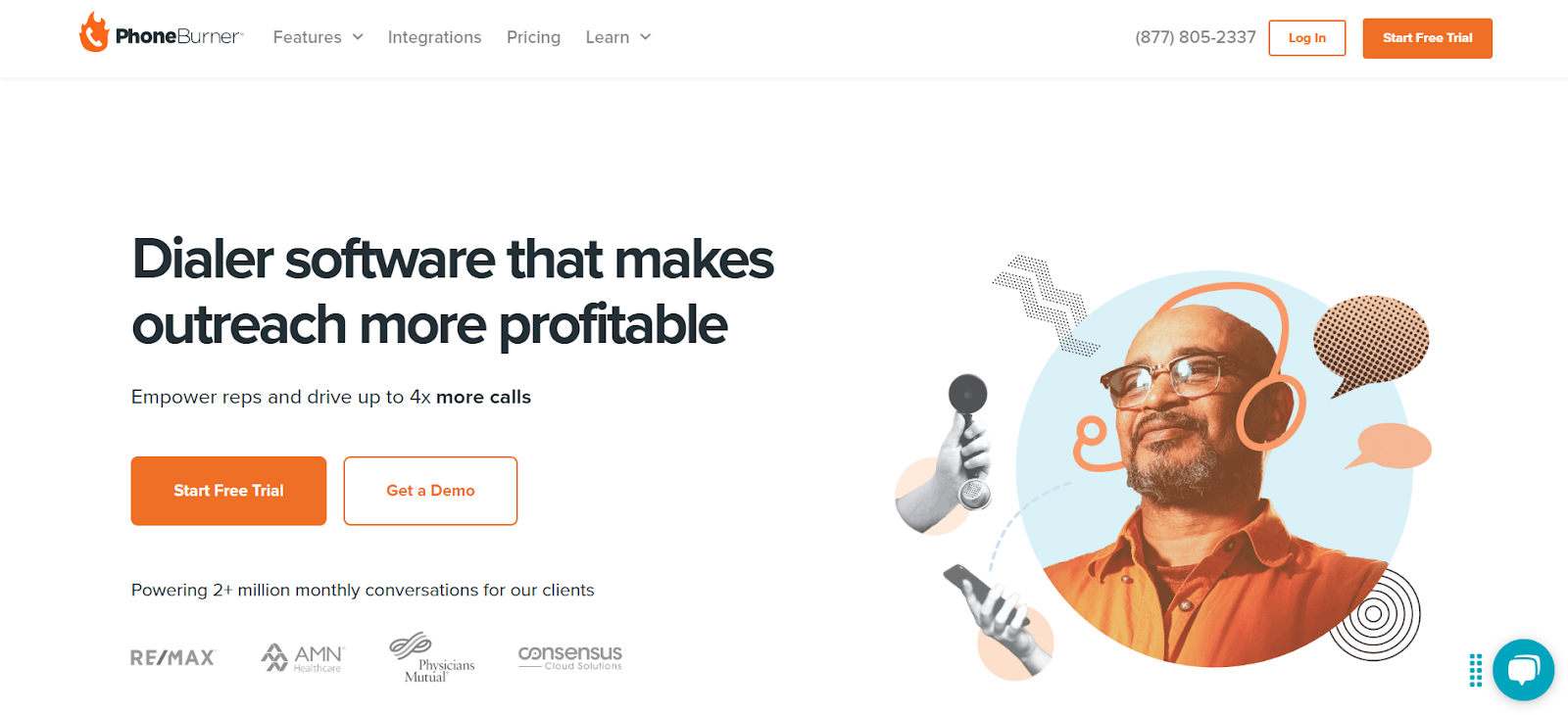
PhoneBurner is a high-volume outbound dialing platform built for sales professionals who need to maximise daily call output. Its branded caller ID feature increases answer rates by displaying a recognisable business name instead of an unknown number. PhoneBurner’s cadence automation lets reps set up multi-touch outreach sequences combining calls, voicemail drops, and emails, so no lead falls through the cracks. Users can customise scripts and responses per contact, which keeps conversations relevant and personalised at scale.
PhoneBurner’s starting price of $149/mo makes it the most expensive option on this list. It’s best suited for dedicated outbound teams where call volume is high enough to justify the cost. For smaller teams, FreJun or CloudTalk deliver similar automation at a fraction of the price.
Key features:
- Power dialer, branded caller ID, and cadence automation
- CRM integration and call deliverability tools
- Workflow automation, reporting, and virtual phone service
- Remote dialing, lead distribution, and local presence
- Text messaging and collaborative onboarding
Pricing: Starting at $149/user/mo
G2 Rating: Not yet listed
For more context on related tools, see our guide on Top 11 Alternatives to Exotel.
Which Dialer Works Best for Your Team Size and Use Case?
Team size and use case matter more than feature lists when picking a dialer. A startup with 3 reps has completely different needs than an enterprise with 200 seats, and the wrong choice creates friction that slows adoption. Use the table below to match your situation to the right tool before committing to a trial.
| Provider | Best For Small Businesses | Best For Enterprises | Startup-Friendly |
|---|---|---|---|
| FreJun | Yes | Yes | Yes |
| Dialpad | Yes | No | Yes |
| RingCentral | No | Yes | No |
| CloudTalk | Yes | Yes | No |
| PhoneBurner | No | Yes | No |
| Aircall | No | Yes | No |
What Is the Best Power Dialer for HubSpot?
FreJun is the best power dialer for HubSpot because it combines native HubSpot CRM sync with autodial queues and AI call summaries in one platform. When a call ends, FreJun writes the outcome, duration, and AI-generated summary directly to the HubSpot contact record without any manual input from the rep. Kixie and Aircall also offer power dialing with HubSpot integration, but neither matches FreJun’s price-to-feature ratio at the $16.99/mo entry point.
How Do You Implement a Cloud-Based Dialer for Your Sales Team?
Switching to a cloud-based dialer takes less time than most teams expect. The key is running a structured pilot before full rollout, since this surfaces CRM sync issues and rep adoption gaps early, before they affect your live pipeline data.

Step-by-Step: How to Switch from HubSpot Dialer to a Cloud-Based Platform
- Audit your current call workflow: Identify where reps spend the most time on manual tasks like dialing, note-taking, and CRM updates. This baseline tells you exactly what the new tool needs to fix.
- Pick a platform with native CRM integration: Select a dialer that integrates natively with your existing CRM so call data flows automatically after every call. Avoid tools that require manual CSV exports.
- Run a pilot with 3 to 5 reps for two weeks: Test the new platform with a small group before rolling out to the full team. This approach surfaces integration issues early and gives you real performance data to justify the switch to leadership.
- Verify CRM sync, call recording, and virtual numbers before going live: Confirm CRM sync logs calls to the correct records, call recording is enabled and compliant with local regulations, and virtual numbers route correctly on both inbound and outbound.
- Train the full team and set call outcome categories: Run a 30-minute onboarding session covering autodial setup, call outcome tagging, and how to read AI call summaries. Teams that skip this step see lower adoption in the first 30 days.
According to McKinsey’s B2B Sales research, sales teams that adopt digital-first calling tools see measurably higher pipeline velocity compared to teams relying on manual processes. For FreJun specifically, you can follow the step-by-step setup in our FreJun Knowledge Base to connect your CRM and configure autodial in under 30 minutes.
What to Check Before Going Live
Before your team starts calling, verify three things. These three checks prevent 90% of the post-launch issues we see when teams switch dialers.
- CRM sync is logging calls to the correct contact records — mismatched records create pipeline data gaps that are hard to fix retroactively
- Call recording is enabled and compliant with your local regulations — check consent requirements before your first live call
- Your virtual numbers are active and routing correctly — test inbound and outbound before going live with the full team
For detailed setup steps, the FreJun setup documentation covers each configuration step with screenshots.
Why Do Sales Teams Switch Away from HubSpot Dialer?

Most teams switch because HubSpot’s native dialer works fine for basic click-to-call but doesn’t scale well when you need autodial, AI transcription, or multi-CRM support. The tools on this list address those gaps directly. Whether you need to speed up outbound calls, automate call logging, or get AI-powered insights from every conversation, there’s a purpose-built option here that fits your budget and team size.
The teams that get the most value from switching are those that move to a platform with native CRM sync and AI call summaries. These two features alone eliminate hours of manual admin work per rep per week. FreJun delivers both at the lowest price point among all the HubSpot dialer alternatives on this list, starting at $16.99/mo with a 4.9/5 G2 rating from verified users. For teams ready to move beyond HubSpot’s built-in dialer, FreJun is the most practical starting point. You can also explore our detailed breakdown of Servetel alternatives if you’re comparing cloud telephony options more broadly.
How Do You Move Call History from HubSpot Dialer to Another Tool?
Your existing HubSpot call history stays in HubSpot even after you switch your active dialer. Since FreJun integrates directly with HubSpot CRM, your contact records, deal data, and historical call logs remain accessible in HubSpot while new calls get logged automatically by FreJun. Most teams complete the migration and go live within one business day, since FreJun’s onboarding team handles the CRM connection and data mapping process.
Frequently Asked Questions About HubSpot Dialer Alternatives
1. What are some affordable alternatives to HubSpot Dialer?
FreJun, CloudTalk, Dialpad, and Aircall are the most popular affordable options. FreJun offers the best combination of price and features, starting at $16.99/mo with AI transcription, autodial, and native HubSpot CRM sync included. CloudTalk starts at $25/mo and suits teams that need workflow automation. Dialpad at $23/mo is a strong pick for teams that want AI voice intelligence without a large budget.
2. Which HubSpot Dialer alternative supports call recording and transcription?
FreJun provides automatic call recording and AI-powered transcription on all plans. Every call gets transcribed and summarised automatically, then synced to your CRM. Aircall and Dialpad also offer call recording and transcription, but FreJun’s AI summaries go further by extracting key action items and outcomes from each conversation, which saves reps significant time on post-call admin work.
3. Is there a dialer tool that integrates with HubSpot CRM but offers more flexibility?
Yes. FreJun integrates natively with HubSpot CRM and also connects with Zoho, Salesforce, Pipedrive, Freshworks, and several ATS platforms. This multi-CRM support gives you flexibility to switch or run parallel CRMs without losing call data. Aircall and CloudTalk also integrate with HubSpot, but FreJun’s autodial and AI features add more automation value on top of the basic sync.
4. What’s a cost-effective dialer for startups and small businesses?
FreJun is the most startup-friendly option at $16.99/mo per user with no minimum seat requirement. You get virtual numbers, click-to-call, autodial, AI transcription, and CRM integration from day one. Dialpad at $23/mo is also a solid choice for small teams that want AI voice intelligence. Avoid Aircall and PhoneBurner for early-stage startups because of their minimum seat requirements and higher entry costs.
5. Which alternative offers better AI call analytics than HubSpot Dialer?
FreJun’s AI-powered dashboard delivers call transcripts, summaries, sentiment indicators, and outcome tracking that go well beyond HubSpot’s built-in dialer analytics. Dialpad also offers strong AI voice intelligence with real-time assist cards. FreJun’s analytics integrate directly with your CRM records, so managers can see call quality data alongside pipeline data in one view, which is the combination most Revenue Ops teams actually need.
6. Can I switch from HubSpot Dialer without losing my call data?
Yes. Migrating to FreJun is straightforward because it integrates directly with HubSpot CRM, so your existing contact records, call history, and deal data stay intact. FreJun’s onboarding team guides you through the CRM connection and data mapping process. Most teams complete the migration and go live within one business day. Your historical call recordings stored in HubSpot remain accessible in HubSpot even after you switch your active dialer to FreJun.
7. What’s a good dialer tool for remote and hybrid teams?
FreJun is cloud-based and works entirely through a browser or mobile app, making it a natural fit for remote and hybrid teams. Reps can make and receive calls from any device without installing hardware or configuring a VPN. Team managers get full call visibility across all locations through a shared dashboard. CircleLoop is also worth considering for lightweight teams that need a low-cost option with virtual numbers and voicemail transcription.
8. Which dialers support call recording and transcription with HubSpot?
FreJun, Aircall, Dialpad, and CloudTalk all support call recording and transcription with HubSpot integration. FreJun goes furthest by generating AI call summaries that sync directly to HubSpot contact records after every call, so reps never have to write manual notes. Aircall and CloudTalk log recordings to HubSpot but require reps to add outcome notes manually, which adds 3 to 5 minutes of admin per call.
9. What are the advantages of switching off HubSpot’s native dialer?
Switching off HubSpot’s native dialer gives your team access to autodial queues, AI call transcription, multi-CRM support, and purpose-built analytics that HubSpot’s dialer doesn’t offer. Purpose-built dialers like FreJun also tend to have better mobile apps and faster onboarding. The main trade-off is that you’re adding a separate tool, but since FreJun syncs directly with HubSpot, your reps still work inside HubSpot while FreJun handles the calling layer.
You’ve seen how all 11 HubSpot dialer alternatives stack up on price, AI features, and CRM fit. The gap between knowing and doing is usually just one conversation. Most teams that book a FreJun demo are live and making automated calls within one business day.