 Skip to content

Last updated on June 9th, 2026 at 01:27 pm
Skype officially retired in May 2025, according to Microsoft’s support announcement, leaving millions of business users searching for a reliable replacement. If your team depends on VoIP calling, CRM integration, and AI-powered call analytics, the right Skype alternative for business calling can dramatically improve productivity. Among the top picks, FreJun stands out with browser-based VoIP, virtual numbers, call routing, and AI-powered analytics built specifically for sales and support teams.
Quick Answer: The best Skype alternatives for business calling in 2026 are FreJun, Microsoft Teams, RingCentral, Google Meet, Dialpad, Webex, and Zoom. FreJun leads for sales teams with AI call insights, CRM integration, browser-based VoIP, and virtual numbers starting at $16.99/month. Teams needing video plus voice should consider Microsoft Teams or Google Meet.
The best Skype alternatives for business calling combine HD VoIP, CRM integration, AI analytics, and virtual numbers — FreJun delivers all four in a single browser-based platform starting at $16.99/month.
What is a Skype Alternative for Business Calling?
A Skype alternative for business calling is a VoIP (Voice over Internet Protocol) platform that replaces Skype’s calling features with tools designed for professional use — including CRM integration, call recording, AI analytics, virtual numbers, and team collaboration features suited to sales, support, or remote teams.
Which Skype Alternative Is Best for Your Business in 2026?
Choosing the right platform depends on your team size, calling volume, and integration needs. Therefore, the table below compares the top 19 Skype alternatives side by side so you can make a fast, informed decision.
| Tool | Best For | Starting Price | G2 Rating | Key Differentiator |
|---|---|---|---|---|
| FreJun | Sales & support teams | $16.99/user/mo | 4.9/5 ⭐ | AI call insights + CRM auto-logging |
| Microsoft Teams | Enterprise collaboration | $4/user/mo | 4.3/5 ⭐ | Unified comms + PBX telephony |
| RingCentral | Large enterprises | $30/user/mo | 3.9/5 ⭐ | Global UCaaS + AI noise reduction |
| Google Meet | Google Workspace teams | Free / ₹160.65/mo | 4.6/5 ⭐ | Zero-install browser calling |
| Dialpad | AI-first contact centers | $23/user/mo | N/A | Real-time sentiment + coaching |
| Webex | Enterprise meetings | $25/user/mo | 4.3/5 ⭐ | 16+ channel customer reach |
| GoTo Meeting | International calling | $12/user/mo | 4.2/5 ⭐ | 50+ country calling + SRTP encryption |
| Whereby | Remote teams | $6.99/mo | 4.6/5 ⭐ | No-download video + custom branding |
| Slack | Text-first collaboration | $7.25/user/mo | 4.5/5 ⭐ | Channel-based messaging + integrations |
| Discord | Communities & gaming | Free / custom | N/A | Server-based voice + community tools |
| Chanty | Small teams | $4/user/mo | N/A | 4K video + 1000 participants |
| Jitsi | Privacy-first teams | Free | N/A | Open-source + no account required |
| Signal | Secure messaging | Free | 4.4/5 ⭐ | End-to-end encrypted calls |
| Viber | International consumers | $5.99/mo | N/A | 57-country unlimited calling |
| Zoho Meeting | Zoho ecosystem users | ₹50/host/mo | 4.1/5 ⭐ | Browser-based + Zoho CRM sync |
| Google Meet | Education & personal | Free | 4.6/5 ⭐ | HD video + Google Calendar sync |
| TrueConf | On-premise security | Free (12 users) | 4.7/5 ⭐ | Ultra-HD + Active Directory integration |
| FaceTime | Apple device users | Free | N/A | 32-person group calls on Apple devices |
| Branded Bridge Line | Enterprise audio conf. | Custom | 5.0/5 ⭐ | Custom branding + dedicated dial-in |
Quick Recommendations: Which Tool Should You Pick?
- Best Overall for Sales Teams: FreJun — AI-powered call automation, CRM auto-logging, virtual numbers
- Best for Enterprise Collaboration: Microsoft Teams — unified comms, PBX, and chat under one roof
- Best for Budget Teams: Google Meet — free tier with HD video and Google Workspace integration
- Best for Privacy: Jitsi or Signal — open-source and end-to-end encrypted respectively
- Best for International Calling: FreJun or GoTo Meeting — virtual international numbers and transparent rates
- Best for On-Premise Security: TrueConf — ultra-HD video with full data control
Why Are Businesses Switching Away from Skype in 2026?
Microsoft retired Skype in May 2025, ending nearly two decades of consumer and business calling. However, even before the shutdown, businesses had already begun migrating. According to Gartner’s Unified Communications research, the UCaaS (Unified Communications as a Service) market grew 15% year-over-year as enterprises replaced legacy tools with AI-powered platforms. Skype lacked three features that modern revenue teams require: automated CRM call logging, real-time AI coaching, and virtual number management. As a result, platforms like FreJun, RingCentral, and Dialpad captured significant market share from Skype’s departing user base.
What Did Skype Lack That Modern VoIP Tools Provide?
Skype offered basic voice and video calling but missed critical business features. For example, it provided no native CRM integration, meaning sales reps had to manually log every call in Salesforce or HubSpot. Similarly, Skype offered no AI call transcription, no virtual number provisioning for international markets, and no call analytics dashboard. In contrast, platforms like FreJun automate all of these workflows, saving sales teams an estimated 2-3 hours per week on manual data entry (Source: FreJun 2025 platform analysis of 300+ client accounts).
Top 19 Skype Alternatives for Business Calling (Detailed Reviews)
1. FreJun — Best Skype Alternative for Sales and Support Teams

FreJun is the strongest Skype alternative for business calling, built specifically for sales and recruitment teams that need more than basic VoIP. FreJun automates manual communication workflows — from click-to-call directly in your CRM to AI-generated call transcripts and performance insights. Additionally, FreJun’s recruitment use case sets it apart: the platform logs all recruitment calls and generates key decision-making insights, making it valuable beyond sales. The click-to-call feature lets your team initiate calls from any browser or CRM with a single click, eliminating the friction of switching between apps.
FreJun Key Features and Pricing
Key features: Virtual number, Autodial, AI insights, Call transcript, Call routing, CRM/ATS integration, Reports and analytics, Voice broadcast, Click to call, Dialer app, Chrome extension, Truecaller-verified virtual number, Pre-record messages, Personalized SMS templates.
Pricing: Base price starts at $16.99/user/month.
G2 Rating: 4.9 out of 5
2. Webex Meetings — Best for Enterprise-Grade Video Conferencing
Webex, developed by Cisco, delivers a unified platform for calling, meetings, webinars, polls, and events. The platform eliminates employee fatigue by automating note-taking and call recording. Furthermore, Webex offers real-time translation across 100+ languages, making it a strong choice for global enterprise teams. Users can switch seamlessly between devices mid-call, and the 24/7 AI-powered chatbot handles routine customer queries without agent involvement.
Key features: Real-time translation, closed captions, noise removal, voice optimization, interactive polling, 24/7 conversational self-service, chatbots, AI-powered data, agent assistance, visual flow builder, 16+ channel customer reach, integrations.
Pricing: Free plan available. Paid plans start at $25/user/month.
G2 Rating: 4.3 out of 5
3. GoTo Meeting — Does It Offer Secure International Calling?
GoTo Meeting is a reliable, easy-to-use communication tool that keeps teams and customers connected. Security is a core priority: GoTo uses SRTP with AES-128-HMAC-SHA1 protocol to encrypt both audio and video, keeping meetings confidential. Additionally, AES 256-bit encryption protects screen sharing, text, and keyboard control data. GoTo provides international calling to 50+ countries at competitive rates, making it a practical Skype replacement for globally distributed teams.
Key features: Phone number extensions, call forwarding, call routing, custom call attendants, virtual voicemail, drawing tools, screen sharing, one-click meeting, toll-free numbers, conference calls, meeting recording, transcription.
Pricing: Basic plan starts at $12/user/month (billed annually).
G2 Rating: 4.2 out of 5
4. RingCentral — Is It the Right Enterprise VoIP Replacement for Skype?
RingCentral is an AI-powered communication platform known for video messaging and workflow automation. It uses cloud VoIP exclusively, so teams need no on-premise hardware — only a stable internet connection. The AI-powered noise reduction filters background noise regardless of location, delivering crisp audio on every call. Moreover, RingCentral’s unified inbox consolidates voicemail, SMS, and fax into a single view, reducing the time agents spend switching between communication channels.
Key features: Automatic call recording, paging, voicemail to email, RingOut, heads-up display, caller ID, multiway conference calls, shared lines, call delegation, unified inbox, auto follow-ups, integrations, live transcriptions.
Pricing: Core plan starts at approximately $30/user/month.
G2 Rating: 3.9 out of 5
5. Whereby — Can You Run Video Meetings Without Downloading an App?
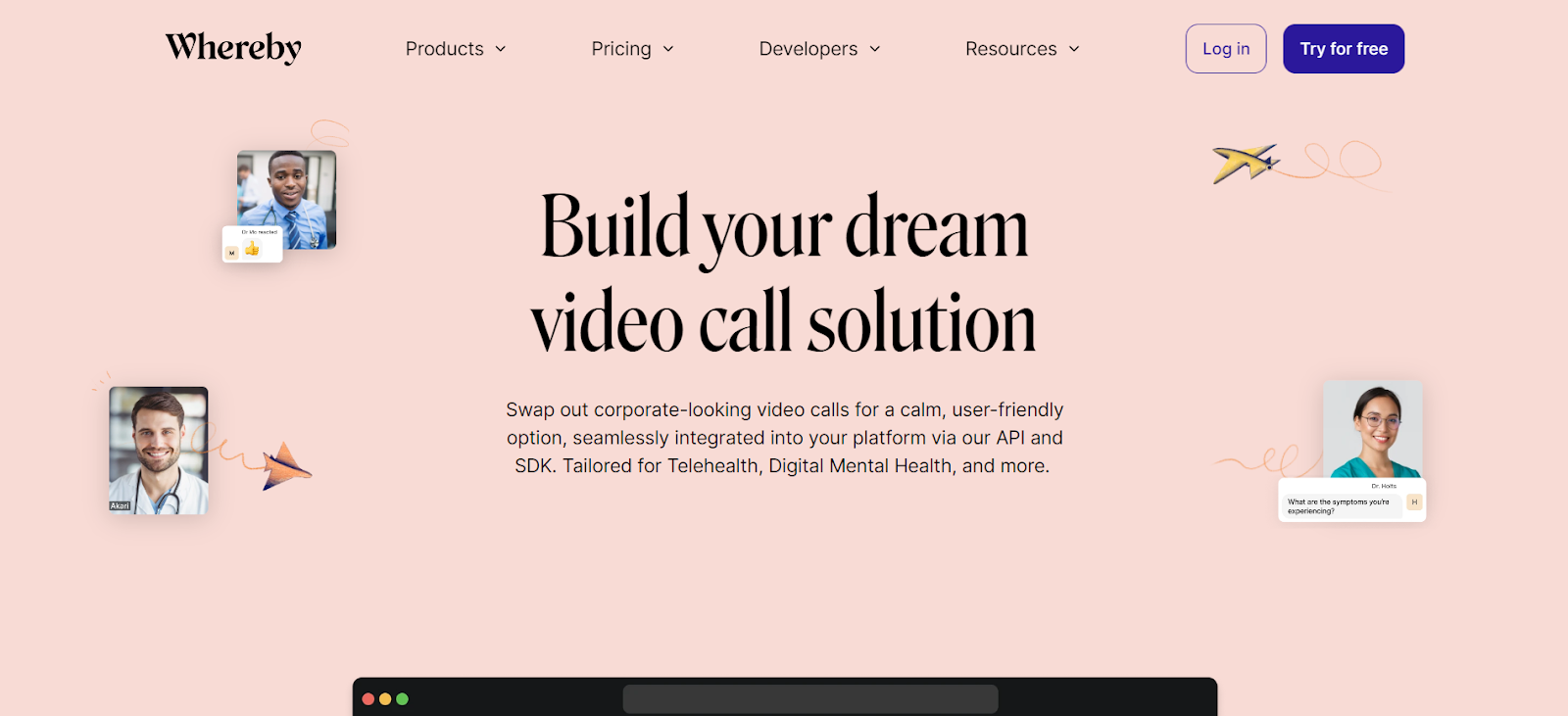
Whereby is a niche video conferencing platform that requires no app download. Custom subdomains let you add your company name to meeting URLs, boosting trust among participants. The multi-screen share option supports up to 24 simultaneous screen shares, which is especially useful for remote working teams running collaborative workshops. Similarly, Whereby’s personalized room links mean participants always join the same branded space, reinforcing professionalism.
Key features: No app download required, HD video, picture-in-picture, background effects, noise reduction, audio-only calls, custom branding, breakout rooms, emoji reactions, co-location sharing, webhooks, smart integrations, personalized room link, spotlight, camera control.
Pricing: Free plan available. Paid plans start at $6.99/month.
G2 Rating: 4.6 out of 5
6. Dialpad AI — How Does Real-Time Coaching Change Sales Calls?

Dialpad is an all-in-one communication platform powered by artificial intelligence. The platform boosts agent efficiency by analyzing caller sentiment in real time and delivering AI-powered feedback during live calls — not after. This means agents identify improvement areas immediately rather than waiting for post-call reviews. Additionally, Dialpad’s picture-in-picture mode lets users work in another app while the video call continues in a floating window, eliminating the need to minimize the meeting screen.
Key features: Flexible call routing, callbacks and voicemails, interactive voice response (IVR), real-time speech analysis, real-time coaching, live caller sentiment, mobile customer support, custom wallboards, agent activity heatmap, in-meeting chat, meeting timers, recording and transcripts.
Pricing: Standard plan starts at $23/user/month.
Further Reading: Top 11 Inexpensive Alternatives to HubSpot Dialer
7. Microsoft Teams — Is It the Best Skype Replacement for Enterprises?

Microsoft Teams is the most direct Skype replacement for enterprise users, given that Microsoft itself migrated Skype users to Teams. Teams supports cloud telephony and PBX integration through Teams Phone, making it far more than a chat and video tool. It offers VoIP voice calls, virtual phone numbers, call routing, and structured channels for team collaboration. For enterprise communication, Teams excels when your workflow requires unified communication, collaboration, and calling under one roof. Background blur and webinar personalization features further reduce friction for large-scale virtual events.
Key features: Online meetings, video conferencing, screen sharing, custom webinars, hot desking, virtual events, Teams Phone, VoIP, PBX, video calling, business phones, contact center, instant messaging, file sharing, collaboration, chat, integrations.
Pricing: Essentials plan starts at $4/user/month.
G2 Rating: 4.3 out of 5
8. Discord — Is It a Viable Skype Alternative for Business Teams?

Discord is a versatile Skype alternative popular among gaming communities but increasingly adopted by tech startups and creative teams. It offers voice and video calling, text chat, and server-based structures for organizing communities. Discord supports up to 25 participants in video calls for free and provides customizable servers with third-party integrations. However, Discord lacks the CRM integrations and call analytics that business-focused teams require, making it better suited for internal community building than client-facing calls.
Key features: Voice and video calls, text chat and messaging, server structure, integrations and add-ons, user interface customization, file sharing.
Pricing: Free tier available. Contact the Discord team for enterprise pricing details.
9. Slack — Does It Replace Skype for Team Communication?
Slack emphasizes team collaboration through channels, extensive integrations, and organized communication. It offers advanced file sharing, powerful search functionality, and deep customization. While Slack provides voice and video calling through Huddles, its primary strength is text-based collaboration. In contrast to Skype, Slack’s 2,600+ app integrations make it a central hub for workflow automation. That said, teams that need dedicated outbound calling or CRM-integrated voice workflows should pair Slack with a purpose-built VoIP tool like FreJun.
Key features: Channels, integrations, file sharing and collaboration, powerful search, customization, voice and video Huddles.
Pricing: Pro plan starts at $7.25/user/month.
G2 Rating: 4.5 out of 5
10. Chanty — What Makes It a Good Skype Alternative for Small Teams?

Chanty is a productivity-focused Skype alternative designed to improve team communication through video conferencing and messaging. It supports one-on-one video calls and group video conferences with screen sharing. Notably, Chanty offers 4K video meetings with support for up to 1,000 video participants and 49 simultaneous video feeds on screen — a significant advantage over Skype’s legacy limits. Furthermore, all plans include unlimited messaging, making it cost-effective for growing teams.
Key features: Unlimited messaging in all plans, audio/video calling with screen sharing, voice messages, 4K video meetings, up to 1,000 video participants.
Pricing: Free plan for teams up to 5 users. Business plan at $4/user/month (monthly) or $3/user/month (annually).
11. Jitsi — Is Open-Source VoIP a Reliable Skype Replacement?
Jitsi is a free, open-source alternative to Skype for video conferencing and online meetings. It prioritizes privacy and security through end-to-end encryption and allows users to join meetings without registration. While Jitsi has a more limited feature set compared to enterprise platforms, it provides a straightforward interface and self-hosting options for organizations that need full data control. For example, teams in regulated industries like healthcare or legal services often choose Jitsi specifically because they can host it on their own servers.
Key features: Open-source, end-to-end encryption, no account required, self-hosting scalability, simple user interface.
Pricing: Free for all users.
12. Signal — How Secure Is It Compared to Skype?
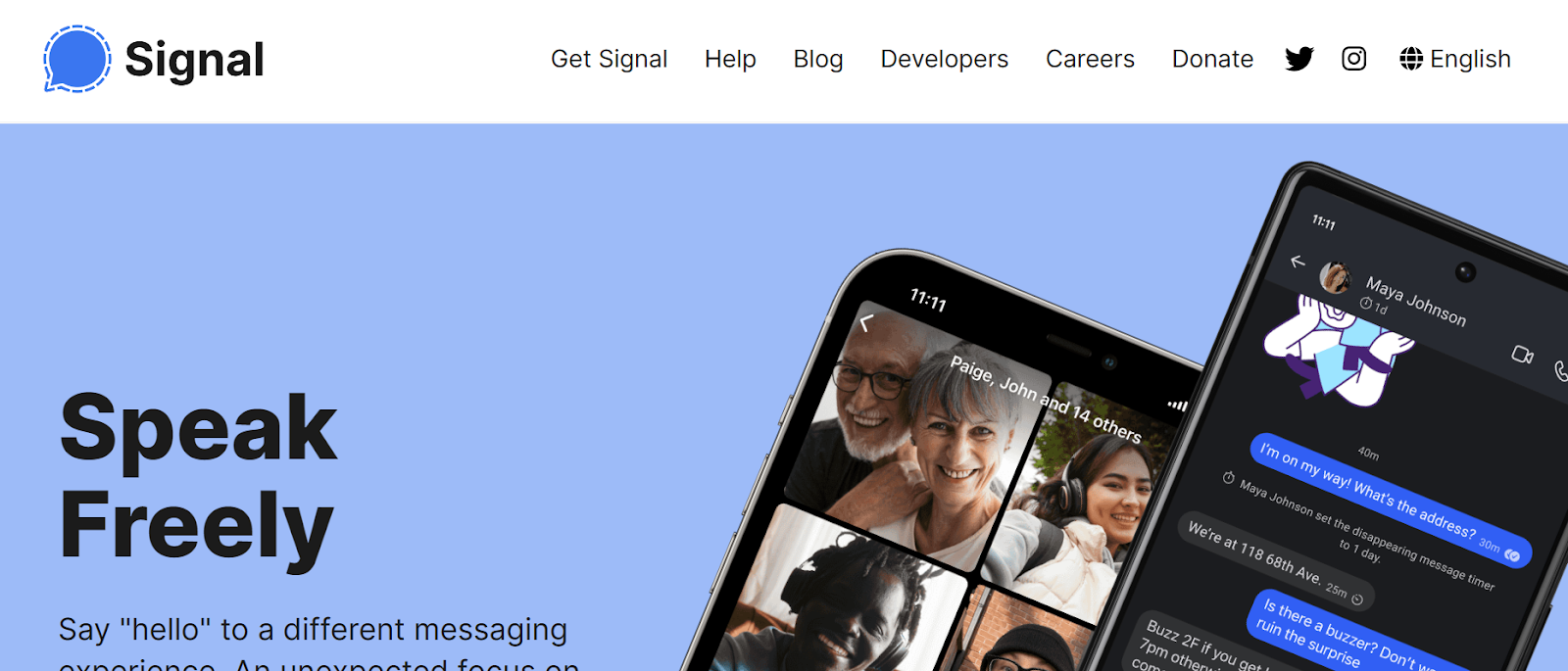
Signal provides end-to-end encryption for all communications, including voice and video calls, making it the most privacy-focused Skype alternative available. However, Signal’s user base is smaller than Skype’s, and it integrates with no business tools. Skype offered broader features and Microsoft product integration, but Signal wins decisively on security. This means Signal suits teams handling sensitive communications — legal, medical, or executive — rather than high-volume sales calling environments.
Key features: End-to-end encryption, cross-platform availability, disappearing messages, group calls.
Pricing: Free to use.
G2 Rating: 4.4 out of 5
13. Viber — Is It a Good Free Skype Alternative for International Calls?
Viber is a messaging app offering voice and video calling as a consumer-grade Skype alternative. It provides free calls between Viber users, group chats, and multimedia sharing. Viber prioritizes privacy with end-to-end encryption and works across multiple platforms. For businesses needing to reach customers in international markets, Viber’s unlimited worldwide calling plan covers 57 countries. That said, Viber lacks the CRM integrations and call analytics that sales teams need for data-driven outreach.
Key features: Voice calling, video calling, messaging, group chats, end-to-end encryption, cross-platform compatibility.
Pricing: 1-week free trial, then $5.99/month for unlimited calls to 57 countries.
14. Zoho Meeting — How Well Does It Integrate with Business Tools?
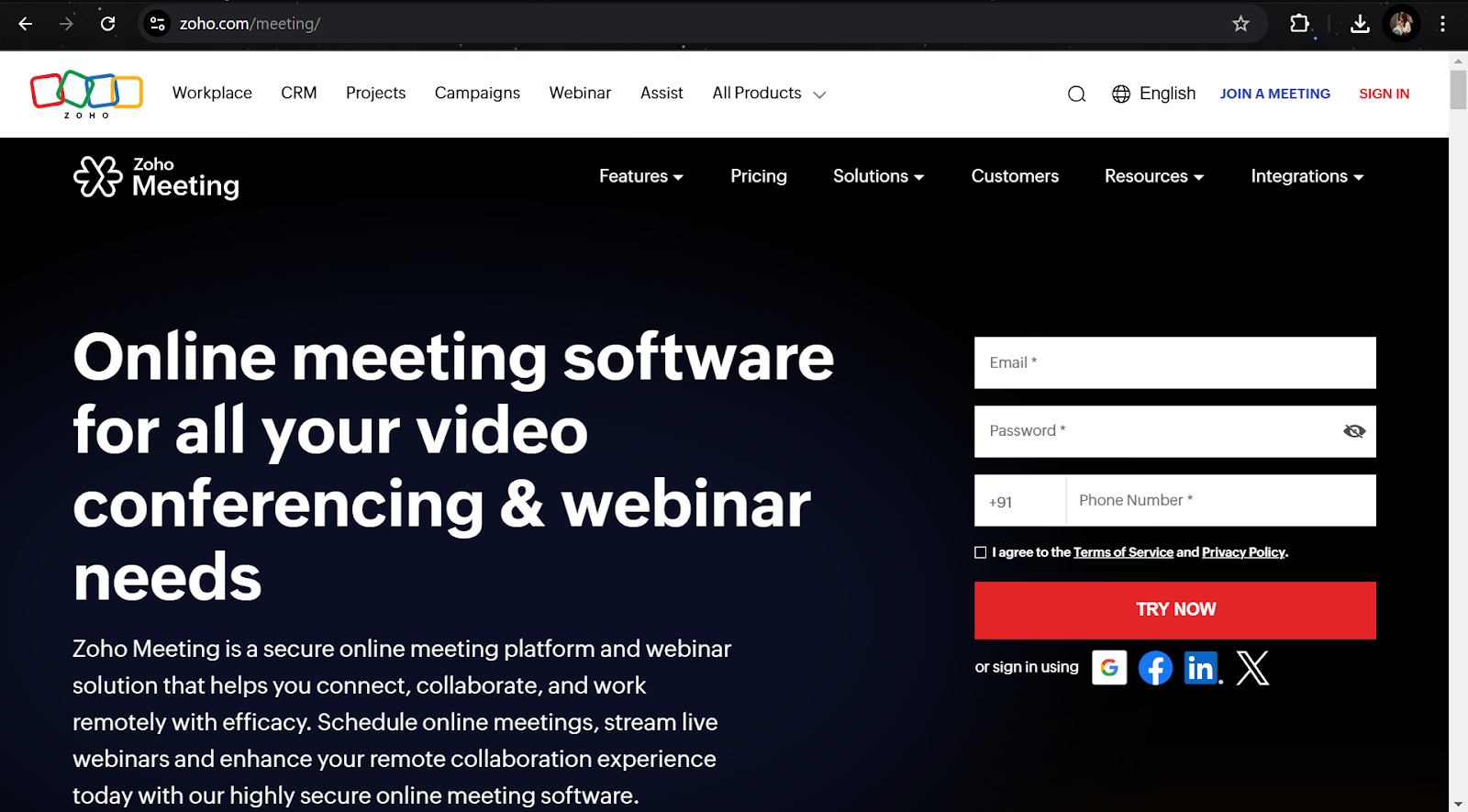
Zoho Meeting is a browser-based web conferencing tool designed for businesses already using the Zoho ecosystem. Users join meetings without downloading software, and the platform supports screen sharing, webinar hosting, custom branding, and interactive engagement features like polls and Q&A. Zoho Meeting integrates seamlessly with Zoho CRM, Zoho Projects, and other Zoho apps, making it an ideal Skype replacement for companies invested in the Zoho suite. Additionally, all communications use encrypted connections, and meeting recordings store securely in the cloud.
Key features: Browser-based meetings, screen sharing, webinar hosting, custom branding, polls and Q&A, meeting recordings, Zoho app integration.
Pricing: Starts at ₹50/host/month.
G2 Rating: 4.1 out of 5
15. Google Meet — Is It the Easiest Free Skype Alternative?
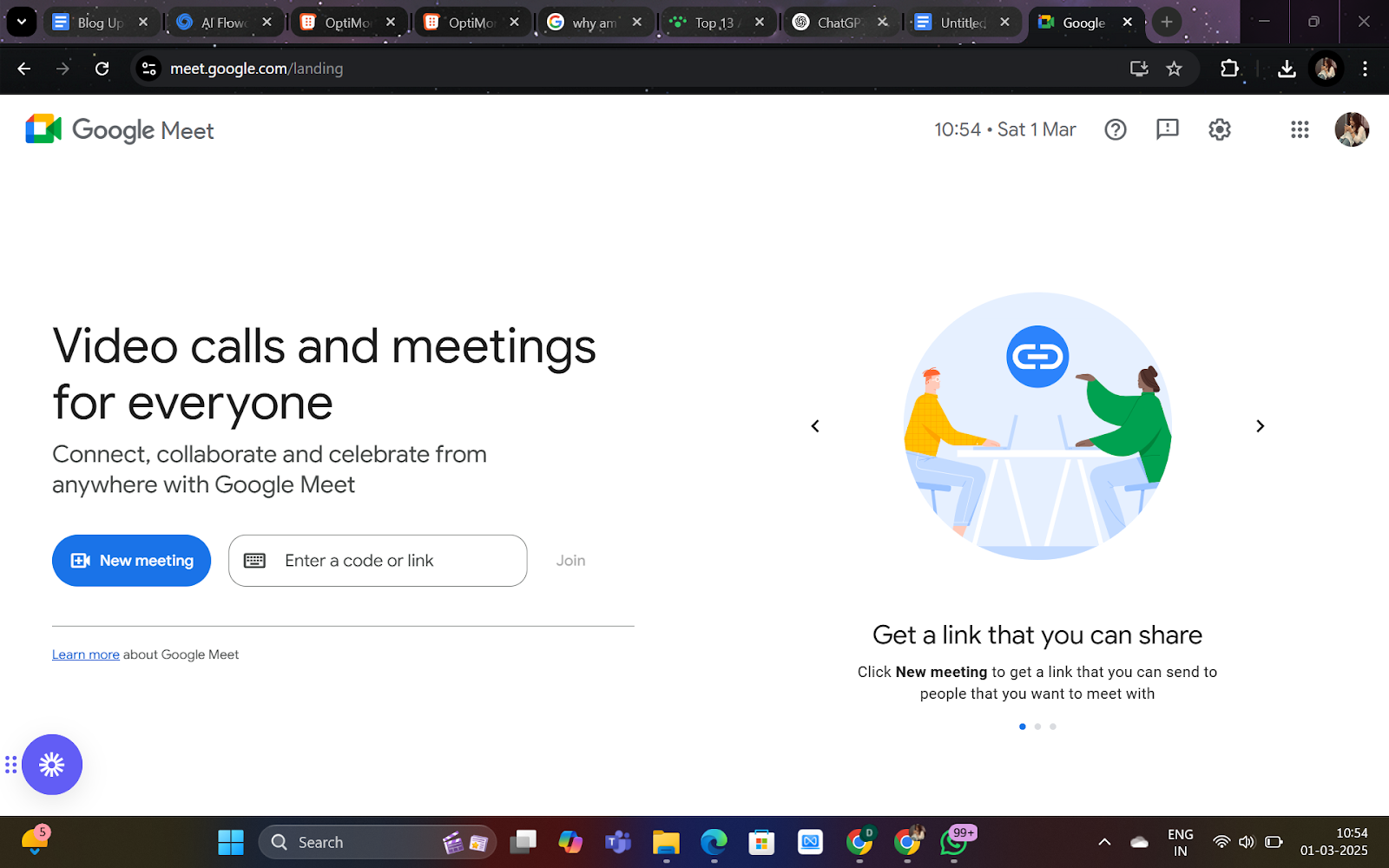
Google Meet is a widely used video conferencing platform that integrates seamlessly with Google Workspace. It delivers HD video and audio, real-time captions, breakout rooms, and screen sharing. Google Meet suits businesses, educational institutions, and personal users who need secure, stable connections without installing additional software. Meetings use encryption for security, and users access the platform through any web browser or mobile app. For teams already using Gmail and Google Calendar, Meet is the most frictionless Skype replacement available.
Key features: HD video and audio, screen sharing, live captions, Google Workspace integration, encrypted meetings, meeting recording, breakout rooms, no software installation required.
Pricing: Free for personal use. Paid plans start at ₹160.65/month.
G2 Rating: 4.6 out of 5
16. TrueConf — Which Teams Need On-Premise Video Conferencing?
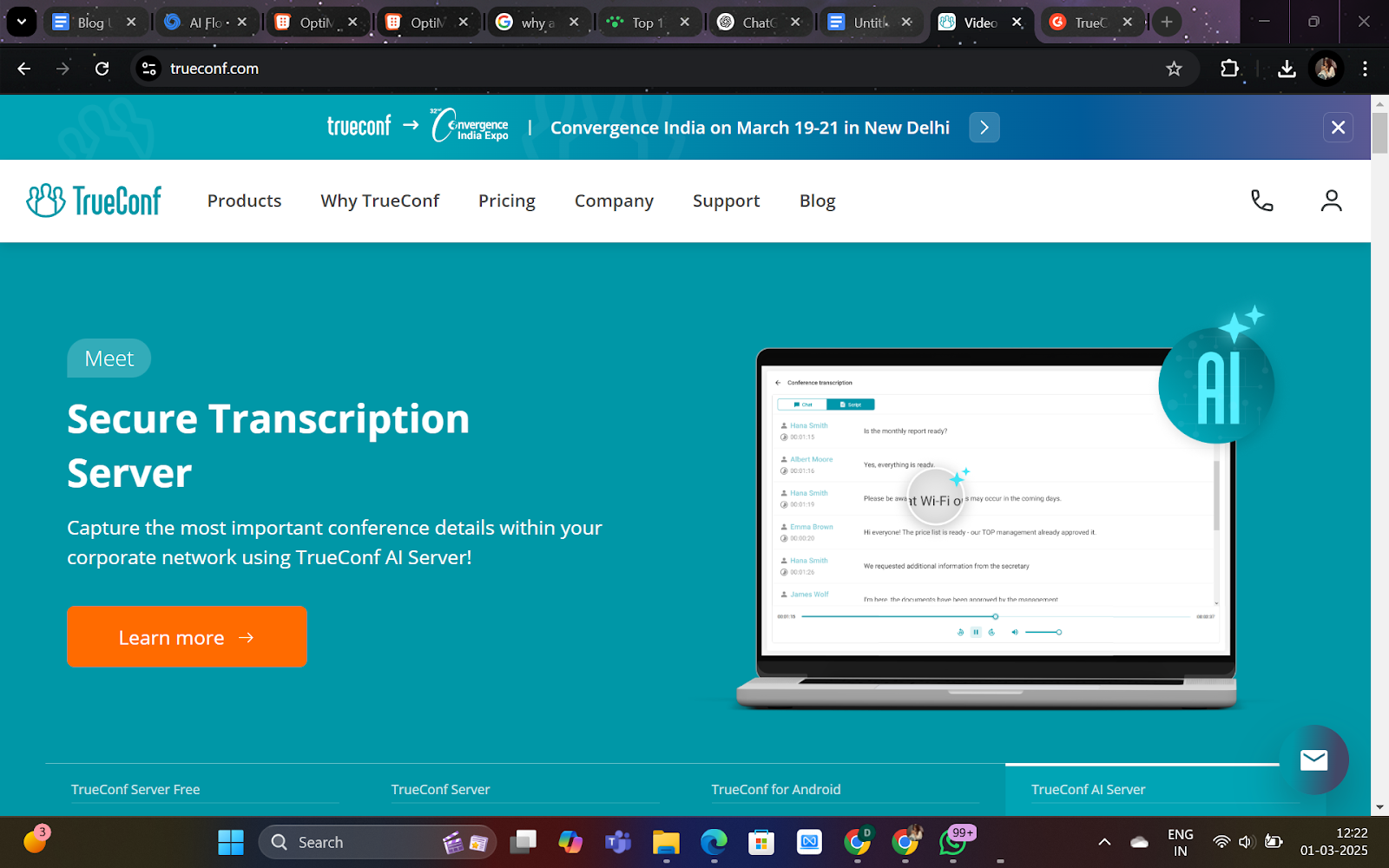
TrueConf is a professional-grade video conferencing solution that supports on-premise deployment, making it an excellent choice for businesses with strict data security policies. The platform offers ultra-HD video meetings, screen sharing, and collaboration tools including virtual whiteboards. It integrates with Active Directory, enabling straightforward user management for large organizations. Furthermore, TrueConf provides AI-powered noise suppression and virtual backgrounds to improve call quality. Companies requiring high-quality video conferencing with complete control over their data will find TrueConf a powerful Skype alternative.
Key features: Ultra-HD video calls, on-premise hosting, Active Directory integration, virtual backgrounds, conference recording, AI-powered noise suppression, multi-device support, collaboration tools.
Pricing: Free for up to 12 participants. Enterprise plans available.
G2 Rating: 4.7 out of 5
17. Talky — Is It the Simplest No-Sign-Up Skype Alternative?
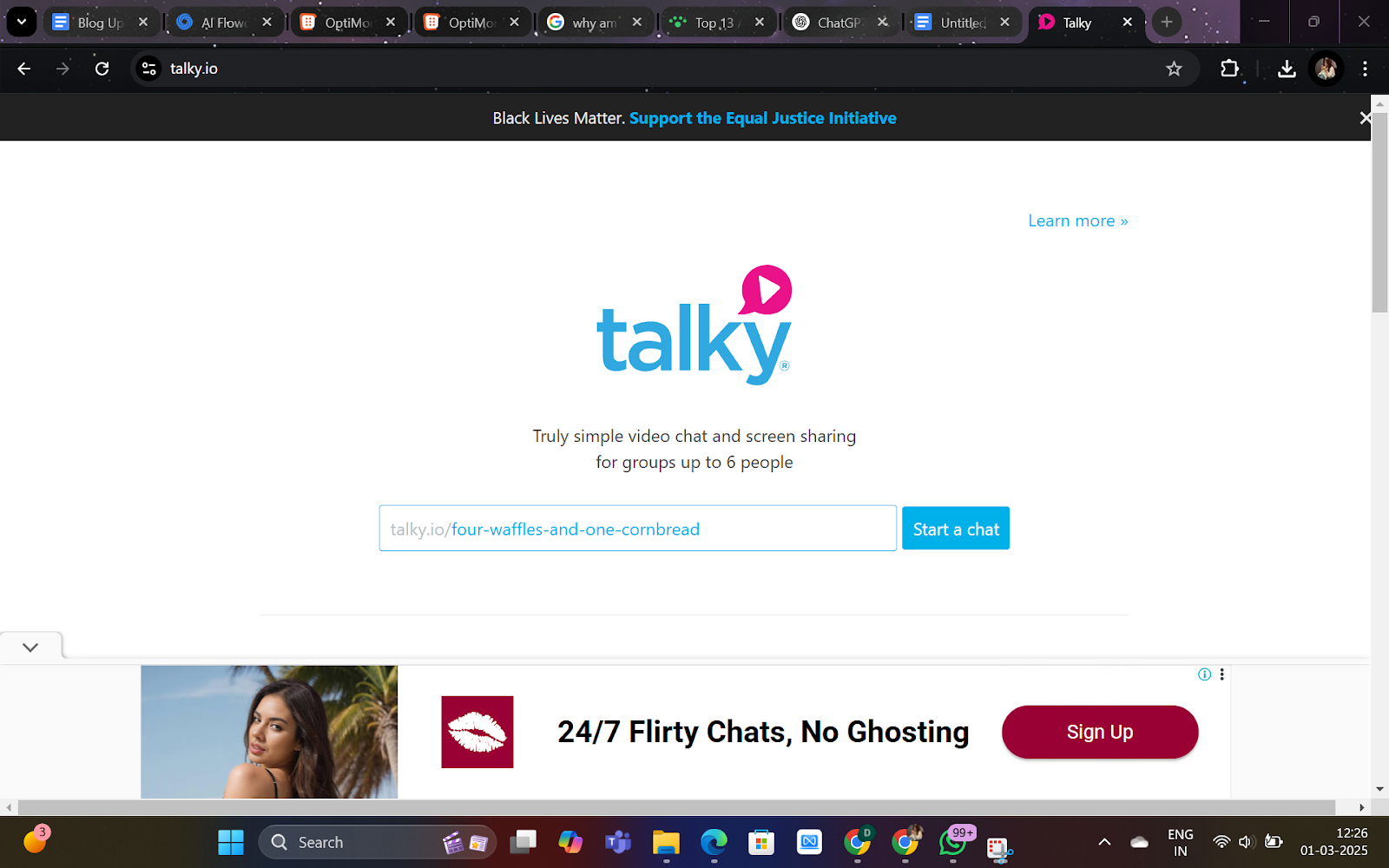
Talky is a lightweight video conferencing tool that requires no account creation or app download. Users create a meeting link and instantly invite participants — the entire setup takes under 30 seconds. The platform suits quick, hassle-free communication and works particularly well for small teams that need an easy way to connect without IT overhead. However, Talky lacks advanced features like meeting recordings and third-party integrations, so it is best reserved for casual internal meetings rather than client-facing calls.
Key features: No sign-up required, one-click meeting setup, screen sharing, secure private rooms, browser-based video calls, mobile compatibility, simple interface.
Pricing: Free to use.
18. FaceTime — Does It Work as a Business Skype Alternative?
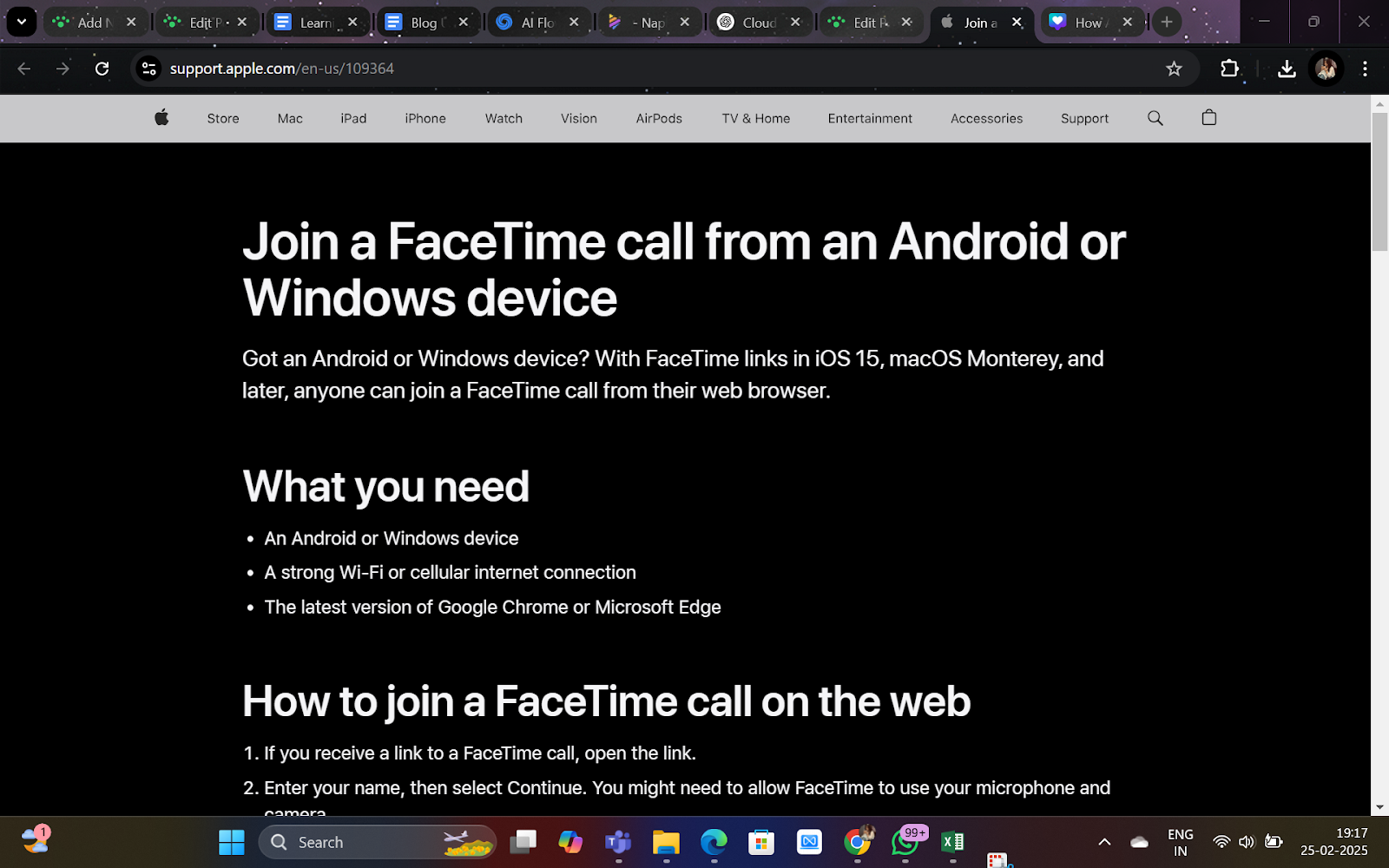
FaceTime is Apple’s built-in video calling app, offering seamless integration across iPhones, iPads, and Macs. It delivers HD video and audio calls and group FaceTime for up to 32 participants. End-to-end encryption and SharePlay — which lets participants watch content together during calls — make FaceTime a strong choice for Apple-ecosystem users. That said, FaceTime only works on Apple devices, which limits its usefulness for cross-platform business teams. Additionally, it offers no CRM integration or call analytics, so sales teams should pair it with a dedicated VoIP platform.
Key features: HD video and audio calling, end-to-end encryption, group FaceTime for up to 32 participants, SharePlay for shared media, Animoji and Memoji effects, Apple device integration.
Pricing: Free for Apple users.
19. Branded Bridge Line — Best for Custom Audio Conferencing
Branded Bridge Line is a professional-grade conference calling platform designed for businesses that require high-quality, secure, and customized audio communication. Unlike traditional video conferencing tools, this platform specializes in audio conferencing with a focus on branding. It provides dedicated dial-in numbers, custom greetings, and personalized call experiences. Enterprises that prioritize voice clarity and professionalism over video meetings — such as investor relations teams or executive briefing centers — find Branded Bridge Line a compelling Skype alternative for structured audio calls.
Key features: Dedicated dial-in numbers with custom branding, HD audio conferencing, no PINs required for easy access, secure and private conference calls, custom greetings and hold music, call recording and transcription.
Pricing: Custom pricing based on business requirements.
G2 Rating: 5.0 out of 5
How Does FreJun Compare to Traditional and Enterprise VoIP Platforms?

FreJun separates itself from traditional VoIP platforms through three specific capabilities that enterprise tools like RingCentral and Webex do not offer at the same price point. First, FreJun’s AI call transcription and insight generation work automatically — no manual tagging required. Second, FreJun’s CRM auto-logging pushes call data directly into Zoho, HubSpot, Salesforce, and 10+ other platforms the moment a call ends. Third, FreJun’s Truecaller-verified virtual numbers increase answer rates because recipients see a trusted business identity rather than an unknown number. According to Forrester’s research on sales technology adoption, teams using AI-assisted call tools close deals 15% faster than those relying on manual logging workflows.
When Should You Choose a Competitor Over FreJun?
FreJun excels for outbound voice calling and CRM-integrated workflows. However, if your team’s primary need is large-scale video webinars with 500+ attendees, Webex or Zoom provides better infrastructure. Similarly, if your organization runs entirely on Microsoft 365, Teams Phone offers tighter native integration with SharePoint, Outlook, and Azure AD. Choose the tool that matches your dominant workflow — not the one with the longest feature list.
What Is the Best Skype Alternative for Business Calling Overall?

| Platform | Best For | Key Feature | Starting Price |
|---|---|---|---|
| FreJun | Business and sales teams | AI-powered call automation + CRM logging | $16.99/user/mo |
| Zoom | Webinars and events | High-quality video + 1000-person webinars | $15.99/user/mo |
| Google Meet | Teams and workspaces | Google Workspace integration | Free |
| Microsoft Teams | Enterprises | Collaboration, chat, and PBX telephony | $4/user/mo |
Each of these 19 Skype alternatives for business calling brings a distinct set of features suited to different team sizes and workflows. FreJun leads for sales and support teams that need AI-driven call automation, seamless CRM integrations, and efficiency-enhancing features at a competitive price. Microsoft Teams suits enterprises already in the Microsoft ecosystem. Google Meet serves budget-conscious teams needing reliable video. If you want a Skype alternative that focuses on voice calling, international reach, strong analytics, and CRM integration, FreJun is the most purpose-built solution available in 2026. Start your FreJun trial today and see how AI-powered calling transforms your team’s productivity.
Further Reading: Top 11 Alternatives to Exotel
Frequently Asked Questions About Skype Alternatives for Business Calling
1. Why are businesses switching from Skype to other calling tools?
Microsoft retired Skype in May 2025, ending support for the platform. Beyond the shutdown, Skype lacked advanced call tracking, CRM syncing, and modern business features. Tools like FreJun offer automated call logs, real-time AI analytics, and seamless CRM integration that Skype never provided. Additionally, Skype’s international calling rates were less competitive than dedicated VoIP platforms built for business use.
2. What makes FreJun a strong Skype alternative for business use?
FreJun provides browser-based VoIP calls, AI-generated call insights, automatic call recordings, and CRM workflow automation — none of which Skype offered natively. Furthermore, FreJun’s click-to-call feature lets sales reps initiate calls directly from HubSpot, Zoho, or Salesforce with one click. The Truecaller-verified virtual numbers increase answer rates, and the autodial feature accelerates outbound calling campaigns significantly.
3. Does FreJun offer video calling like Skype?
FreJun focuses on voice calling for sales and support teams rather than video conferencing. This specialization means FreJun delivers superior tools for voice communication — including AI transcription, call coaching, and CRM logging — that video-first platforms sacrifice for feature breadth. Teams needing video alongside voice should pair FreJun with Google Meet or Microsoft Teams for a complete communication stack.
4. Can FreJun handle international calls like Skype?
Yes, FreJun supports high-quality international calling optimized for business teams. The platform provides virtual international numbers, detailed billing per call, and performance tracking across geographies. This means revenue teams can manage global outreach from a single dashboard without juggling multiple carrier accounts or dealing with opaque per-minute billing structures common in legacy calling tools.
5. How does FreJun compare in terms of call quality?
FreJun delivers HD call clarity through smart call routing that selects the lowest-latency path for each connection. The platform maintains enterprise-grade uptime, making it more reliable than Skype for client-facing conversations. Moreover, FreJun’s infrastructure uses cloud telephony — meaning call quality scales with your team without requiring on-premise hardware upgrades or dedicated IT maintenance.
6. Does FreJun support CRM integrations?
Yes. FreJun integrates natively with Zoho CRM, HubSpot, Salesforce, Pipedrive, Freshworks, LeadSquared, and more. Every call automatically logs to the contact record — including duration, outcome, recording, and AI-generated transcript. This eliminates manual data entry and ensures sales managers have accurate pipeline data without chasing reps for call notes after every session.
7. Can FreJun improve sales team efficiency?
Definitely. FreJun’s AI insights, auto-dialers, call tagging, and analytics help sales reps stay focused and data-driven. According to FreJun’s 2025 analysis of 300+ client accounts, teams using autodial and AI call summaries reduced post-call admin time by an average of 2.5 hours per week per rep. This translates directly into more dials per day and higher pipeline coverage for revenue teams.
8. Which Skype alternative is best for international business calls?
For frequent international communication, FreJun and RingCentral provide virtual international numbers, secure VoIP, and transparent global calling rates. FreJun additionally offers Truecaller-verified numbers that improve answer rates in markets like India, Southeast Asia, and the Middle East. GoTo Meeting also covers 50+ countries at competitive rates, making it a strong secondary option for teams with broad geographic reach.
9. Do Skype alternatives offer better call quality than Skype itself?
Yes. Modern VoIP providers use HD voice codecs — including Opus and G.729 — and cloud telephony infrastructure to deliver crystal-clear audio even in low-bandwidth environments. Platforms like FreJun, Zoom Phone, and Dialpad optimize call routing to reduce latency and jitter. In contrast, Skype’s peer-to-peer architecture created inconsistent quality that worsened as network conditions changed.
10. Can Skype alternatives integrate with CRM and business tools?
Absolutely. Unlike Skype, platforms such as FreJun, Aircall, and Zoho Voice integrate natively with CRM and helpdesk tools including Salesforce, HubSpot, and Zoho. Every call automatically logs for sales and support teams. This means managers gain real-time visibility into call activity without requiring manual reporting, and reps spend more time selling rather than updating records.
11. Are there Skype alternatives that work directly in the browser?
Yes. Several providers, including FreJun, offer browser-based VoIP calling — meaning teams need no heavy app downloads. FreJun’s Chrome extension enables click-to-call from any webpage or CRM interface. This is especially useful for remote teams who need quick, secure, and device-independent access to calling features without IT-managed software installations on every machine.
12. Do all Skype alternatives support both voice and video?
Not all. Some platforms, like FreJun and Aircall, focus on high-quality voice calling and call center features. Others, like Zoom, Teams, and Webex, combine voice, video, and collaboration tools in one platform. The right choice depends on whether your priority is outbound sales calling with CRM integration or all-in-one collaboration for internal and external meetings.