Last updated on November 13th, 2026 at 12:48 pm
Quick Answer: A power dialer for Salesforce is a calling tool that automatically dials contacts from a Salesforce list, one after another, and logs every call outcome directly to the CRM record. It removes manual dialing, eliminates post-call data entry, and keeps lead records current in real time. Teams with consistent high-volume outbound calling typically see the investment pay off; teams with low or irregular call volumes often do not.
AI Summary: A power dialer for Salesforce connects automated sequential dialing directly inside the CRM, turning call lists into structured outbound workflows. This article explains the mechanism behind how power dialers work, what Salesforce-native integration actually changes for reps and managers, how to build call lists from Salesforce views, and what compliance requirements apply in India under TRAI and TCCCPR. The key takeaway: the investment is justified for teams running high-volume outbound consistently, but lighter alternatives suit teams with irregular call patterns.
Table of contents
What Is a Power Dialer for Salesforce?
A power dialer is an automated calling tool that dials contacts from a list sequentially, connecting the rep only when a live answer is detected. Unlike manual dialing, where a rep selects each number individually, a power dialer moves through a Salesforce list automatically, removing the idle time between calls.
What Is a Power Dialer for Salesforce?
A power dialer for Salesforce is a calling tool embedded inside Salesforce that automatically dials contacts from a report or list view, logs call outcomes to the CRM record without manual entry, and moves to the next contact when the call ends or goes unanswered.
When a power dialer connects to Salesforce, it does more than speed up dialing. It turns the CRM into the control surface for the entire outbound workflow. Reps build their call queue from a Salesforce report or list view, then start the session. The dialer works through the queue automatically, so the rep focuses on the conversation rather than the mechanics of placing the call.
How Do You Build Call Lists From Salesforce List Views?
Building a call list inside Salesforce is the starting point for any power dialer session. A rep filters leads or contacts using Salesforce’s standard list view or report builder, applying criteria such as lead status, geography, industry or last activity date. The power dialer reads that filtered set and queues the records in order. Because the list is live Salesforce data, it reflects the current state of every record, so a lead marked as contacted yesterday is not dialed again today. This is the mechanism that keeps outbound activity coordinated across a team.
What Happens to Call Data After Each Call?
After each call, the dialer writes the outcome back to the Salesforce record automatically. Call duration, disposition, notes and any follow-up task created during the call appear on the activity timeline without the rep touching the CRM. This is the point where most manual workflows break down: reps who dial from a spreadsheet or a phone app have to switch windows, find the record and type the outcome. That gap is where data goes stale and follow-ups get missed.
Why Teams Use a Power Dialer
Salesforce does not include built-in outbound calling automation. Without a power dialer, reps working a call list face a predictable set of friction points that compound across a full day of outbound activity.
What Goes Wrong Without a Power Dialer?
Manual outbound calling creates four specific failure modes. First, reps spend significant time between calls: finding the next record, reading the contact details, dialing the number and waiting for the ring. Second, call logging is inconsistent because it depends on the rep remembering to update the record after every call. Third, follow-up tasks are created manually, so they get skipped when the rep is busy. Fourth, managers cannot see real-time call activity because the data only appears when the rep logs it, which may be hours later or not at all.
How Does a Power Dialer Increase Call Volume?
A power dialer increases call volume by removing the idle time between calls. In a manual workflow, a rep spends time after each call updating the CRM, finding the next contact and dialing. A power dialer compresses that gap to near zero: the moment a call ends, the dialer logs the outcome and initiates the next dial. The rep’s time is spent on live conversations rather than on the mechanics of placing calls. According to comparative content published on the Salesforce AppExchange, power dialers allow reps to work through approximately 60 to 80 contacts per hour, compared to the much lower throughput of manual dialing. Salesforce AppExchange
The right dialer should also work inside Salesforce rather than as a separate tab, so context is never lost between the CRM record and the call. It should track call sentiment in real time, transcribe conversations and connect to Salesforce workflows, tasks and automation. For a broader look at how VoIP calling integrates with sales workflows, that context helps frame what a native integration actually delivers versus a bolt-on softphone.
FreJun: The Best Power Dialer for Salesforce
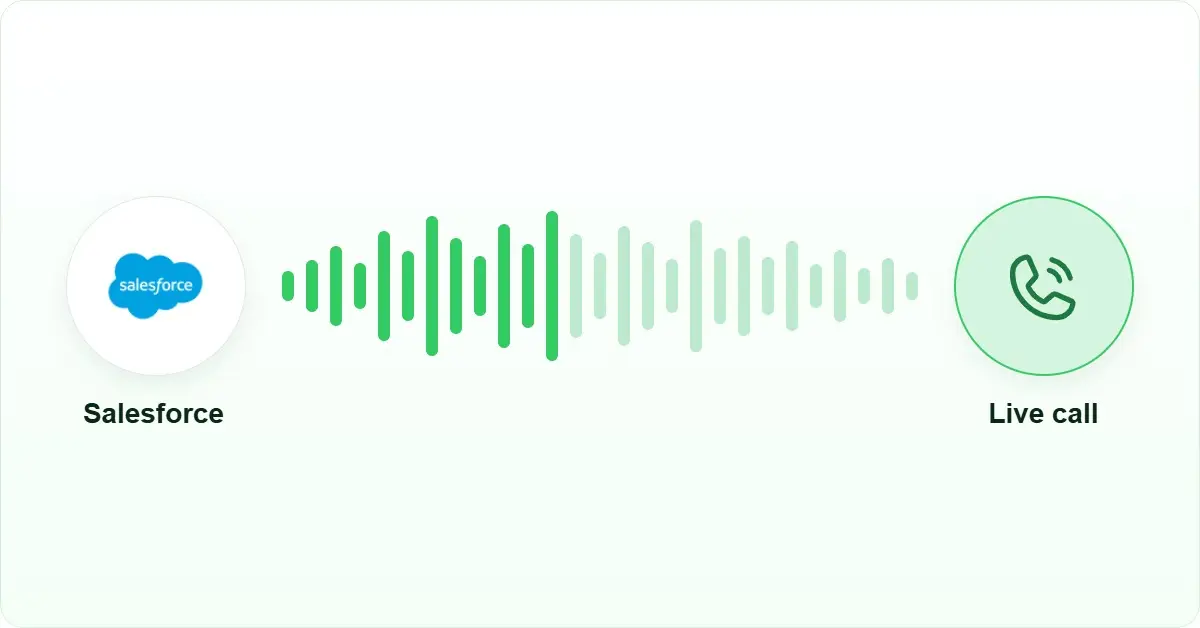
FreJun connects directly to Salesforce and runs the entire outbound call workflow from inside the CRM. Reps dial from Salesforce reports or views using click-to-call, and every call outcome is written back to the record automatically. The integration is native, meaning there is no separate browser tab or external app to manage.
What Does FreJun Add Beyond Basic Dialing?
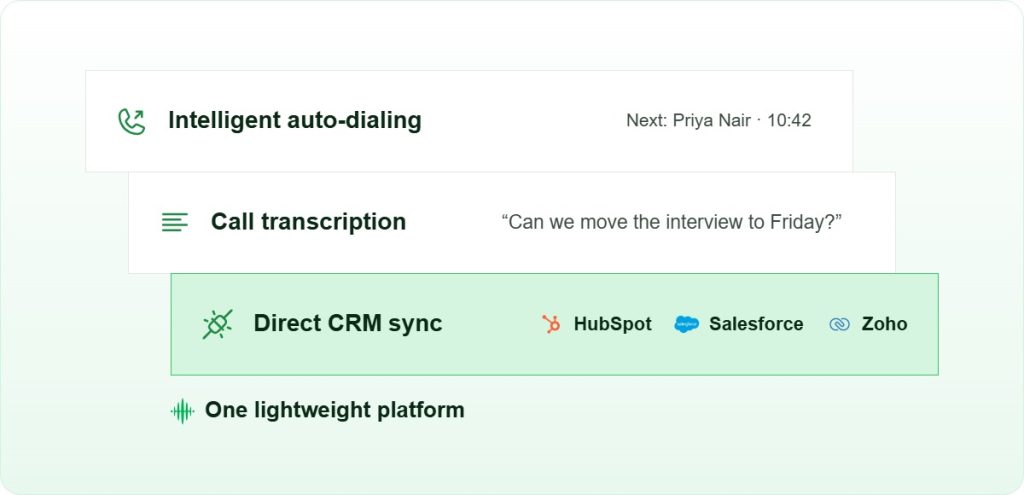
Beyond sequential dialing, FreJun adds AI-powered capabilities that operate during and after each call. Real-time transcription captures the conversation as it happens. Sentiment analysis flags calls where the prospect signals interest, objection or disengagement, so managers can review those calls first. Call notes, tags and follow-up tasks are created automatically based on what was said, rather than requiring the rep to type them after hanging up. For a detailed look at how AI call intelligence features work in practice, that covers the mechanism behind transcription and sentiment scoring.
When Is FreJun the Right Choice?
FreJun suits teams that are already running Salesforce as their primary CRM and need outbound calling to operate inside that environment rather than alongside it. It works well for sales teams running structured call cadences, support teams handling outbound follow-up queues, and operations teams that need call data to flow into Salesforce reports without manual intervention. For a full breakdown of current plan options, see the Salesforce dialer pricing guide. For teams that do not yet use Salesforce heavily, or whose call volume is low and irregular, a lighter tool may be a better starting point. We would recommend evaluating call volume per rep per day before committing to a native Salesforce dialer: teams averaging fewer than 20 outbound calls per rep daily often find that a simpler click-to-call setup covers their needs.
For a detailed walkthrough of how the call recording capability works, including how recordings are stored and accessed from Salesforce activity records, that covers the specifics of the recording workflow.
The Salesforce integration is set up through a native connector, with no code required for standard deployments. Check current pricing directly on the pricing page, as plan details change.
CRM Workflow and Salesforce Integration: Where the Real Power Lies
A Salesforce power dialer’s real value is not in the speed of dialing. It is in what happens to the CRM record after each call. When calling and CRM activity are disconnected, the data in Salesforce reflects what reps remembered to log, not what actually happened. A native integration closes that gap by making every call an automatic CRM event.
How Does Automated Follow-Up Sequencing Work Inside Salesforce?
Automated follow-up sequencing works by connecting call outcomes to Salesforce workflow rules. When a call ends with a specific disposition, such as “Interested” or “Requested callback”, the dialer triggers a predefined action in Salesforce: creating a follow-up task, updating the lead status, sending a notification to the account executive, or enrolling the contact in a follow-up sequence. The rep does not initiate any of this manually. The trigger is the call outcome, and the action is whatever the Salesforce workflow rule specifies.
What Real-Time Insights Does a Salesforce Power Dialer Provide Into Call Performance?
A Salesforce power dialer surfaces call performance data that is not available from manual logging. Because every call is captured automatically, managers can see calls per hour, connect rate, average call duration, talk-to-listen ratio and call disposition breakdown across the team in real time. These metrics appear in Salesforce reports rather than in a separate dashboard, so they sit alongside pipeline data. A manager reviewing a rep’s pipeline can also see that rep’s call activity for the week without switching tools.
What Breaks When Calling and CRM Are Not Connected?
When calling happens outside Salesforce, three things break consistently. First, call data is incomplete: reps log calls selectively, so the activity timeline shows a partial picture. Second, follow-up tasks are created manually and inconsistently, so leads that need a callback in two days get missed. Third, reporting is unreliable: managers cannot distinguish between a rep who made 40 calls and a rep who made 15, because both may have logged the same number of activities. A native integration fixes all three by making logging automatic and mandatory rather than optional.
For teams evaluating how a Salesforce power dialer compares across features and setup, that covers the specific configuration options in detail. Teams that want to understand the broader landscape of CRM workflow automation options beyond Salesforce will find that useful context for evaluating fit.
Comparison
The table below compares three approaches to outbound calling for Salesforce teams. Each suits a different combination of call volume, budget and automation need.
| Method | Best For | Key Features | Setup Effort | Pricing & Free Trial |
|---|---|---|---|---|
| Manual Dialing | Very low call volumes, occasional outreach | No automation, full rep control, no subscription cost | No setup required | No subscription cost |
| Power Dialer + Salesforce | High-volume outbound teams on Salesforce | Sequential auto-dial, CRM logging, call recording, analytics, workflow triggers | Native CRM connector, no code for standard deployments | Check pricing & trial |
| Click-to-Call or Softphone | Teams needing flexibility without full automation | One-click dialing, basic call logging, lower throughput than power dialer | Browser extension or softphone app install | Varies by provider |
If you are evaluating options beyond enterprise tools, the guide to top dialer software solutions for small businesses covers lighter alternatives with their trade-offs. For teams that want to understand the difference between dialer types before choosing, the auto dialer vs power dialer comparison explains the mechanism behind each.
Key Takeaways
A power dialer for Salesforce is worth the investment when three conditions are met: your team runs consistent high-volume outbound calling, Salesforce is already your primary CRM, and your current workflow produces incomplete call data or missed follow-ups. When those conditions are not met, the subscription cost and learning curve may not be justified.
The investment is harder to justify for teams with irregular call volumes, teams that are not yet using Salesforce as their primary record system, or very small teams where the overhead of configuring a native integration outweighs the time saved. In those cases, a click-to-call tool or a lightweight softphone is a better starting point. We would recommend running a two-week pilot with your highest-volume reps, measuring calls per hour and CRM data completeness before and after, and using that data to make the decision.
FreJun Power Dialer Integration
What Does the Integration Include?
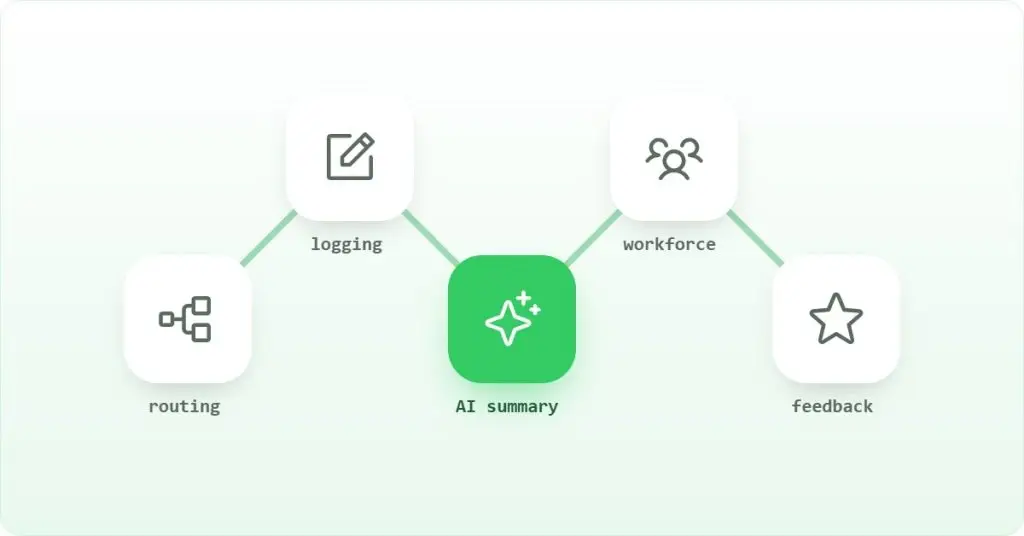
The FreJun Salesforce integration covers the full outbound call workflow from inside the CRM. Reps auto-dial through Salesforce leads and contacts, use click-to-call from any record, pause or resume the dialing session, and categorize call outcomes using pre-configured dispositions. Call logs, recordings and the ability to schedule callbacks are all accessible from the Salesforce activity timeline.
What Are the Practical Advantages?
The main operational gains are fewer manual steps per call, better data capture and more consistent sales cadence execution. Because the dialer handles logging automatically, reps spend less time on administration and more time on conversations. Managers get reliable call activity data in Salesforce reports rather than relying on self-reported figures. Virtual number support covers local and international calling, so teams working across India and other markets can present a local number to the person they are calling.
What Are the Limitations?
A power dialer integration requires a reliable internet and telephony setup. Lower bandwidth connections cause dropped calls and audio quality issues, which undermine the productivity gains the tool is meant to deliver. There is also a learning curve: reps accustomed to manual dialing need time to adopt power dialing workflows, and teams that skip proper onboarding often see low adoption in the first few weeks. For very small teams or teams with tight budgets, it is worth exploring free auto dialer options and their trade-offs before committing to a subscription.
Who Is It Best For?
Sales teams running structured outbound campaigns with high daily call volumes get the most from a Salesforce power dialer. Organizations already using Salesforce heavily, where reducing dialing friction and improving CRM data quality are both priorities, are the clearest fit. Teams prioritizing metrics such as calls per hour, connect rate and call outcome tracking will find the reporting capabilities directly useful.
Final Thoughts and Recommendations
If your sales team spends significant time manually dialing contacts, missing callbacks or logging calls after the fact, a power dialer with Salesforce integration addresses those problems directly. The mechanism is straightforward: automation removes the manual steps, and native CRM integration ensures the data is captured whether or not the rep remembers to log it.
Before choosing a tool, we recommend checking the top dialer solutions to consider in 2026 to compare options across different team sizes and use cases. Run a pilot with your highest-volume reps first, measuring calls per hour, connect rate and CRM data completeness before and after. That data makes the investment decision straightforward rather than speculative.
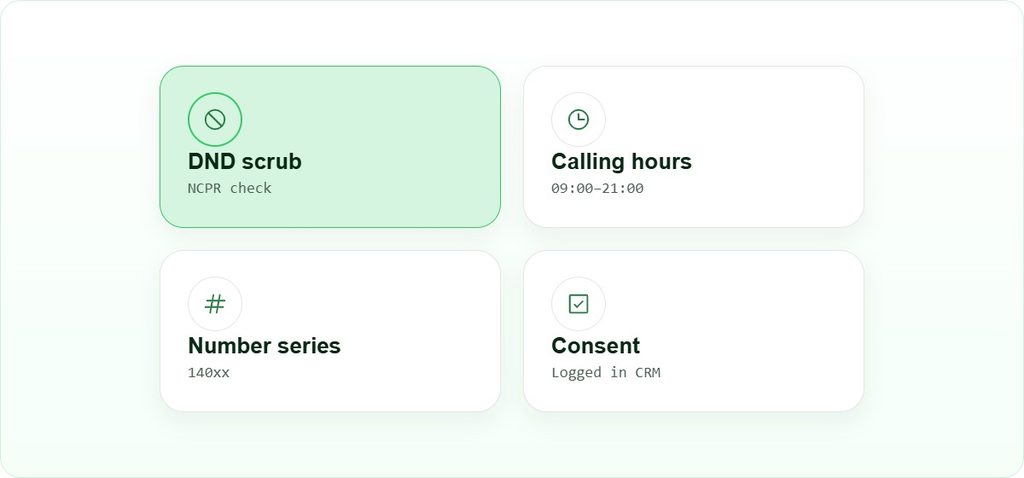
For teams in India, compliance is a practical consideration before enabling any automated dialing workflow. India’s Telecom Regulatory Authority of India (TRAI) governs outbound commercial calling under the Telecom Commercial Communications Customer Preference Regulations (TCCCPR) 2018. Calls to numbers registered on the National Do Not Call (NDNC) registry are prohibited without prior consent. Outbound telemarketing calls must originate from a registered 140-series number, and businesses must be registered on the Distributed Ledger Technology (DLT) platform before initiating commercial calls. These requirements apply regardless of which dialer tool you use. The DND compliance guide for India sales teams covers the current rules in detail. Requirements vary by jurisdiction and change over time; this article is not legal advice. Consult the TRAI website for current regulatory guidance.
A power dialer for Salesforce is a structural change to how outbound calling works, not just a speed improvement. The teams that get the most from it are those that treat the CRM data quality improvement as the primary outcome, with call volume gains as the secondary benefit. For further reading on related topics, the article on 7 Reasons Why Startups Outgrow Tello Mobile and Switch to Business Calling Solutions covers the broader context of when teams outgrow lightweight calling tools.
Frequently Asked Questions
Setup and Usage
Yes. A power dialer connected to Salesforce lets reps dial directly from reports, list views or filtered contact sets. The dialer reads the Salesforce queue and works through it sequentially, so reps never need to leave the CRM to place a call or find the next contact.
Call initiates the next dial in the queue. Skip moves past the current record without dialing, which is useful when a rep spots a contact that needs more preparation. Break pauses the session entirely, allowing the rep to step away or handle an inbound query before resuming. These controls give reps manual override without breaking the automated flow.
Most power dialers offer automatic call recording, though the specific behaviour depends on the plan and configuration. Recordings are typically stored against the Salesforce activity record so managers can review them without leaving the CRM. Transcripts, where available, are generated from the recording and attached to the same record.
Compliance, Cost and Fit
Yes. In India, outbound commercial calling is regulated by TRAI under the TCCCPR 2018. Calls to numbers on the National Do Not Call registry are prohibited without prior consent. Outbound telemarketing must use a registered 140-series number, and businesses must complete DLT platform registration before initiating commercial calls. These rules apply regardless of which dialer tool is used. Consult the TRAI website for current requirements, as regulations change.
A power dialer adds a subscription cost and, depending on the provider, virtual number or call credit charges. Whether that cost is justified depends on call volume and current CRM data quality. Teams with high daily outbound volume typically recover the cost through reduced admin time and better follow-up rates. Teams with low or irregular call volumes often find the overhead is not justified.
Yes, provided your VoIP provider supports calling in the target country and is integrated with Salesforce. Compliance requirements differ by market: India has TRAI and TCCCPR rules, while other markets have their own regulations. Check the rules for each country your team dials into before enabling automated dialing workflows.
For lean sales teams that do not need a fully native Salesforce dialer, Phone Power can serve as a more affordable alternative. The Phone Power small business assessment breaks down how it handles call volume, lead routing and CRM sync for smaller operations.