
Send Personalised WhatsApp Messages After Every Call
Keep conversations going after the call ends. Send text messages directly from FreJun using pre-built templates.
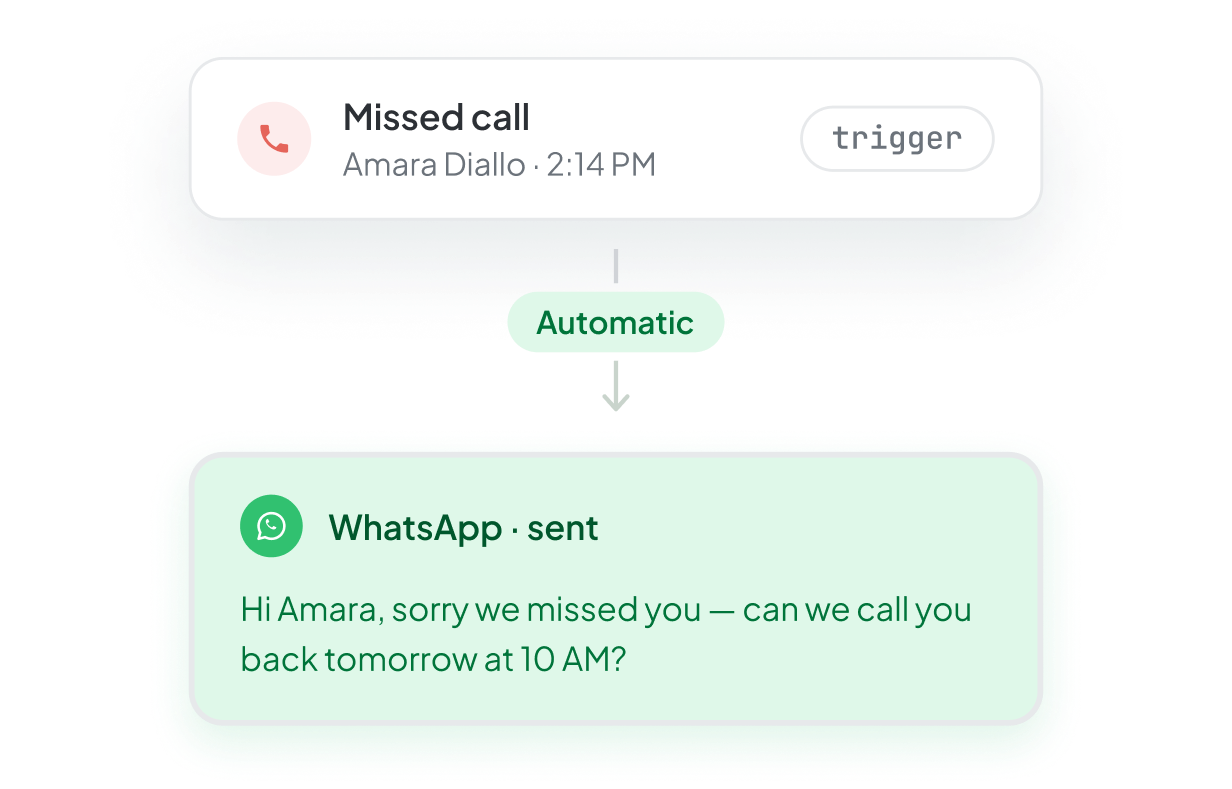














How it works
Connect your WhatsApp Business account
Send a message after your call
Track all communications in one place
Benefits of
WhatsApp Business
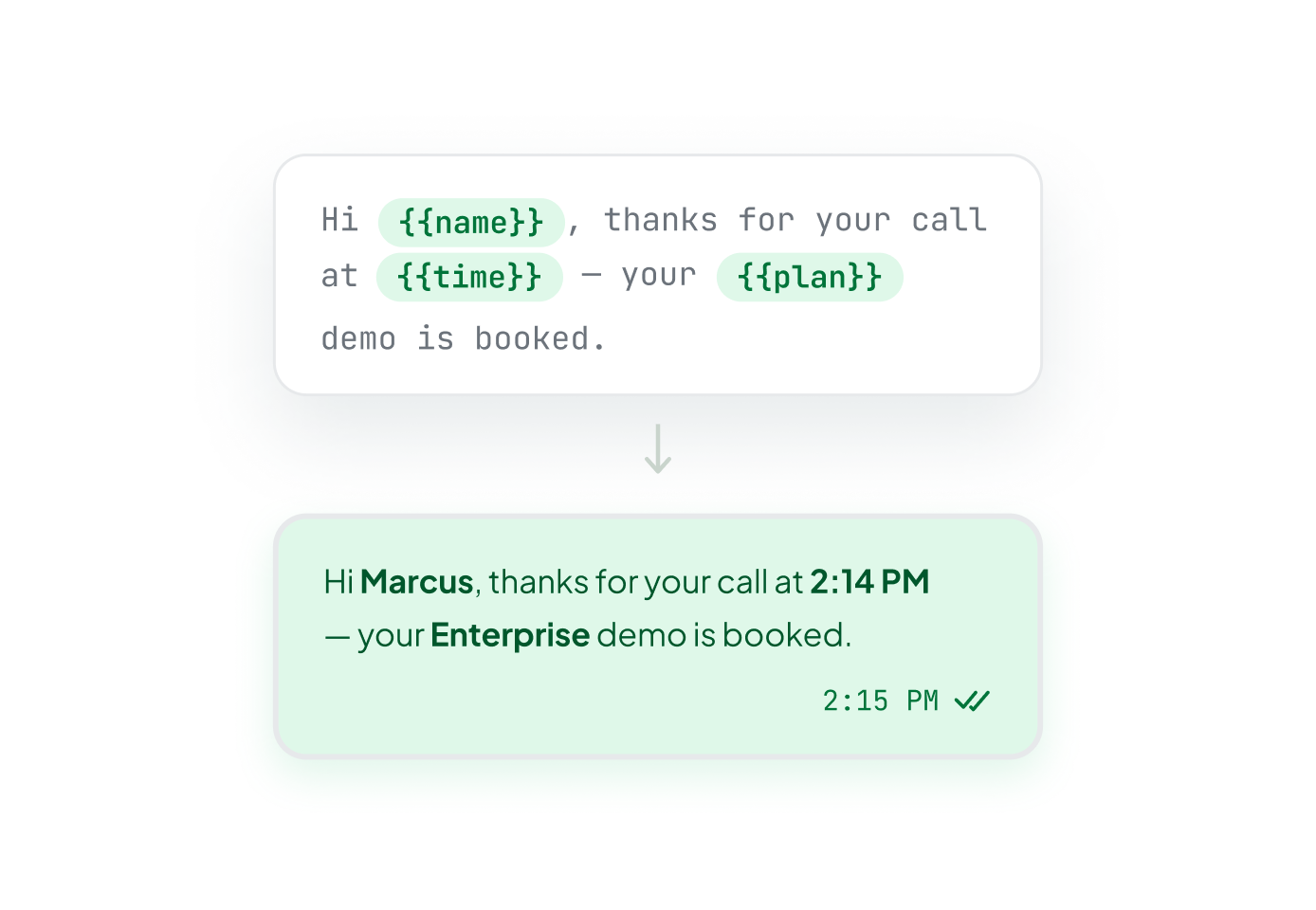
Message Personalization
Customise templates with names and other variables. Every message feels personal and relevant to the conversation that just happened.
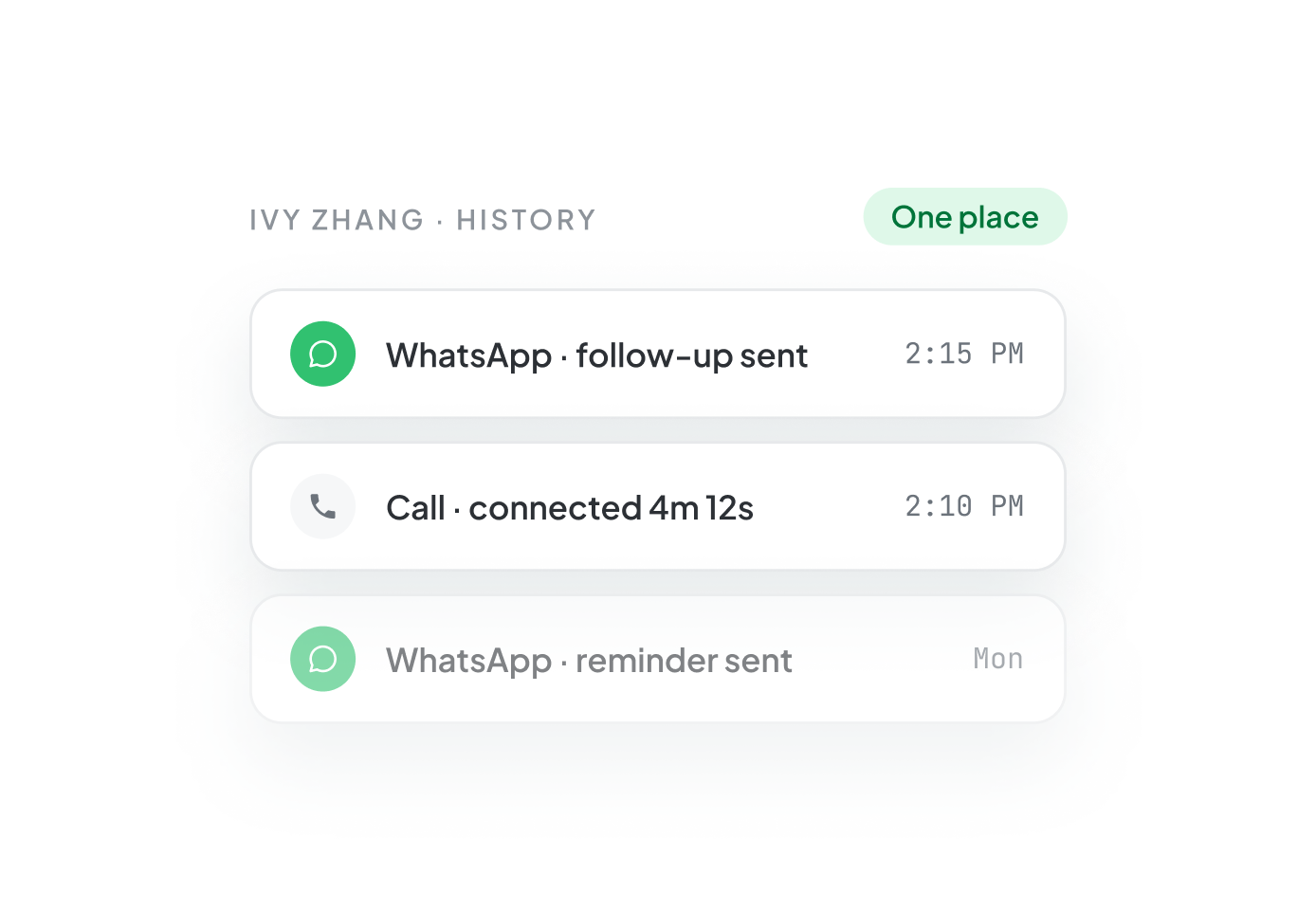
Unified Communication Logs
Every WhatsApp interaction is logged within FreJun. See complete call and message history for every contact in one place.

Template Management
Create multiple message templates for different scenarios, sales follow-ups, support updates, and appointment reminders, and manage them all from FreJun.

Works Alongside Your Calls
Send a WhatsApp message directly from FreJun right after a call ends, without switching tabs, apps, or platforms.
How teams use
WhatsApp Business
Sales follow-up
Send a message after a discovery call to confirm next steps and keep deals moving forward.
Candidate engagement
Send a message after a screening call to share next steps and keep candidates engaged throughout hiring.
Support updates
Let customers know their issue is being worked on with a quick update when a resolution takes more time.
Message consistency
Standardise follow-up messaging across your team with approved templates so every rep stays on-brand.
Interview pipeline
Keep candidates warm between interview stages with timely messages sent directly after each interaction.
Template governance
Manage all message templates from one place and ensure every team uses approved, compliant messaging.
Certified Security Frameworks for Reliable Voice
SOC2 Type 2 Certified
ISO 27001 Certified

GDPR Compliant
Explore FreJun Dialer
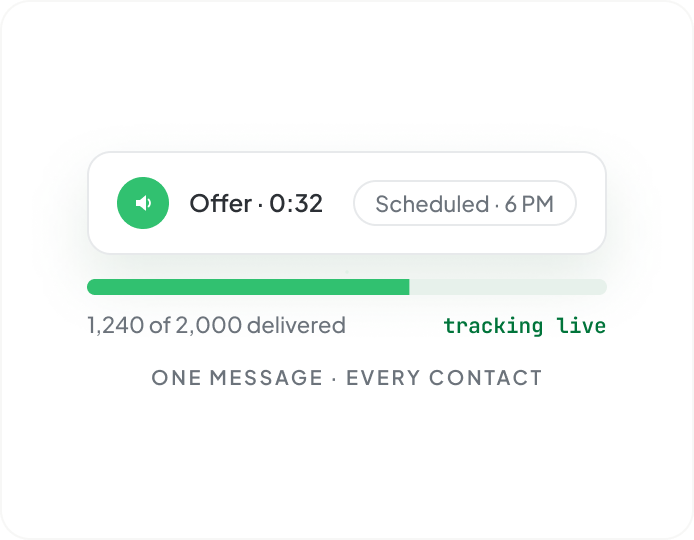
Voice Broadcast
Send pre-recorded voice messages to large contact lists. Schedule campaigns and track delivery for every contact.
Virtual numbers
Get local or toll-free numbers in 50+ countries to improve answer rates and build trust globally.
Auto dialer
Upload lists and automatically dial through them so your team spends more time talking and less time dialing.
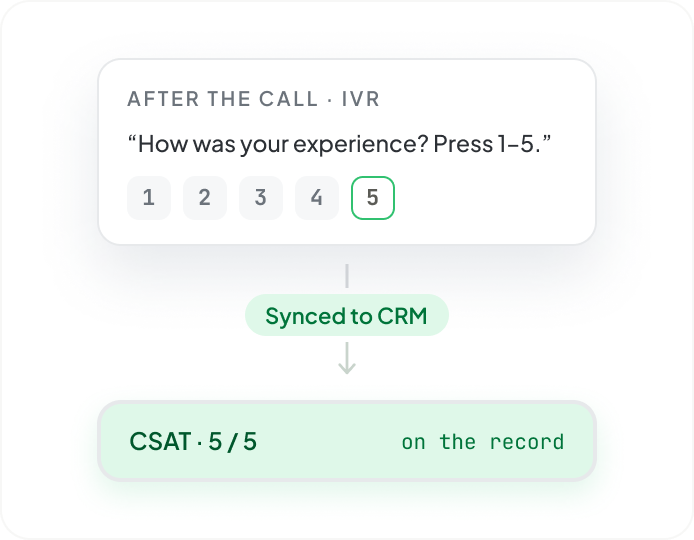
Post call survey
Collect customer feedback instantly after calls with IVR surveys and sync responses directly to your CRM.
Call analytics
Track call activity, performance, and outcomes in real time with dashboards and downloadable reports.

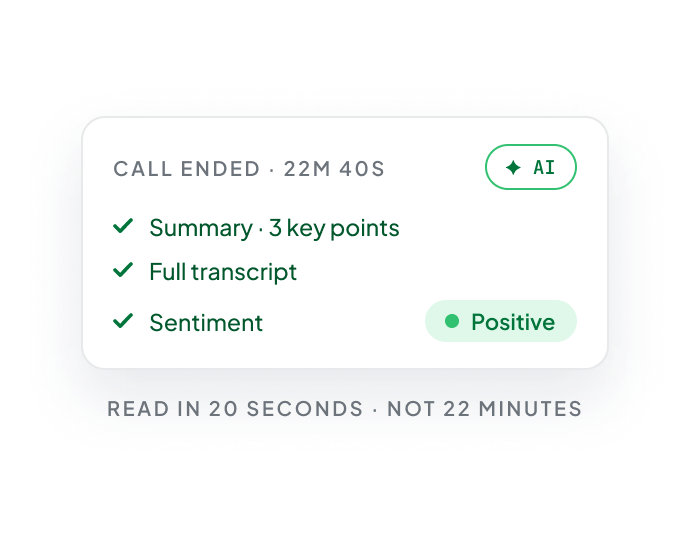
Al Insights
Get instant summaries, transcripts, and sentiment analysis for every call without listening to recordings.
Frequently Asked Questions
Have more questions?
Reach out to us at support@frejun.com.
Connect Your WhatsApp Business Account and Start Messaging
Keep every conversation going after the call ends.