Last updated on November 12th, 2026 at 11:45 am
Quick Answer: Microsoft Dynamics 365 Phone Integrations are third-party VoIP tools that connect a telephony provider to Dynamics 365 through the Channel Integration Framework, since Dynamics 365 has no built-in dialer. Once connected, reps can click-to-call from contact records, auto-log call outcomes, record conversations and view call history without leaving the CRM. Nine integrations work well for India-based teams in 2026: FreJun, RingCentral, Aircall, 8×8, Vonage, Nextiva, GoTo Connect, Zoom Phone and Five9.
AI Summary: Microsoft Dynamics 365 Phone Integrations connect third-party VoIP dialers to Dynamics 365 via the Channel Integration Framework, enabling click-to-call, automatic call logging and call recording inside the CRM. This article explains how the framework works, what criteria matter for India-based teams, and covers nine specific integrations including their key features, setup approach and the scenarios where each one fits best. The single most important takeaway: the right choice depends on your team size, call volume and whether you need India-specific virtual numbers or a full contact-centre platform.
Table of contents
Why Indian Businesses Use Microsoft Dynamics 365 for Calling
Microsoft Dynamics 365 has become the CRM of choice for fast-scaling Indian teams in sectors like IT services, SaaS, BPO, recruitment and manufacturing. Its modular apps for sales, customer service and marketing make it an enterprise-ready platform. However, Dynamics 365 has no native VoIP or dialer capability. According to Microsoft’s own documentation, organisations must integrate a telephony provider through the Dynamics 365 Channel Integration Framework to make and manage calls inside the CRM.
That gap matters especially for Indian teams calling prospects in Dubai, London, New York or Singapore. Without a VoIP integration, reps copy numbers from Dynamics into a separate phone app, log the outcome manually and often forget to update the record. By the time a manager reviews the pipeline on Friday, the CRM data is already stale.
With a phone integration in place, Dynamics 365 becomes a global calling workstation. Sales teams follow up faster with one-click dial. Support teams record and track call outcomes against the right contact record automatically. Managers get call analytics and agent KPIs without chasing reps for updates. Companies also reduce ISD charges by routing calls over VoIP (Voice over Internet Protocol) rather than the public switched telephone network.
Indian teams working across time zones also benefit from virtual numbers that display a local caller ID to the recipient. A rep in Bengaluru calling a lead in Dubai can show a UAE number, which increases answer rates. For teams that need to dial international numbers at scale, this is a practical operational requirement, not a nice-to-have.
What Makes a Good Dynamics 365 Phone Integration?
A good Dynamics 365 phone integration connects a VoIP (Voice over Internet Protocol) telephony provider to Dynamics 365 through the Channel Integration Framework, enabling click-to-dial from contact records, automatic capture of call duration and outcome, and call recording stored against the right CRM record. The framework itself is documented by Microsoft Learn and confirms that Dynamics 365 captures call duration, phone number and notes into phone call activity records once a provider is connected.
For Indian teams specifically, not every integration will do. Here is what to evaluate before choosing one in 2026.
Click-to-Call and Automatic Logging
The integration should let a rep dial directly from a Dynamics 365 contact record with one click. After the call ends, duration, outcome and any notes should write back to the CRM automatically. If a rep has to log the call manually, the data will be incomplete within a week.
Call Recording and Storage
Call recording should be accessible inside Dynamics 365, not only in a separate portal. Recordings stored in the CRM are easier to review during QA, coaching and dispute resolution. Check whether the provider stores recordings in a region that meets your data residency requirements, since this varies across India, UAE and other markets.
Virtual Numbers for International Calling
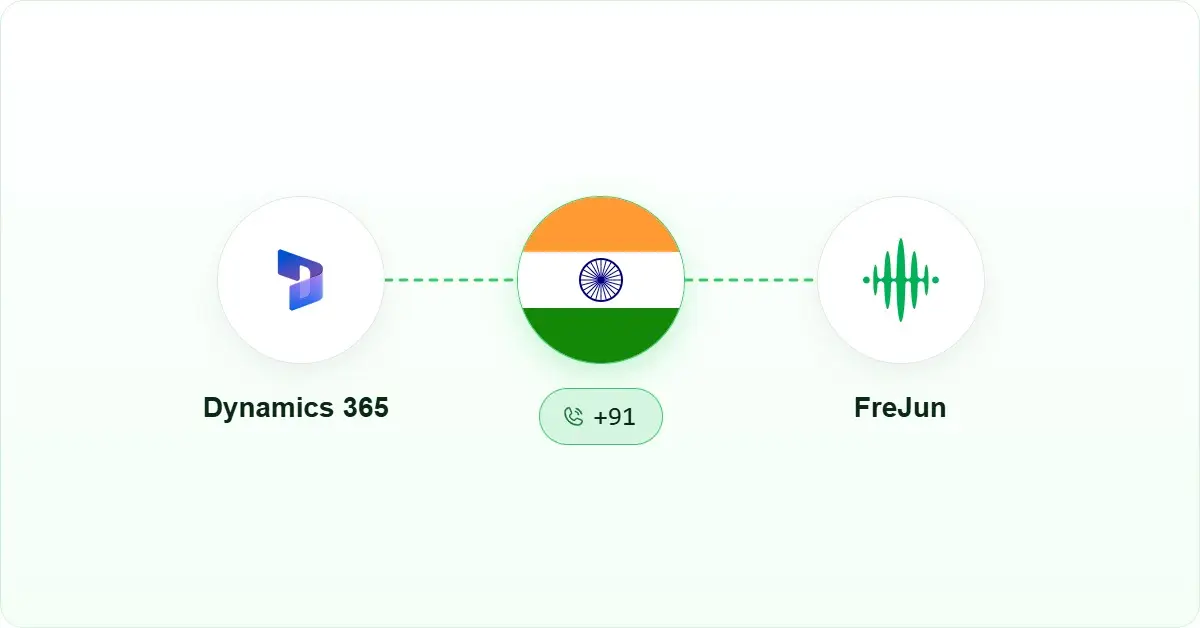
Indian teams calling UAE, UK or US prospects need virtual numbers that display a local caller ID in those markets. The international calling capability should be built into the integration, not require a separate SIM or carrier contract.
Compliance with Indian and Regional Regulations
Indian outbound calling is governed by TRAI (Telecom Regulatory Authority of India) rules, including the Telecom Commercial Communications Customer Preference Regulations. Teams calling UAE contacts must also account for UAE telecom regulations. Choose a provider that documents its compliance posture for the markets you call into, and verify that call recording consent handling matches the rules in each jurisdiction.
Setup Method and IT Overhead
Some integrations connect through a native CRM connector with no code required. Others need a developer to configure the Channel Integration Framework or a SIP trunk. The right choice depends on your IT capacity. A native connector is faster to deploy and easier to maintain, but a custom Channel Integration Framework setup gives more control over call routing logic. According to the Microsoft AppSource marketplace, confirmed compatible telephony providers for Dynamics 365 include RingCentral, 8×8 and Avaya, among others.
Benefits of VoIP Integration with Microsoft Dynamics 365
Integrating VoIP with Dynamics 365 changes how calling data flows through your organisation. Instead of calls happening outside the CRM and being logged later, every interaction is captured at the moment it occurs. The practical benefits go beyond cheaper calls.
Faster Sales Outreach
Reps dial directly from contact records. There is no copy-pasting numbers into a separate phone app and no switching between screens mid-conversation. This reduces the time between opening a record and placing the call, which matters when a rep is working through a call list of 80 contacts in a day.
Accurate Call Analytics
Because every call is logged automatically, managers get dashboards on call outcomes, agent performance and follow-up rates that reflect reality rather than what reps remembered to enter. This is the foundation for coaching conversations that are based on data rather than impression.
Workflow Automation
A connected integration can trigger Dynamics 365 workflows based on call outcomes. A missed call can create a follow-up task. A completed demo call can move a deal stage. These automations remove manual steps that reps otherwise skip under pressure.
Professional International Presence
Virtual numbers let Indian teams present a local caller ID to prospects in Dubai, New York or London. A UAE number calling a UAE prospect is far more likely to be answered than an unknown Indian mobile number. This directly affects connect rates for outbound campaigns.
Call Recording for Training and Compliance
Recordings stored inside Dynamics 365 are accessible to managers during QA reviews and to compliance teams during audits. For BPO and financial services teams in India, this is often a regulatory requirement rather than a preference. Check the call recording compliance rules that apply to your sector before selecting a provider.
Remote and Hybrid Access
Browser-based and mobile dialers let hybrid or work-from-home teams call from any location with a stable internet connection. This matters for Indian teams spread across cities or operating in a distributed model.
Top 9 Dynamics 365 Calling Integrations for Indian Teams
The nine integrations below connect to Dynamics 365 through the Channel Integration Framework or a native connector. Each is assessed on the same criteria: key features, setup method, best-fit scenario and honest limitations. For a side-by-side view, see the comparison table after the individual entries.
1. FreJun

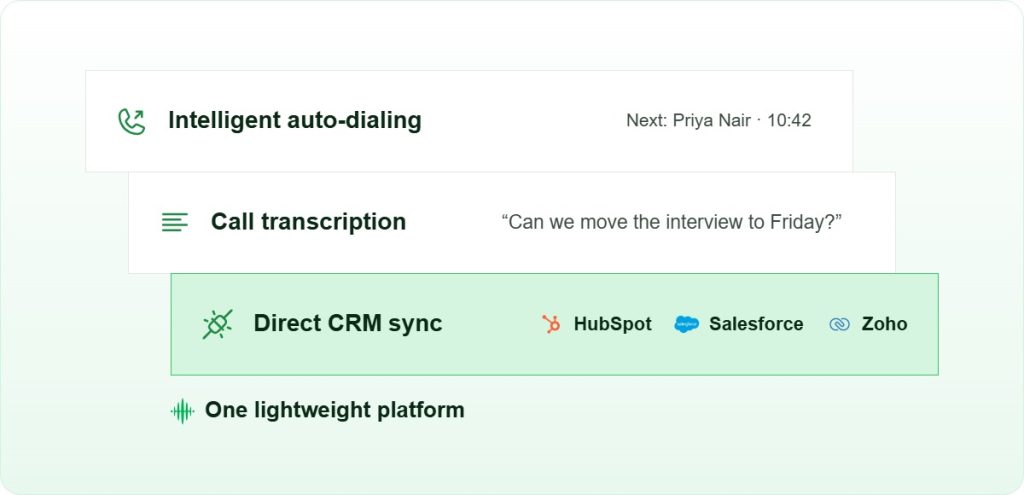
FreJun is an AI-powered VoIP platform built for sales and support teams that need deep CRM integration. Its Dynamics 365 connector logs every call automatically, attaches recordings to the correct contact record and surfaces AI-generated call summaries inside the CRM. For Indian teams calling internationally, FreJun provides virtual numbers across UAE, US, UK and other markets so reps display a local caller ID without a separate carrier contract.
Key Features:
- Automatic Call Logging — every call is recorded and synced to the correct customer profile in Dynamics 365.
See How FreJun Integrates with Leading CRMs
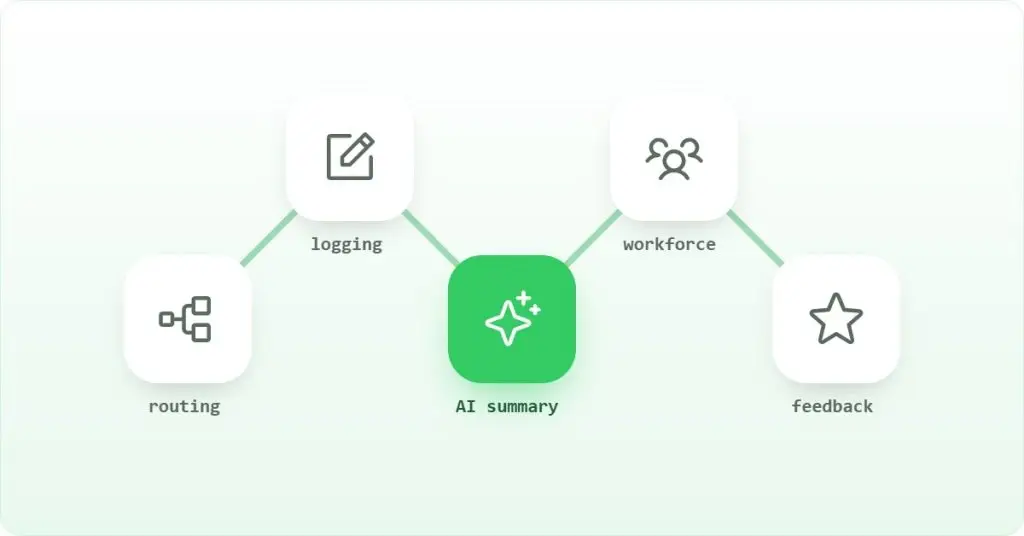
- AI-Powered Call Insights — real-time summaries, sentiment analysis and actionable insights generated after each call.
How FreJun’s AI Enhances Business Communication
- Click-to-Call and Auto-Dialer — reps dial from any Dynamics 365 contact record without switching applications.
- Call Transcription and Recording — every conversation is captured and stored against the CRM record.
Discover How FreJun’s Call Recording Works
- Intelligent Call Routing — calls reach the right agent based on configurable routing rules.
- Deep CRM Integration — call history, notes and outcomes are accessible inside Dynamics 365 without switching tabs.
Best for: Small and mid-sized Indian sales and support teams that need AI call summaries, automatic CRM logging and international virtual numbers without a complex setup.
Honest limitation: FreJun is built for sales and support calling workflows. Teams that need a full omnichannel contact centre with native chat, email and social channels in a single platform may find a dedicated contact centre solution like Five9 a better fit for that scope.
Setup: Native CRM connector, no code required. Check pricing
2. RingCentral
RingCentral is a widely deployed unified communications platform that combines voice, video and team messaging. Its Dynamics 365 integration is confirmed in the Microsoft AppSource marketplace as a compatible telephony provider. RingCentral suits enterprises that want a single platform for voice, Microsoft Teams integration and Salesforce alongside Dynamics 365.
Key Features:
- VoIP, video meetings and team messaging in one platform.
- Automatic call logging and transcription within Dynamics 365.
- Advanced call routing and IVR (Interactive Voice Response) capabilities.
- AI-based noise cancellation for improved call quality.
Best for: Enterprises that need a single unified communications platform across voice, video and messaging, and that already use Microsoft Teams as their collaboration layer.
Honest limitation: RingCentral’s pricing and feature set are oriented toward larger enterprises. Smaller Indian teams may find the platform broader than they need and the setup more involved than a native connector approach.
Setup: Channel Integration Framework configuration, admin setup required. Check pricing
3. Aircall

Aircall is designed for sales and support teams that rely on Microsoft Dynamics 365 for managing customer interactions. Its interface is browser-based and straightforward to deploy, which makes it a practical choice for teams that want to get calling from Dynamics 365 running quickly without a long implementation project.
Key Features:
- One-click call recording and logging from Dynamics 365 contact records.
- Call analytics and performance tracking dashboards.
- Power dialer to increase outbound calling efficiency.
- Live call coaching and call whispering for manager oversight.
Best for: Sales and support teams that prioritise a clean, easy-to-use interface and need live call coaching features for manager-to-rep training.
Honest limitation: Aircall’s AI analytics capabilities are less developed than some alternatives. Teams that need AI-generated call summaries or sentiment analysis built into the CRM record may find other options more suitable.
Setup: Native connector, low-code configuration. Check pricing
4. 8×8
8×8 provides a unified cloud communications platform with enterprise-grade security and AI-driven analytics. Its compatibility with Dynamics 365 is confirmed in the Microsoft AppSource marketplace. 8×8 suits organisations that need global PSTN coverage across many countries alongside their Dynamics 365 deployment.
Key Features:
- AI-driven call analytics and transcription to support quality management.
- Omnichannel communication across voice, video, chat and SMS.
- Advanced call routing and IVR for structured customer support flows.
- Global calling capabilities with high-quality VoIP connections across many markets.
Best for: Enterprises with global operations that need a single platform covering many countries and omnichannel communication alongside Dynamics 365.
Honest limitation: 8×8’s breadth means the platform can be complex to configure for a team that only needs voice calling. Smaller teams may pay for capabilities they do not use.
Setup: Channel Integration Framework or API, admin and IT involvement required. Check pricing
5. Vonage Business Communications
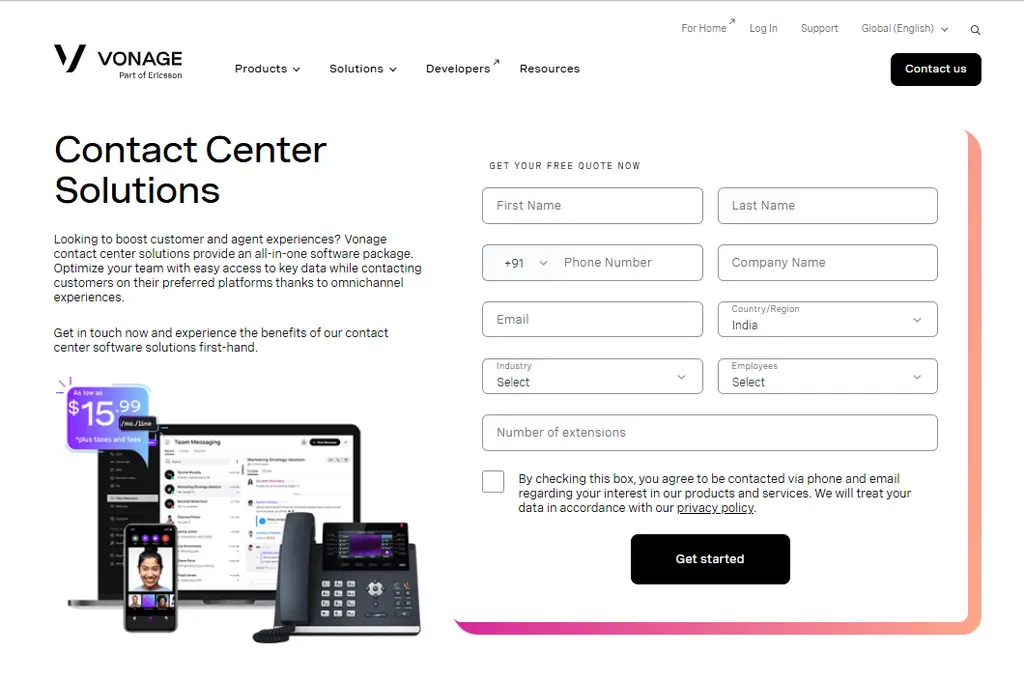
Vonage offers a cloud-based VoIP system with AI-powered automation and CRM integration. Its unified communication approach covers voice, messaging and video, and its API layer allows custom integration workflows for teams with specific Dynamics 365 automation requirements.
Key Features:
- Advanced IVR and call routing options for structured inbound handling.
- Unified communication across voice, messaging and video.
- AI-driven call analysis and insights for quality management.
- API-based integration for custom CRM workflow automation.
Best for: Teams that need a flexible API layer to build custom Dynamics 365 workflows around call outcomes, or that want unified voice and messaging in one platform.
Honest limitation: Vonage’s API-first approach means more setup effort than a native connector. Teams without developer resources may find the integration harder to maintain over time.
Setup: API integration, developer involvement typically required. Check pricing
6. Nextiva

Nextiva is a unified communications platform that combines voice, email and chat in a centralised hub. Its analytics and automation tools provide actionable insights into customer interactions, and its interface is designed to be accessible for teams without deep technical resources. Nextiva is particularly suited to small and medium-sized businesses that want a reliable VoIP provider with straightforward onboarding.
Key Features:
- Unified communications platform covering voice, video and chat.
- Call analytics and reporting for tracking agent performance.
- AI-powered call transcription and auto-attendant.
- CRM integration for logging and tracking customer interactions.
Best for: Small and medium-sized teams that want a straightforward unified communications setup with reliable call quality and accessible analytics.
Honest limitation: Nextiva’s international calling coverage is primarily oriented toward North American markets. Indian teams calling across Asia Pacific or the Middle East should verify coverage and call quality for those routes before committing.
Setup: Native connector, admin configuration. Check pricing
7. GoTo Connect
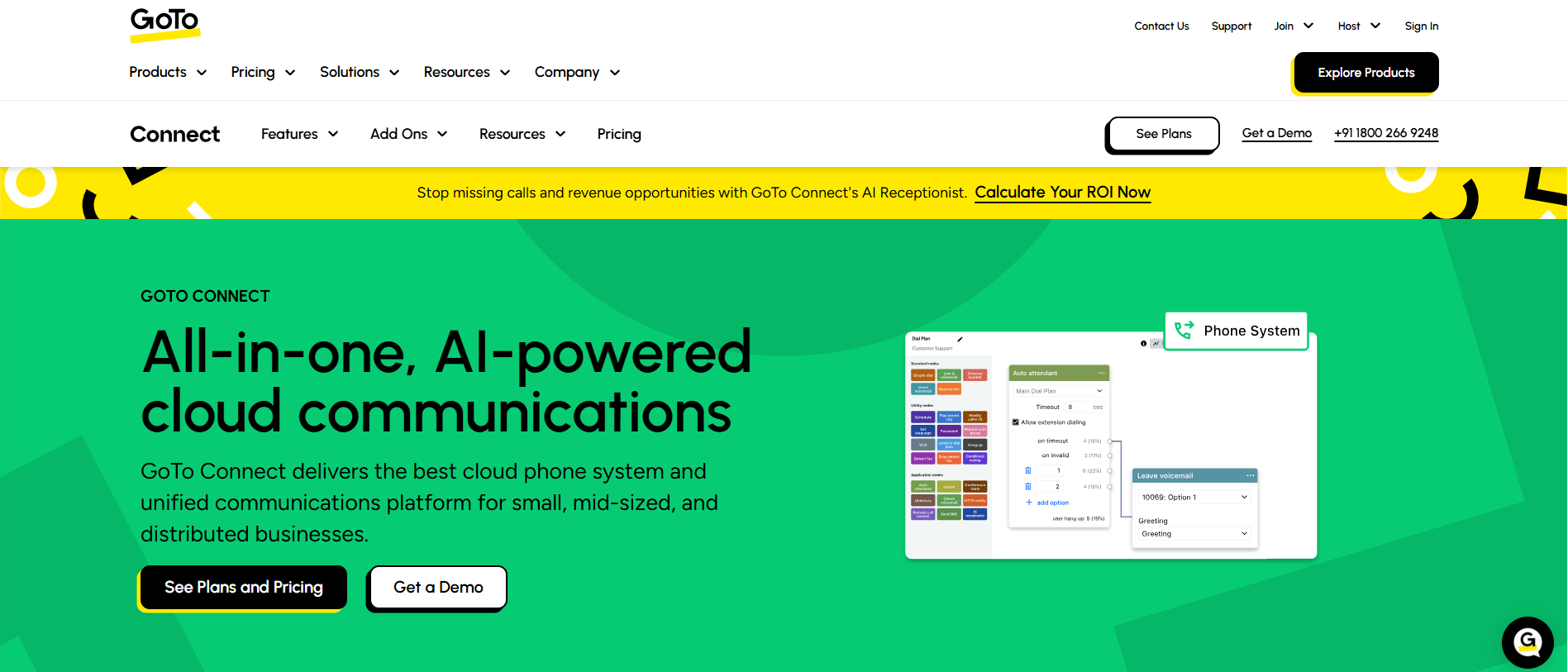
GoTo Connect combines VoIP, video conferencing and team messaging into one platform. It is designed for businesses that want simplicity and reliability, with customisable call flows built through a drag-and-drop editor rather than code. GoTo Connect suits small and medium-sized businesses that want to centralise their communication systems without a complex implementation.
Key Features:
- Unified communication with voice, video and messaging.
- Drag-and-drop call flow customisation for non-technical admins.
- High-quality video conferencing with screen sharing.
- Scalable plans that grow with team size.
Best for: Small and medium-sized businesses that want a simple, self-service call flow setup and do not need deep AI analytics or advanced outbound dialling features.
Honest limitation: GoTo Connect’s outbound sales dialling features are less developed than dedicated sales dialler platforms. Teams running high-volume outbound campaigns will likely need a more specialised tool.
Setup: Native connector, drag-and-drop admin configuration. Check pricing
8. Zoom Phone

Zoom Phone extends the Zoom ecosystem to VoIP calls, making it a natural choice for teams already using Zoom for video conferencing. Its Dynamics 365 integration is documented in Zoom’s own support documentation, which confirms click-to-call and call logging features within Dynamics 365. Zoom Phone suits hybrid teams that want voice and video in a single familiar interface.
Key Features:
- Enterprise-grade call routing and management.
- Native integration with Zoom Meetings for unified voice and video.
- Secure and encrypted communication.
Best for: Teams already invested in the Zoom ecosystem that want to add VoIP calling to Dynamics 365 without introducing a new vendor.
Honest limitation: Zoom Phone’s outbound sales automation features, such as power dialling and AI call summaries written to the CRM, are less developed than dedicated sales dialler platforms. Teams focused on high-volume outbound calling will find the feature set limited.
Setup: Marketplace app, admin install. Check pricing
9. Five9

Five9 is a cloud contact centre solution with strong AI and automation features for Microsoft Dynamics 365 users. Unlike the other tools on this list, Five9 is built specifically for contact centre operations at scale, with predictive dialling, workforce management and advanced IVR designed for teams handling hundreds of concurrent calls.
Key Features:
- AI-driven call routing for skills-based and priority-based distribution.
- Predictive dialling to maximise agent talk time on outbound campaigns.
- Call analytics and reporting across inbound and outbound channels.
- IVR (Interactive Voice Response) with self-service automation.
Best for: Large contact centres running high-volume inbound and outbound operations that need enterprise-grade workforce management alongside Dynamics 365. Five9 is the stronger choice over smaller dialler tools when a team exceeds 50 agents or needs predictive dialling at scale.
Honest limitation: Five9’s complexity and cost structure are designed for enterprise contact centres. Smaller teams or those primarily doing outbound sales calling will find it over-engineered and expensive relative to their needs.
Setup: Enterprise implementation, professional services typically required. Check pricing
Quick Comparison: Which Integration Fits Your Scenario?
| Provider | Best For | Key Features | Setup Effort | Pricing & Free Trial |
|---|---|---|---|---|
| FreJun | Indian SMB sales and support teams needing AI logging | Auto call logging, AI summaries, click-to-call, virtual numbers | Native CRM connector, no code | Check pricing & trial |
| RingCentral | Enterprises needing unified voice, video and messaging | Omnichannel UCaaS, call routing, Teams integration, transcription | Channel Integration Framework, admin setup | Check pricing & trial |
| Aircall | Sales teams wanting simple setup and live coaching | Power dialler, call whispering, one-click recording, analytics | Native connector, low-code | Check pricing & trial |
| 8×8 | Global enterprises needing omnichannel and wide PSTN coverage | Omnichannel, AI analytics, global calling, advanced IVR | Channel Integration Framework or API, IT required | Check pricing & trial |
| Vonage | Teams needing flexible API-based CRM workflow automation | API integration, unified comms, AI call analysis, IVR | API integration, developer required | Check pricing & trial |
| Nextiva | SMBs in North America-focused markets wanting simple UCaaS | Unified comms, AI transcription, call analytics, auto-attendant | Native connector, admin configuration | Check pricing & trial |
| GoTo Connect | SMBs wanting drag-and-drop call flow setup | Drag-and-drop IVR, video conferencing, unified messaging | Native connector, drag-and-drop admin | Check pricing & trial |
| Zoom Phone | Teams already using Zoom for video wanting to add VoIP | Zoom ecosystem integration, encrypted calls, call routing | Marketplace app, admin install | Check pricing & trial |
| Five9 | Large contact centres needing predictive dialling at scale | Predictive dialler, AI routing, workforce management, IVR | Enterprise implementation, professional services | Check pricing & trial |
Final Thoughts
Microsoft Dynamics 365 Phone Integrations solve a structural gap: Dynamics 365 is a capable CRM, but it has no native dialler. Every team that calls customers from inside Dynamics 365 needs a third-party VoIP integration connected through the Channel Integration Framework. The nine options above cover the range from simple native connectors to full enterprise contact centre platforms.
The decision framework is straightforward. your team is small to mid-sized, based in India and calling internationally, prioritise a native connector with virtual number support and automatic CRM logging. you run a large contact centre with 50 or more agents and need predictive dialling and workforce management, Five9 is the more appropriate choice despite its complexity. If your organisation is already standardised on Zoom for video, Zoom Phone removes the need to introduce a new vendor. you need a single platform for voice, video and messaging across a global enterprise, RingCentral or 8×8 are the established options.
One scenario where you should reconsider adding any third-party integration: if your organisation already uses Microsoft Dynamics 365 Contact Center with Teams Phone as the telephony layer, that native setup may already meet your needs without an additional vendor. Adding a third-party dialler on top of an existing Teams Phone deployment creates redundancy and increases admin overhead.
For further reading on 7 Popular Apps for Calling in the UAE You Need to Know, see our related guide. You can also explore CRM calling software options for India and the broader question of Microsoft Dynamics 365 calling integrations for Indian teams in our related posts.
Frequently Asked Questions
Setup and Integration
No. Dynamics 365 has no built-in VoIP or dialler. According to Microsoft’s own documentation, organisations must connect a third-party telephony provider through the Dynamics 365 Channel Integration Framework to make and manage calls inside the CRM. The framework captures call duration, phone number and notes into phone call activity records once a provider is connected.
The Channel Integration Framework is Microsoft’s documented method for embedding a third-party telephony provider inside Dynamics 365. It allows a softphone dialler to appear within the CRM interface, so reps can click-to-call from contact records and have call data written back automatically. Microsoft’s own sample softphone documentation on Microsoft Learn shows how the framework captures call duration, phone number and notes into activity records.
Yes, when an integration is correctly configured. Third-party calling tools connected through the Channel Integration Framework can auto-log calls in Dynamics 365, capturing duration, outcome, call tags and recordings under each lead or contact record. The quality of logging depends on how the integration is set up and whether the provider supports bidirectional data sync with Dynamics 365.
Numbers, Compliance and Choosing
Yes. Several VoIP platforms on this list provide virtual numbers for UAE, UK and US markets, allowing Indian teams to display a local caller ID when calling prospects in those countries. This increases answer rates because the call appears local to the recipient. Verify that the provider you choose supports number provisioning in the specific markets you call into.
If your organisation already uses Microsoft Dynamics 365 Contact Center with Teams Phone as the telephony layer, that native setup may meet your needs without an additional vendor. Adding a third-party dialler on top of an existing Teams Phone deployment creates redundancy and increases admin overhead. Evaluate the native option first before introducing a separate VoIP integration.
Indian outbound calling is governed by TRAI regulations, including the Telecom Commercial Communications Customer Preference Regulations (TCCCPR). Teams calling UAE contacts must also account for UAE telecom rules. Call recording consent requirements differ by jurisdiction. Requirements vary by market and change over time, so verify the current rules with a qualified adviser before deploying any outbound calling programme. This answer is not legal advice.
Five9 is the strongest option for large contact centres that need predictive dialling, workforce management and enterprise-grade IVR alongside Dynamics 365. It is designed for teams of 50 or more agents running high-volume inbound and outbound operations. Smaller teams or those focused on outbound sales calling will find Five9 over-engineered for their needs and should consider a lighter native connector instead.