Last updated on November 13th, 2026 at 12:16 pm
Quick Answer: Salesforce Sales Dialer is a cloud-based calling tool embedded in Salesforce CRM (customer relationship management) that lets sales reps dial contacts, log calls automatically and review performance data without switching applications. It connects to Salesforce records directly, so every call is captured against the right lead or opportunity. Teams that need predictive dialling, AI transcription or deeper analytics typically add an external CTI integration on top.
AI Summary: Salesforce Sales Dialer is a native calling add-on for Salesforce CRM that covers click-to-call, automatic call logging and basic analytics. This guide explains how the native dialler works, what its documented limitations are, and how external CTI (computer telephony integration) solutions address those gaps. The key takeaway: the right choice depends on call volume, analytics needs and whether your team already holds a Salesforce Enterprise licence.
Table of contents
- What is Salesforce Sales Dialer?
- What are the Difference Between Salesforce’s Native Dialer and External Solutions?
- Why FreJun Is the Best Salesforce Sales Dialer in 2026
- Feature Comparison Table For Salesforce Dialer And Frejun
- How FreJun Boosts Sales Productivity
- Comparison Table
- Key Takeaways
- Final Thoughts and Recommendations
- FAQs
What is Salesforce Sales Dialer?
Salesforce Sales Dialer is a cloud-based calling tool that sits inside Salesforce CRM and lets sales reps place outbound calls, receive inbound calls and log every interaction automatically against the correct record. Because it runs inside the CRM, reps never need to copy a number into a separate phone app or manually enter a call note afterwards. The dialler handles that work in the background, so the rep stays focused on the conversation.
How does Salesforce Sales Dialer work?
The dialler uses click-to-call: a rep clicks a phone number on any Salesforce record and the system places the call through the browser using VoIP (voice over internet protocol). When the call ends, Salesforce writes a completed activity to the lead, contact or opportunity automatically. Reps can also drop a pre-recorded voicemail if a prospect does not answer, which saves the time of recording the same message repeatedly across a call list.
For teams evaluating broader calling options, the guide to best VoIP services with auto dialer and call automation benchmarks what modern dialler platforms offer beyond native CRM diallers. You can also read the full Sales Force Dialer review for a detailed look at real-world performance. Teams that want to go further with automating outbound calling at scale will find the native dialler is a starting point rather than a complete solution.
What does Salesforce Sales Dialer include?
The native dialler covers click-to-call from any Salesforce record, automatic call logging, voicemail drop, basic call recording and a prioritised call list that surfaces the leads a rep should contact next. Salesforce also surfaces basic call analytics inside Sales Cloud, so managers can review call volume and duration by rep. These features cover the fundamentals for a small inside sales team running a moderate call volume.
What are the Difference Between Salesforce’s Native Dialer and External Solutions?
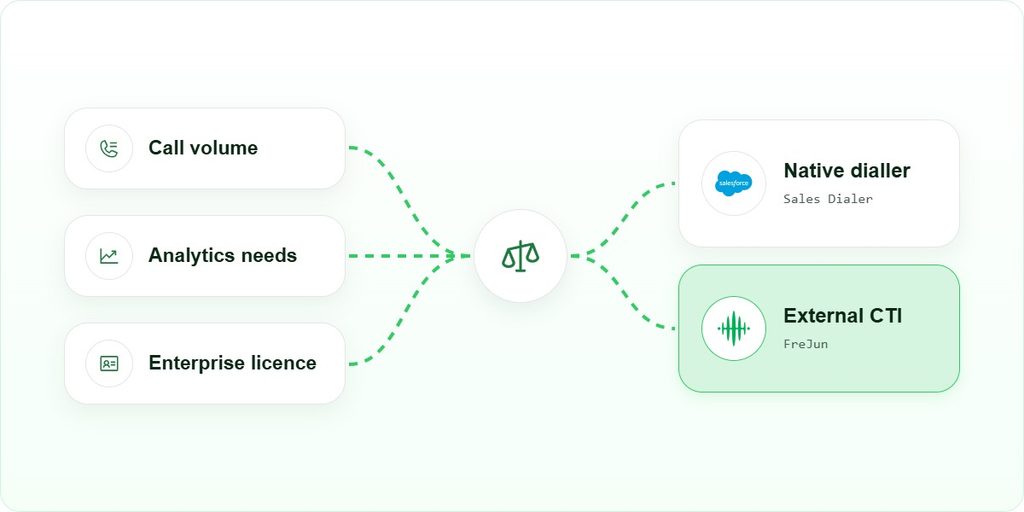
Salesforce’s native Sales Engagement Dialer (formerly part of High Velocity Sales) is an add-on to an existing Salesforce licence. It connects natively to Salesforce records without any third-party setup, which makes it straightforward to activate. External CTI solutions, by contrast, connect to Salesforce through the Open CTI framework, which Salesforce publishes specifically to let third-party calling tools embed inside the CRM interface. Both approaches log calls to Salesforce records, but they differ significantly in what they can do once the call ends.
What are the documented limitations of Salesforce’s native dialler?
Salesforce’s own help documentation and Trailhead modules describe the native dialler as a tool for inside sales teams making standard outbound calls. Several capabilities are either absent or restricted in the native version, which matters when a team scales its call volume or needs richer post-call data.
- No predictive dialling support: the native dialler does not automatically dial multiple numbers in parallel and connect a rep only when a live person answers
- Limited transcription and call coaching: real-time AI transcription and live whisper coaching are not part of the native feature set
- No WhatsApp or SMS integration within the dialler itself
- Requires third-party telephony setup for inbound routing beyond basic call forwarding
- Analytics are basic: call volume and duration are tracked, but sentiment analysis, keyword detection and conversation scoring are not available natively
For teams that need predictive dialling, the guide to predictive dialer options explains how that dialling mode works and when it makes sense. For a detailed breakdown of how these gaps show up in practice, the Salesforce Phone Dialer features and user reviews page covers real-world feedback. You can also read a focused look at Salesforce Dialer limitations for a structured comparison.
When does the native dialler make sense?
The native dialler is a reasonable choice when a team is already on a Salesforce Enterprise plan, call volume is moderate, and the priority is simplicity over advanced analytics. Adding an external CTI tool introduces another vendor, another integration to maintain and another layer of configuration. For a small inside sales team making a few dozen calls per day, that overhead may not be worth it. The trade-off shifts when call volume grows, when managers need coaching tools, or when the team wants AI-generated call summaries written directly into Salesforce records.
Why FreJun Is the Best Salesforce Sales Dialer in 2026
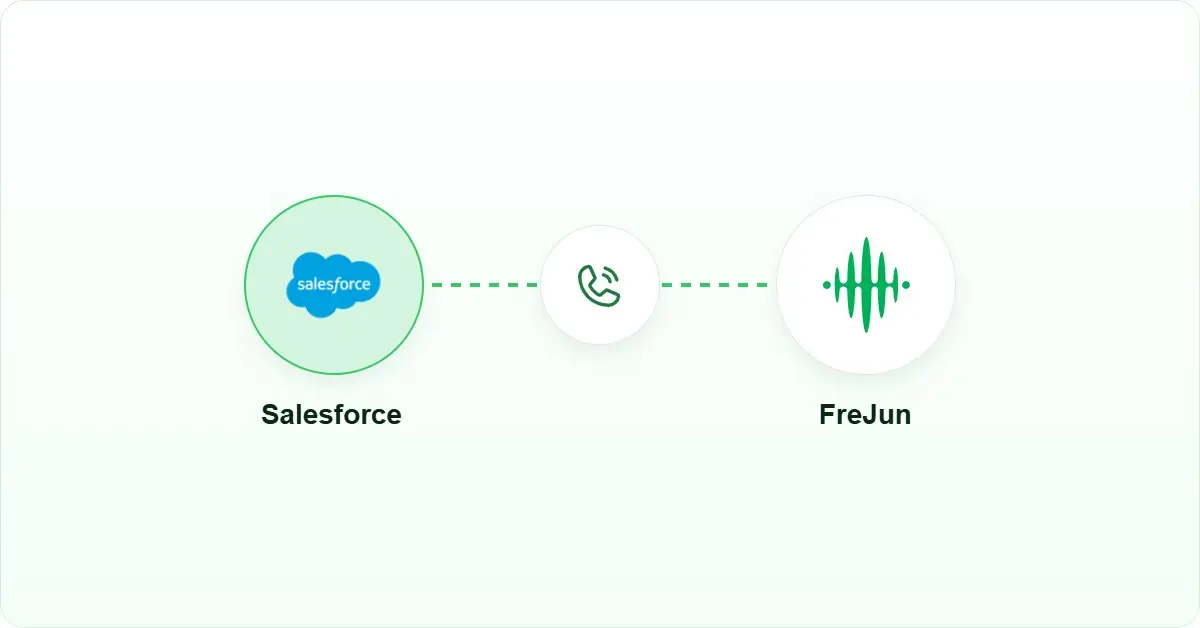
FreJun connects to Salesforce through the Open CTI framework, which means it embeds directly inside the Salesforce interface rather than running as a separate application. When a rep clicks a number in Salesforce, FreJun places the call, records it, transcribes it in real time and writes the completed activity back to the record automatically. The rep does not leave Salesforce at any point.
What capabilities does FreJun add to Salesforce?
FreJun addresses the specific gaps in Salesforce’s native dialler by adding capabilities the native version does not include. Each one solves a concrete operational problem rather than duplicating what Salesforce already does.
- One-click call logging inside Salesforce: every call is written to the correct record without the rep touching a form
- AI-powered call insights: real-time transcription, sentiment detection and call summaries are generated automatically and stored in Salesforce
- Click-to-call and auto-dialler: reps can work through a call list without manually dialling each number
- Call transcription and recording: every conversation is captured and searchable, which supports both compliance and coaching
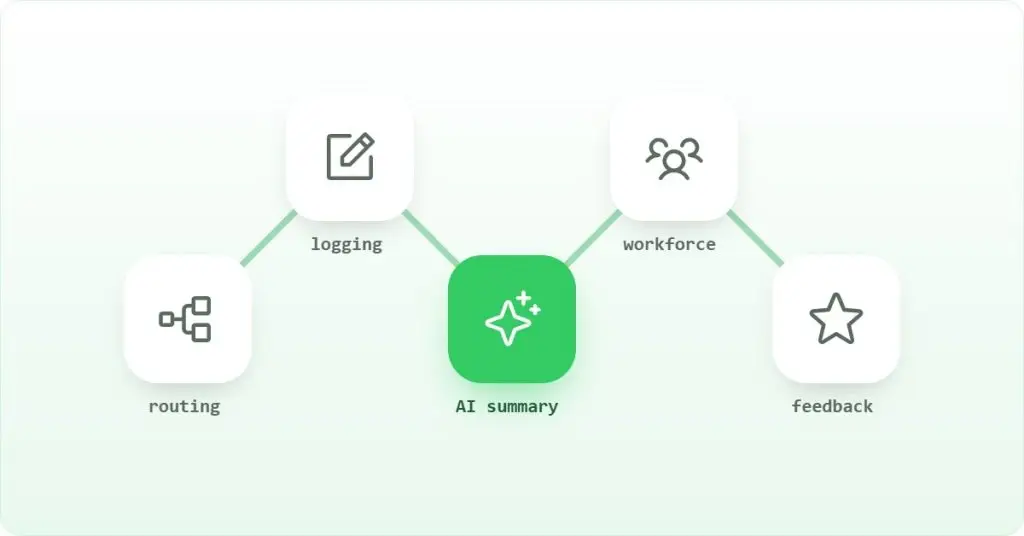
- Intelligent call routing: inbound calls are directed to the right rep based on rules set in the platform
You can see how these capabilities connect across tools on the FreJun integrations page. For a deeper look at how AI call intelligence works in practice, the guide to call intelligence features and benefits explains the mechanism. Details on how call recording is handled are covered on the FreJun calling page.
When is the native Salesforce dialler the better choice?
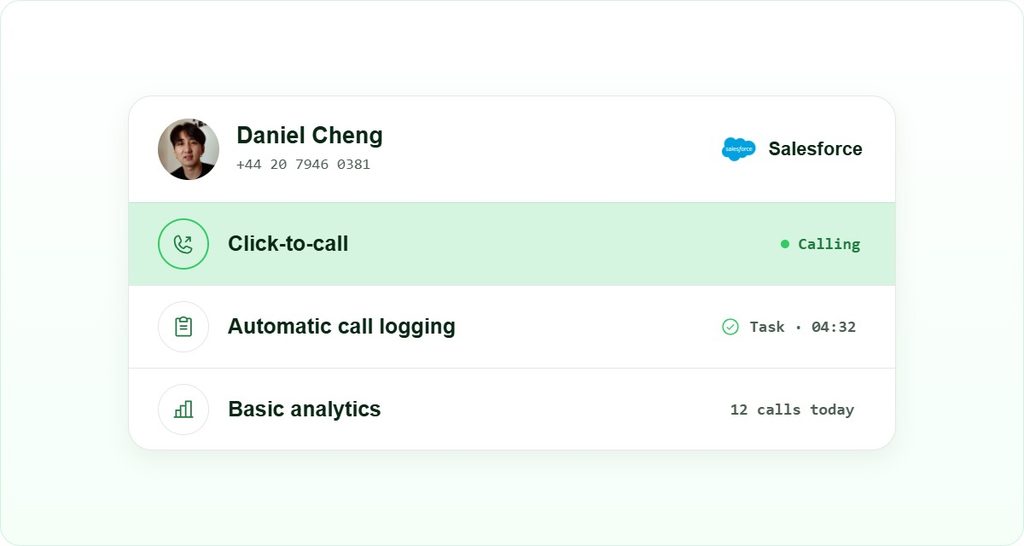
FreJun is not the right answer for every team. If your organisation is already on Salesforce Enterprise and call volume is low, the native dialler may cover your needs without adding another vendor. Teams that rarely review call recordings, do not run coaching programmes and do not need AI-generated summaries will not get full value from an external CTI integration. The native dialler is also simpler to administer, since it requires no third-party connector to maintain. We would choose an external CTI integration when call volume is high, when managers actively coach from recordings, or when the team needs post-call workflows that trigger automatically based on call outcomes.
For pricing on either option, visit the respective pricing pages directly rather than relying on figures in any article, since both Salesforce and third-party vendors update their pricing independently. You can check current pricing for FreJun’s plans.
Feature Comparison Table For Salesforce Dialer And Frejun
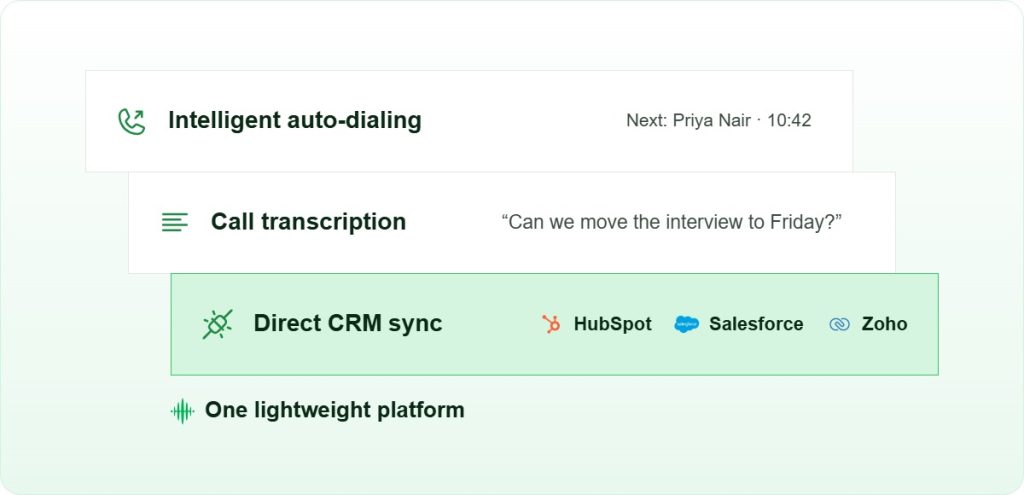
The image above shows a side-by-side capability view. The table below covers the same ground in a structured format so you can scan the key differences quickly.
Comparison Table
| Feature | Salesforce Sales Dialer | FreJun (External CTI) |
|---|---|---|
| Click-to-Call | Yes | Yes |
| Automatic Call Logging | Yes | Yes |
| AI-Powered Call Transcription | Not included natively | Included |
| Real-Time Call Analytics | Basic (volume and duration) | Advanced (sentiment, keywords, summaries) |
| Predictive Dialling | Not supported | Supported |
| Live Call Coaching (whisper/barge) | Not included natively | Included |
| Post-Call Workflow Automation | Limited | CRM-triggered workflows on call outcome |
| Setup | Native add-on, admin activation in Setup | Open CTI connector, admin install |
| Pricing | Check pricing | Check pricing |
How FreJun Boosts Sales Productivity
Sales productivity is not only about call volume. It is about how much useful work happens before, during and after each call. When a rep spends time manually logging notes, copying call outcomes into Salesforce or switching between a phone app and the CRM, that time comes directly out of selling time. The mechanism behind productivity gains from a CTI integration is straightforward: remove the manual steps, and reps spend more of their day in actual conversations.
How does automatic call logging reduce rep admin time?
When a CTI integration handles logging, the call record, duration, outcome tag and AI-generated summary are written to Salesforce the moment the call ends. The rep does not open a form, does not type a note and does not update the deal stage manually. That work happens automatically based on the call outcome. Over a full day of calling, this removes a significant block of time that would otherwise go to data entry rather than conversations.
How does call coaching work for managers?
For managers, the value is visibility without micromanagement. When every call is recorded and transcribed, a manager can review ten calls in the time it would take to sit in on one. Sentiment tags and keyword detection surface the calls worth reviewing, so managers spend their coaching time on the conversations that actually need attention rather than sampling randomly. Whisper and barge tools let a manager join a live call silently to coach the rep in real time without the prospect hearing.
What does post-call automation actually trigger?
The practical value of post-call automation is that the CRM stays current without anyone updating it. When a call ends with a specific outcome tag, the system can create a follow-up task, move the deal to the next stage, send a recap email or update a custom field. None of that requires the rep to do anything after hanging up. The result is a Salesforce instance that reflects reality rather than lagging behind by a day or two because reps have not had time to update records.
- Identify top-performing scripts and patterns from successful calls
- Pinpoint weak spots in rep performance using analytics and sentiment tags
- Automate routine updates so reps can focus on conversations
- Eliminate manual follow-up logging and pipeline syncing
Key Takeaways
Choosing the right Salesforce Sales Dialer setup depends on what your team actually needs from calling, not on which option has the longer feature list. The native dialler covers the basics well. External CTI integrations add depth, but they also add a vendor relationship and an integration to maintain. The decision comes down to call volume, coaching requirements and how much your team relies on post-call data to run the pipeline.
Which teams benefit most from an external CTI integration?
Teams running more than fifty outbound calls per rep per day will feel the native dialler’s limits quickly. predictive dialling, reps spend time waiting for calls to connect rather than talking. AI transcription, managers cannot review calls at scale. Without post-call automation, Salesforce data goes stale between call sessions. These are the conditions where an external CTI integration pays for itself in recovered rep time and cleaner pipeline data.
Which teams are better served by the native dialler?
Smaller teams on Salesforce Enterprise who make a moderate number of calls, do not run formal coaching programmes and do not need AI-generated summaries will often find the native dialler sufficient. The activation process is straightforward: from Salesforce Setup, search for Dialer in the Quick Find box, select Dialer Settings and enable the feature. Optional settings include personal voicemail and prioritised call lists. No third-party connector is required, and the data stays entirely within the Salesforce environment. For those teams, adding an external CTI tool introduces complexity without a proportionate return.
Final Thoughts and Recommendations
Salesforce is a strong CRM, but its native dialler was designed for standard inside sales use cases rather than high-volume, analytics-driven outbound operations. That is not a criticism: it is a design choice. The native dialler does what it promises. The question is whether what it promises is enough for your team’s actual call workflow.
How should you decide between native and external?
Start with three questions. First, does your team need predictive dialling or AI transcription? If yes, the native dialler cannot provide those, so an external CTI integration is necessary. Second, do managers actively coach from call recordings? If yes, you need a tool that makes recordings searchable and surfaces the calls worth reviewing. Third, do you need post-call workflows to trigger automatically? If yes, an external integration that connects call outcomes to Salesforce workflow rules will save significant admin time.
the answer to all three is no, the native dialler is likely sufficient. the answer to any one is yes, an external CTI integration is worth evaluating. For teams in India exploring the broader landscape of automated calling systems, regional options and compliance requirements add another dimension to the decision. The guide to 5 Best Dialer Solutions to Consider for 2026 covers the broader market if you are evaluating options beyond Salesforce’s ecosystem.
Salesforce Sales Dialer, whether native or extended through a CTI integration, works best when the calling workflow is designed around the CRM rather than alongside it. The goal is a system where every call is captured, every outcome is acted on and every rep spends their time talking rather than typing.
Frequently Asked Questions
Setup and how it works
Salesforce Sales Dialer is a cloud-based calling tool built into Salesforce CRM that lets sales reps place and receive calls, log activity automatically and review basic performance data without leaving the platform. It uses click-to-call over VoIP and writes completed call records to the relevant lead, contact or opportunity in real time.
A Salesforce Dialer uses click-to-call functionality embedded in the CRM interface. When a rep clicks a phone number on any Salesforce record, the system places the call through the browser using VoIP. After the call ends, Salesforce logs the activity automatically. Reps can also drop pre-recorded voicemails and work through prioritised call lists without switching to a separate application.
External dialers connect to Salesforce through the Open CTI framework, which Salesforce publishes for third-party calling tools. The integration embeds the external dialler inside the Salesforce interface so reps work from a single screen. Most providers offer guided onboarding, and the connector is installed at the admin level rather than by individual reps. Setup complexity varies by provider and by how many custom Salesforce objects need to be mapped.
Capabilities, limitations and use cases
Salesforce’s native dialler does not include predictive dialling, AI call transcription or live coaching tools such as whisper and barge. Analytics cover call volume and duration but not sentiment analysis or keyword detection. Teams that need those capabilities typically add an external CTI integration through Salesforce’s Open CTI framework rather than relying on the native add-on alone.
A Salesforce Predictive Dialer is an external CTI integration that dials multiple numbers simultaneously, filters out busy signals and unanswered calls, and connects a rep only when a live person answers. The native Salesforce Sales Dialer does not include predictive dialling. Teams that need it add a third-party dialler through the Open CTI framework, which embeds the predictive dialling controls inside the Salesforce interface.
Yes. Third-party dialers that connect through Salesforce’s Open CTI framework can be configured to log calls against leads, contacts, accounts, opportunities and custom objects. The specific objects available depend on how the integration is set up by the Salesforce admin. Most enterprise CTI integrations support custom object mapping as part of their standard configuration.
Yes. Both the native Salesforce dialler and external CTI integrations surface analytics inside Salesforce. The native dialler tracks call volume, duration and activity counts. External integrations typically add sentiment analysis, keyword detection, call scoring and rep-level performance dashboards. The data from both approaches is stored in Salesforce and can be included in standard Salesforce reports and dashboards.