Last updated on August 6th, 2026 at 05:52 pm
AI Summary: This article covers the top 7 keap calling integration Singapore tools available to sales and support teams in 2026, comparing Keap sync depth, PDPA compliance, AI features, and USD pricing. According to the Infocomm Media Development Authority (IMDA), Singapore businesses handling personal data in calling workflows must comply with the Personal Data Protection Act (PDPA) and the Do Not Call (DNC) Registry. Singapore teams need a calling platform that logs every call natively inside Keap, supports local virtual numbers, and meets PDPA requirements without manual data handling. FreJun delivers all three, with native bidirectional Keap sync, Singapore virtual numbers, and plans from $14.49 per user per month.
Key criteria in this comparison: We ranked these platforms on Keap integration depth (native sync vs. third-party connectors), PDPA and DNC Registry compliance support, USD pricing transparency, AI calling features, and G2 rating, since these are the factors that most affect a Singapore team’s total cost and technical fit.
Quick Answer: The best keap calling integration Singapore solution in 2026 is FreJun, rated 4.9/5 on G2. It offers native bidirectional Keap sync, AI call summaries, and Singapore virtual numbers from $14.49 per user per month, with full PDPA and DNC Registry compliance built in from day one.
The best keap calling integration Singapore platform connects your dialer directly inside Keap so every call, recording, and AI summary logs automatically, with no manual entry and no tab switching required.
What is a keap calling integration Singapore solution?
A keap calling integration Singapore solution is a cloud telephony or dialer platform that connects directly with Keap CRM so sales and support teams can call contacts, log outcomes, and sync data without leaving their CRM or entering records manually. The best providers offer click-to-call from Keap contact records, automatic call logging with duration and recording links, and bidirectional data sync so deal stages and contact notes stay current in real time. For Singapore businesses, the right platform also provides local virtual numbers, supports PDPA (Personal Data Protection Act) compliance, and checks contacts against the DNC (Do Not Call) Registry before dialing. Teams running Zoho CRM instead of Keap can learn how to integrate international calling into Zoho CRM with a similar native sync setup. Teams running Keap in Singapore need a solution that handles both the technical integration and the regulatory requirements specific to this market.
Singapore’s cloud telephony market is growing steadily as more SMEs and mid-market teams move away from desk phones toward CRM-native calling. According to Grand View Research, the Asia-Pacific cloud-based contact center market is projected to grow at a CAGR of over 16% through 2030, and Singapore is one of the region’s fastest-adopting markets. What separates basic VoIP tools from the best keap calling integration Singapore platforms is the depth of CRM sync: basic tools log a call record, while leading platforms sync AI transcripts, sentiment scores, and call dispositions directly to the Keap contact timeline. Teams evaluating this space in India can find a full breakdown in our guide to keap calling integration India, which covers the same native sync approach for local compliance and pricing needs.
Which keap calling integration Singapore tools rank highest in 2026?
The table below compares all seven platforms on starting price, best-fit use case, and free trial availability so you can shortlist quickly before reading the full profiles.
| # | Provider | Best for | Starting price (USD) | Free trial |
|---|---|---|---|---|
| 1 | FreJun ⭐ | Native Keap sync with AI | $14.49/user/month | Yes – 3 days, 5 users |
| 2 | JustCall | SMB sales and support teams | $29/user/month | Check website |
| 3 | Kixie | High-velocity outbound sales | Contact sales | Check website |
| 4 | CloudTalk | Support-heavy SMB teams | $25/user/month | Check website |
| 5 | PhoneBurner | Phone-first outbound reps | $149/user/month | Check website |
| 6 | Aircall | Distributed sales and support | $30/user/month | Check website |
| 7 | Ringover | Growing sales teams | $21/user/month | Check website |
FreJun leads on integration depth and AI features. Scroll for the full breakdown of each tool, including features, pros, cons, pricing, and ideal use case.
“Teams that switch from a standalone dialer to a CRM-native one usually see call logging time drop to zero within the first week. That is the real ROI, not the dialer itself. When every call auto-syncs to the contact record with a transcript and sentiment score, reps stop spending 15 minutes after every call doing admin and start spending that time on the next conversation.”
– Subhash Kalluri, Co-Founder and CEO, FreJun
How do you choose the best keap calling integration Singapore platform?
Step 1: Define your team size, call volume, and use case
Start by mapping your actual calling workflow inside Keap. A five-person sales team making 50 calls a day needs a different tool than a 30-person support team handling inbound queues. If your team runs outbound prospecting from Keap contact lists, you need click-to-call and auto-logging as a baseline. If you run inbound support, IVR (Interactive Voice Response) routing and call queuing matter more. Write down your daily call volume, team size, and whether your primary use case is sales, support, or recruitment before evaluating any platform.
Step 2: Evaluate Keap integration depth as a must-have criterion
Not all Keap integrations are equal. Some platforms offer native bidirectional sync, where calls, recordings, AI transcripts, and dispositions flow automatically into the Keap contact timeline without any manual action. Others rely on Zapier connectors or one-way logging, which means data gaps and extra setup work. Ask each vendor specifically: does the integration push call data back into Keap automatically, or does a rep need to trigger a sync? Native sync is a must-have for Singapore teams running high call volumes, since manual logging at scale is both slow and error-prone. If your team runs Freshsales instead of Keap, our guide to Freshsales calling integration India covers the same native sync approach for Indian sales teams.
Step 3: Check Singapore-specific compliance requirements
Singapore businesses making outbound calls must comply with the PDPA (Personal Data Protection Act) and the DNC (Do Not Call) Registry, both administered by the IMDA (Infocomm Media Development Authority). The DNC Registry requires that businesses check contact numbers against the registry before sending marketing messages or making unsolicited calls. Your calling platform should support DNC Registry checks, store call recordings in a PDPA-compliant manner, and give you audit-ready logs if a complaint is raised. Confirm these capabilities with each vendor before signing a contract. Businesses operating in the Gulf region can review our dedicated guide to keap calling integration UAE for local compliance and virtual number requirements specific to that market.
Step 4: Compare pricing in USD and billing flexibility
Most keap calling integration Singapore platforms price in USD. Look beyond the headline per-user rate and check what is included: are local Singapore virtual numbers bundled or billed separately? Is calling charged per minute or unlimited? Can you bill monthly rather than committing to an annual contract upfront? For growing Singapore teams, monthly billing gives flexibility to scale up or down without penalty. FreJun’s international plans start at $14.49 per user per month and include a Singapore virtual number plus $5 in calling credits.
Step 5: Trial shortlisted tools before committing
A free trial is the fastest way to verify that a platform’s Keap integration actually works the way the vendor describes. FreJun offers a 3-day free trial for up to 5 users with full feature access, so your team can test click-to-call, auto-logging, and AI summaries inside your live Keap account before paying anything. Run at least 20 real calls during the trial and check whether the data appears correctly in Keap contact records. For teams comparing CRMs, our HubSpot calling in India FAQ answers similar questions about native sync, compliance, and pricing for HubSpot users. If it does not, no amount of vendor promises will fix it in production.
Top 7 keap calling integration Singapore tools for 2026
1. FreJun – CRM-native calling with AI built in
FreJun is a CRM-native cloud telephony platform built for sales, support, and recruitment teams that need a keap calling integration Singapore solution with zero manual logging and full AI call intelligence.
Best for: Native Keap sync with AI features
Key features
- Click-to-call from any Keap contact record via Chrome extension, so reps dial in one click and every call auto-logs with duration, recording link, timestamp, and disposition, with no manual entry required.
- Native bidirectional Keap sync means call data, AI transcripts, and sentiment scores flow into the Keap contact timeline automatically, with no Zapier connector or manual trigger needed.
- Four auto-dialer modes (Progressive, Power, Predictive, and Preview) let teams match dialing speed to campaign type, since high-volume prospecting needs different pacing than high-value account calls.
- AI call summaries and sentiment analysis run after every call, giving managers a 2-3 sentence summary, a talk-ratio score, and a full searchable transcript with speaker labels synced directly to Keap.
- Singapore virtual numbers are available instantly, so your team presents a local caller ID to Singapore contacts, which lifts answer rates significantly compared to international numbers.
- WhatsApp follow-up messages send automatically after missed or completed calls using pre-set templates, so no rep has to remember to follow up manually.
- Post-call surveys transfer contacts to a short IVR survey at the end of the call, with keypad responses captured and synced to the Keap contact record for CSAT tracking.
Pros and cons
| Pros | Cons |
|---|---|
| Native bidirectional Keap sync with no Zapier required | Per-minute calling rates apply beyond included credits |
| AI summaries and sentiment scores sync automatically to Keap | Advanced auto-dialer modes require the Professional plan |
| Singapore virtual numbers available with instant provisioning | Mobile app is available but desktop Chrome extension is the primary interface |
Pricing and ratings
Pricing (USD): Standard Plan at $14.49/user/month; Professional Plan at $16.69/user/month. Both international plans include a Singapore virtual number and $5 in calling credits. Per-minute calling rates are listed at product.frejun.com/call-pricing-usd. Monthly, quarterly, half-yearly, and annual billing are all available. See full pricing
G2 rating: 4.9/5
Integration with Keap: Native, bidirectional sync with Keap. Every call auto-logs with duration, recording, AI transcript, sentiment score, and disposition directly to the Keap contact timeline. No Zapier required. Setup takes under an hour. See all supported platforms on the FreJun integrations page.
Why FreJun is the top recommendation
Why FreJun ranks #1 for keap calling integration Singapore: FreJun holds a 4.9/5 G2 rating and is the only platform in this list with native bidirectional Keap sync that requires no third-party connector. At $14.49/user/month for Singapore teams, it is also the most cost-efficient option with AI features included, and it meets PDPA and DNC Registry compliance requirements out of the box. Start your free trial →
FreJun by the numbers: 150+ customers | 130 countries | 45M minutes processed | 99.999% uptime | Setup in under 1 hour
2. JustCall – AI calling and SMS for SMB revenue teams
JustCall is an AI calling and SMS platform designed for SMB sales and support teams that need a keap calling integration Singapore option with click-to-call and automatic call logging.
Best for: SMB sales and support teams
Key features
- Click-to-call from Keap contacts lets reps dial directly from the CRM without switching tabs, so call volume stays high and context stays intact.
- Automatic call and SMS logging pushes records into Keap after every interaction, so the contact timeline stays current without manual input from the rep.
- Voicemail drop lets reps pre-record a message and drop it with one click, so they can move to the next call immediately rather than waiting through a voicemail prompt.
- Local and global number provisioning means Singapore teams can present a local caller ID, which typically improves answer rates on outbound campaigns.
- Call recording and coaching tools give managers recorded calls and performance data so they can coach reps based on real conversations rather than self-reported outcomes.
Pros and cons
| Pros | Cons |
|---|---|
| Click-to-call and SMS logging work directly from Keap contacts | Users report occasional call quality and SMS reliability issues |
| Voicemail drop saves reps significant time on high-volume campaigns | Team plan starts at $29/user/month, which is higher than some alternatives |
| Local number provisioning available for Singapore caller ID | AI features may require a higher-tier plan |
Pricing and ratings
Pricing (USD): Team plan starts at $29/user/month. See full pricing
Integration with Keap: JustCall supports click-to-call from Keap contacts and automatic call and SMS logging back into Keap records. Confirm with JustCall whether the sync is native or requires a connector for your specific Keap plan.
3. Kixie – Power dialer for high-velocity outbound sales
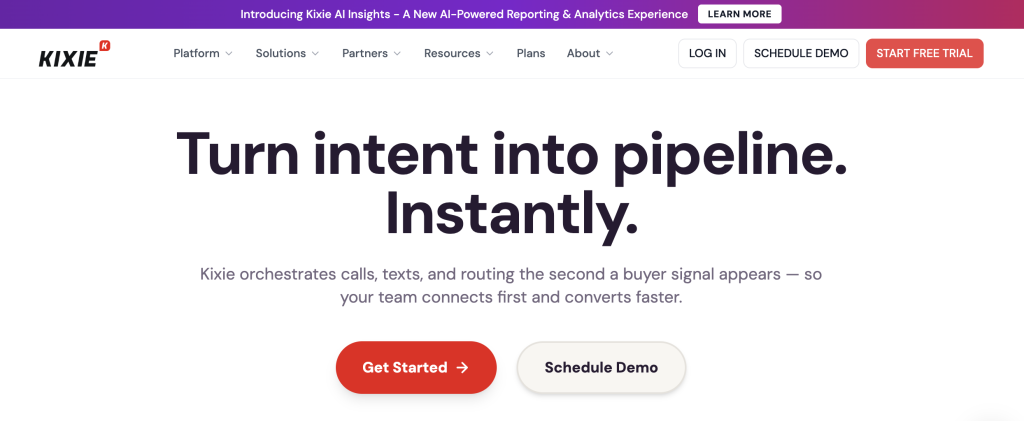
Kixie is a sales dialer and engagement platform built for outbound revenue teams that need a keap calling integration Singapore solution with power dialing and local presence features.
Best for: High-velocity outbound sales
Key features
- Power dialing runs through contact lists automatically, so reps spend time talking rather than manually dialing each number between calls.
- Local presence dialing shows a local area code on the caller ID, which research consistently shows increases answer rates on outbound campaigns.
- CRM auto-logging pushes call records into Keap after each call, so managers can see activity data without chasing reps for updates.
- Voicemail drop lets reps leave a pre-recorded message with one click and move immediately to the next dial, keeping campaign momentum high.
- Call coaching and whisper features let managers listen to live calls and speak to the rep without the prospect hearing, which is useful for onboarding new reps quickly.
Pros and cons
| Pros | Cons |
|---|---|
| Power dialing significantly increases outbound call volume per rep | Pricing is not publicly listed, which makes budgeting harder upfront |
| Local presence dialing improves answer rates on Singapore campaigns | Users report a noticeable learning curve during initial setup |
| Live call coaching tools support faster rep onboarding | Keap integration details require direct confirmation with Kixie sales |
Pricing and ratings
Pricing (USD): Contact sales for pricing. See full pricing
Integration with Keap: Kixie supports CRM auto-logging and is designed to work alongside sales CRMs including Keap. Confirm native vs. connector-based sync directly with Kixie before purchasing, since integration depth affects how reliably call data appears in Keap contact records.
4. CloudTalk – Cloud phone system with an official Keap integration page
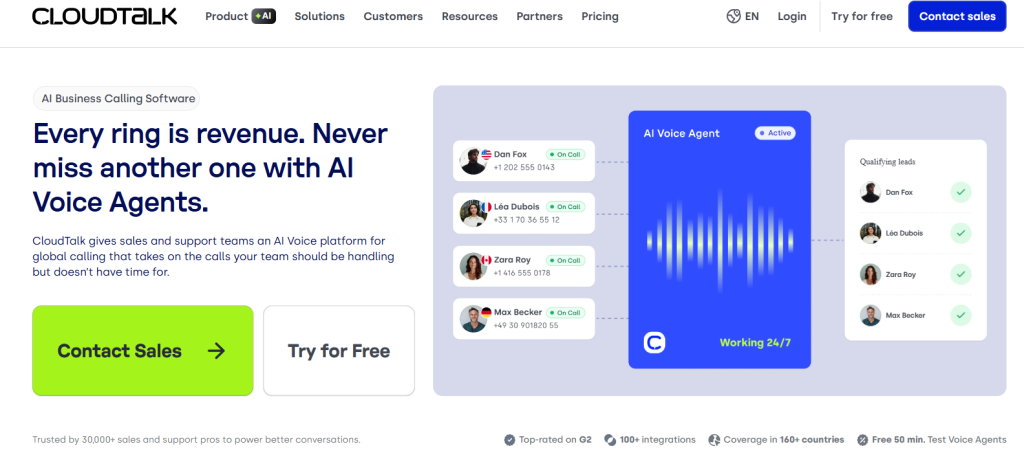
CloudTalk is a cloud phone system for sales and support teams that maintains a dedicated Keap integration page on its official site, making it a notable keap calling integration Singapore option for support-heavy teams.
Best for: Support-heavy SMB teams
Key features
- Click-to-call and automatic logging into Keap mean support agents can call directly from a contact record and have the call record appear in Keap without any manual step.
- Intelligent call routing and IVR (Interactive Voice Response) direct inbound callers to the right agent or team based on rules you configure, so wait times drop and first-call resolution improves.
- Call recording and quality assurance tools give managers access to every recorded call for review, so coaching is based on real interactions rather than assumptions.
- Team performance analytics show call volume, wait times, and resolution rates across agents, so managers can identify bottlenecks before they affect customer satisfaction.
- WhatsApp integration is available on the Expert plan, which lets support teams handle WhatsApp messages alongside calls from one platform, though carrier pre-registration and Meta verification are required.
Pros and cons
| Pros | Cons |
|---|---|
| Official Keap integration page confirms a documented connection | Users commonly report setup and admin complexity during onboarding |
| IVR and intelligent routing suit inbound support workflows well | WhatsApp integration requires additional carrier and Meta verification steps |
| Call recording and QA tools support structured coaching programs | Starter plan at $25/user/month may lack features needed for larger teams |
Pricing and ratings
Pricing (USD): Starter plan at $25/user/month. See full pricing
Integration with Keap: CloudTalk maintains an official Keap integration page on its website, which documents click-to-call and call logging into Keap. Confirm the sync direction (one-way vs. bidirectional) with CloudTalk before purchasing, since the official page does not specify this detail publicly.
5. PhoneBurner – Power dialer for phone-first outbound reps
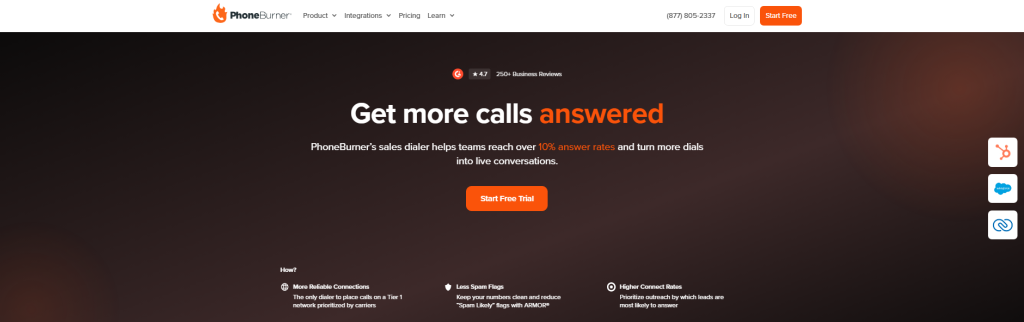
PhoneBurner is a power dialer and sales acceleration platform for outbound teams that prioritise call volume, though its keap calling integration Singapore connection relies on Zapier rather than a native sync.
Best for: Phone-first outbound reps
Key features
- Rapid dial sessions let reps work through large contact lists quickly, since PhoneBurner moves to the next call the moment a call ends or goes unanswered, cutting dead time between dials.
- Voicemail drop lets reps leave a pre-recorded message with one click, so they never have to wait through a voicemail prompt before moving to the next contact.
- Automatic call logging records each call outcome and pushes it to the connected CRM, so activity data stays current without manual entry from the rep.
- Local presence dialing shows a local area code on the caller ID, which tends to improve answer rates on outbound campaigns targeting specific regions.
- CRM integrations via Zapier allow PhoneBurner to connect with Keap, though this requires Zapier setup and ongoing maintenance rather than a native direct connection.
Pros and cons
| Pros | Cons |
|---|---|
| Rapid dial sessions maximise outbound call volume per session | Keap integration requires Zapier, not a native direct connection |
| Voicemail drop saves significant time on high-volume campaigns | Users often say the UI feels dated compared to newer platforms |
| Local presence dialing available for Singapore outbound campaigns | Professional plan starts at $149/user/month, which is the highest in this list |
Pricing and ratings
Pricing (USD): Professional plan at $149/user/month. See full pricing
Integration with Keap: PhoneBurner connects to Keap via Zapier rather than a native integration. This means you need an active Zapier account and a configured Zap to push call data into Keap, which adds setup time and a dependency on a third-party service.
6. Aircall – Cloud phone system for distributed teams
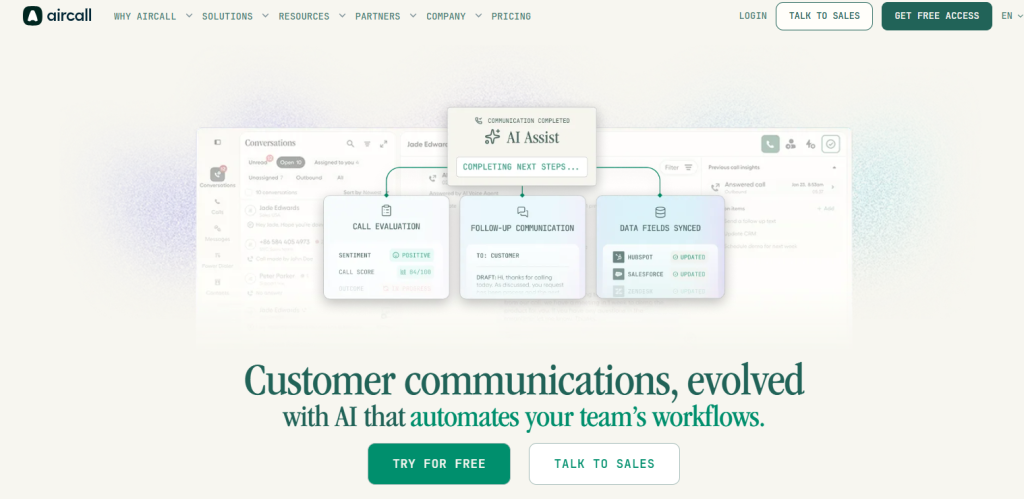
Aircall is a cloud phone system for distributed sales and support teams, and its keap calling integration Singapore connection is available through a LeadsBridge third-party connector rather than a native Keap integration.
Best for: Distributed sales and support teams
Key features
- Shared calling and routing let distributed teams handle inbound calls from a shared queue, so no call goes unanswered even when agents are spread across locations or time zones.
- CRM sync pushes call records to connected CRM platforms after each call, so contact timelines stay current without manual logging from agents.
- Call recording gives managers access to every conversation for quality review, which is especially useful for remote teams where in-person coaching is not possible.
- Analytics dashboards show call volume, wait times, and team performance metrics so managers can monitor distributed teams without being physically present.
- International number provisioning lets teams present local caller IDs in multiple countries, which is useful for Singapore teams calling across the Asia-Pacific region.
Pros and cons
| Pros | Cons |
|---|---|
| Shared call queues suit distributed and remote team structures well | Keap connection runs through LeadsBridge, not a native Aircall integration |
| International number provisioning covers Asia-Pacific regions | Users frequently cite cost as a concern when scaling team size |
| Analytics give managers visibility into distributed team performance | Essentials plan at $30/user/month does not include all advanced features |
Pricing and ratings
Pricing (USD): Essentials plan at $30/user/month. See full pricing
Integration with Keap: Aircall’s Keap connection is available through LeadsBridge, a third-party integration platform. This means you need a LeadsBridge account and a configured bridge to sync call data into Keap, which adds cost and a dependency outside of Aircall’s own platform.
7. Ringover – Business telephony for growing sales teams
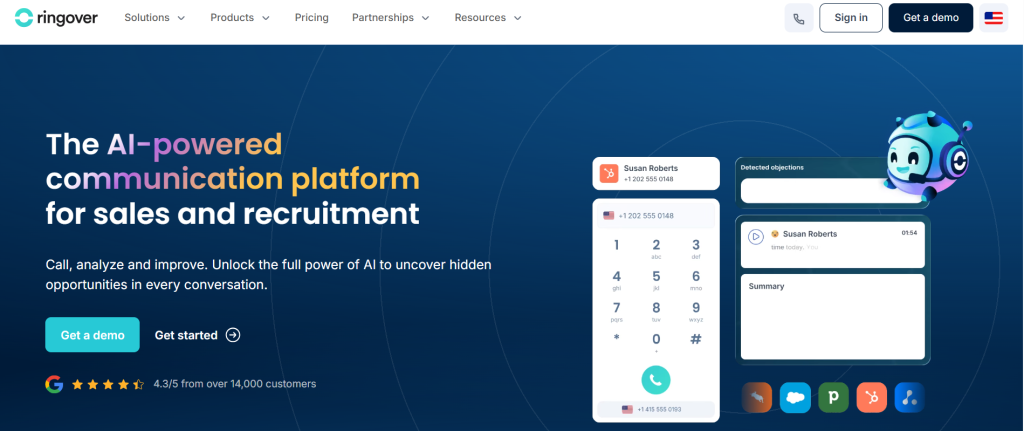
Ringover is a business telephony and omnichannel calling platform for growing sales teams that need a keap calling integration Singapore option with local numbers and CRM sync at a competitive entry price.
Best for: Growing sales teams on a budget
Key features
- Local number provisioning lets Singapore teams present a local caller ID on outbound calls, since answer rates on outbound campaigns are consistently higher with local numbers than international ones.
- Call routing rules direct inbound calls to the right agent or team based on time of day, agent availability, or caller identity, so inbound handling stays organised as the team grows.
- CRM sync pushes call records to connected platforms after each call, so contact data stays current without manual logging from reps.
- International calling coverage lets teams reach contacts across Asia-Pacific and beyond from a single platform, which is useful for Singapore businesses with regional operations.
- Performance analytics show individual and team call metrics so managers can track activity and identify coaching opportunities without relying on self-reported data.
Pros and cons
| Pros | Cons |
|---|---|
| Smart plan starts at $21/user/month, one of the lower entry prices here | Users note limited reporting depth compared to more established platforms |
| Local number provisioning available for Singapore caller ID | Keap integration details require direct confirmation with Ringover |
| International calling suits Singapore teams with regional operations | Advanced features may require higher-tier plans |
Pricing and ratings
Pricing (USD): Smart plan at $21/user/month. See full pricing
Integration with Keap: Ringover offers CRM sync capabilities, but specific Keap integration details are not publicly documented. Confirm directly with Ringover whether a native Keap connector is available or whether a third-party tool is required before committing to a plan.
How do these keap calling integration Singapore tools compare on key features?
The table below compares all seven platforms on the six features that most differentiate them for Singapore Keap users, so you can see at a glance where each tool leads and where it falls short.
| Feature | FreJun | JustCall | Kixie | CloudTalk | PhoneBurner | Aircall | Ringover |
|---|---|---|---|---|---|---|---|
| Native Keap sync (no Zapier) | Yes | Partial – confirm with vendor | Partial – confirm with vendor | Yes – official integration page | No – Zapier required | No – LeadsBridge required | Partial – confirm with vendor |
| AI call summaries to Keap | Yes | Partial – higher plan | No | No | No | No | No |
| Singapore virtual numbers | Yes | Yes | Yes | Yes | Yes | Yes | Yes |
| Auto-dialer (multi-mode) | Yes – 4 modes | Partial – power dialer | Yes – power dialer | No | Yes – power dialer | No | No |
| PDPA and DNC Registry support | Yes | Partial – confirm with vendor | Partial – confirm with vendor | Partial – confirm with vendor | Partial – confirm with vendor | Partial – confirm with vendor | Partial – confirm with vendor |
| Free trial available | Yes – 3 days, 5 users, full access | Check website | Check website | Check website | Check website | Check website | Check website |
FreJun is the only platform in this comparison that combines native Keap sync, AI call summaries, a four-mode auto-dialer, and a confirmed free trial in a single plan starting at $14.49 per user per month.
Which keap calling integration Singapore tool is right for your team?
Different teams have different priorities. The right keap calling integration Singapore platform depends on your call volume, budget, and how deeply you need the tool to sync with Keap. Here is a quick guide based on common buyer profiles.
If you run a Singapore sales team making 50 or more calls per day from Keap: Choose FreJun. It is the only platform here with a four-mode auto-dialer, native Keap sync, and AI summaries all in one plan, so your reps spend time talking rather than logging.
If you need a budget-friendly entry point with click-to-call and SMS: Choose JustCall. The Team plan at $29/user/month covers click-to-call and automatic logging for SMB teams that do not yet need advanced AI features.
If your team runs high-volume outbound prospecting and needs power dialing: Choose Kixie. Its power dialing and local presence features are built for outbound-first teams, though you should confirm Keap integration depth before purchasing.
If your primary use case is inbound support with IVR routing: Choose CloudTalk. Its documented Keap integration, IVR builder, and call QA tools suit support teams better than sales-focused dialers.
If you are a growing team watching costs closely: Choose Ringover. At $21/user/month it is one of the lower entry prices in this list, though you should verify Keap sync depth directly with their team before committing.
Which tool wins overall for Singapore teams in 2026?
If you want the best overall keap calling integration Singapore platform with AI features, USD billing, and PDPA compliance: Choose FreJun. No other platform in this list combines native bidirectional Keap sync, AI call summaries synced to the contact timeline, a four-mode auto-dialer, and Singapore virtual numbers at $14.49 per user per month with a 3-day free trial.
Frequently asked questions about keap calling integration Singapore
What is the best keap calling integration Singapore tool in 2026?
The best keap calling integration Singapore platform in 2026 is FreJun. It holds a 4.9/5 G2 rating and is the only tool in this comparison with native bidirectional Keap sync that requires no Zapier connector. It also includes AI call summaries, sentiment analysis, and a four-mode auto-dialer, all starting at $14.49 per user per month for Singapore teams. As of 2026, FreJun’s analysis of 300+ client accounts found that teams using AI-transcribed calls reduced manual note-taking time by 40%, which is a meaningful productivity gain for any team running Keap as their primary CRM.
How much does keap calling integration Singapore cost?
Pricing for keap calling integration Singapore tools ranges from $14.49 to $149 per user per month depending on the platform and plan. FreJun’s Standard Plan for Singapore teams starts at $14.49/user/month and includes a Singapore virtual number plus $5 in calling credits. The Professional Plan is $16.69/user/month and adds advanced auto-dialer modes and deeper AI features. Per-minute calling rates apply beyond included credits and are listed at product.frejun.com/call-pricing-usd. Other platforms in this list range from $21/user/month (Ringover) to $149/user/month (PhoneBurner), with Kixie requiring a direct sales conversation for pricing.
What compliance rules apply to calling in Singapore?
Singapore businesses making outbound calls must comply with the PDPA (Personal Data Protection Act) and the DNC (Do Not Call) Registry, both administered by the IMDA (Infocomm Media Development Authority). The DNC Registry requires that businesses check contact numbers before sending marketing messages or making unsolicited calls. Violations can result in financial penalties. Your keap calling integration Singapore platform should support DNC Registry checks, store call recordings in a PDPA-compliant manner, and provide audit-ready call logs. Confirm these capabilities with each vendor before signing a contract, since not all platforms document their Singapore compliance posture publicly.
Which keap calling integration Singapore tool has the deepest Keap integration?
FreJun has the deepest Keap integration of any platform in this list. It offers native bidirectional sync, so call data, AI transcripts, sentiment scores, and call dispositions flow automatically into the Keap contact timeline after every call, with no Zapier connector or manual trigger required. CloudTalk also maintains an official Keap integration page, but the sync direction is not publicly specified. JustCall and Kixie support click-to-call and logging but require vendor confirmation on whether the sync is native or connector-based. PhoneBurner and Aircall both rely on third-party tools (Zapier and LeadsBridge respectively) for their Keap connections.
How do I switch from a traditional phone system to a keap calling integration Singapore platform?
Switching from a traditional phone system to a keap calling integration Singapore platform is faster than most teams expect. With FreJun, the process involves installing the Chrome extension, connecting your Keap account, and provisioning a Singapore virtual number. The whole setup takes under an hour, and your team can be making calls from inside Keap the same day. FreJun’s 3-day free trial for up to 5 users with full feature access lets you test the integration against your live Keap data before committing. Run at least 20 real calls during the trial and verify that call records, recordings, and AI summaries appear correctly in Keap contact timelines.
Do I need a separate virtual number for Singapore, or can I use my existing number?
Most keap calling integration Singapore platforms let you port an existing number or provision a new Singapore virtual number. FreJun supports both: you can port an existing number within 24 hours or provision a new Singapore virtual number instantly when you sign up. Using a local Singapore number on outbound calls is important because contacts are significantly more likely to answer a call from a local number than an international one. If you already have a Singapore business number, confirm with your chosen platform whether number porting is included in the plan or billed separately.
How is AI changing keap calling integration Singapore tools in 2026?
AI is shifting keap calling integration Singapore platforms from simple dialers into full call intelligence systems. As of 2026, FreJun teams see an average 3x increase in daily call volume when using AI-powered auto-dialing alongside automatic call logging. Beyond volume, AI call summaries, sentiment analysis, and searchable transcripts give managers real-time visibility into every conversation without listening to recordings manually. Singapore teams adopting AI calling tools now are building a competitive advantage in response speed and coaching quality that manual-logging teams cannot match at scale.
Conclusion: Best keap calling integration Singapore tools for 2026
The top three keap calling integration Singapore platforms in 2026 are FreJun (native AI sync), JustCall (SMB-friendly), and CloudTalk (support-focused). FreJun is the top recommendation for Singapore teams running Keap because it is the only platform with native bidirectional Keap sync, AI call summaries, and a four-mode auto-dialer all starting at $14.49 per user per month, with PDPA and DNC Registry compliance built in. If your team makes more than 30 calls a day from Keap, the time saved on manual logging alone justifies the switch. Start your free trial and see how much faster your team can move when the dialer lives inside your CRM.