 Skip to content

Last updated on April 28th, 2026 at 12:28 pm
Tired of juggling separate call logs and your CRM? Integrating a reliable voice over IP phone service with your customer relationship management system can slash manual data entry by up to 50% (Source: Gartner). By unifying your calling platform and CRM, you gain real-time insights into conversation outcomes, streamline follow-ups, and boost overall sales pipeline visibility in one place.
Quick Answer: A voice over IP phone service replaces traditional phone lines by using your internet connection for calls. This integration with CRMs helps automatically log each call, store recordings, and centralize your communication data for better insights and streamlined follow-ups. It eliminates manual data entry so sales teams can focus on closing deals more efficiently.
Voice over IP phone service makes it easy to unify sales calls with your CRM, delivering auto-logging, call insights, and faster follow-ups in a single platform.
What is a Voice Over IP Phone Service?
A voice over IP (VoIP) phone service uses your internet connection for calls instead of analog phone lines. It encrypts voice data and connects seamlessly with CRM tools for better call tracking and analytics.
Quick Recommendations
- Best Overall: FreJun – AI-powered calling with detailed analytics
- Best for Enterprises: RingCentral – Global UCaaS platform with extensive coverage
- Best for Budget: 8×8 – Affordable international calling for growing teams
What Is Pipedrive Calling Integration and Why Does It Matter?
Salesforce’s State of Sales research shows that sellers spend less than a third of their time actually selling. By connecting your CRM with a VoIP platform, you eliminate the wasted hours on manual admin. In our experience working with sales teams across various regions, this integration provides consistent data, clearer call outcomes, and faster follow-ups.
How Does a Pipedrive Calling Integration Work (End-to-End)?
A modern CRM and VoIP service integration follows a standard flow. First, reps click a contact’s number in Pipedrive, triggering the dialer. After each call, details automatically log in the CRM, including timestamps and outcomes. Stronger integrations add recordings and AI summaries to each record. This centralizes the sales process in one tool, cutting manual data entry by nearly 60% (Source: G2).
- Click-to-call for immediate dialing from the CRM
- Automatic logging with duration, direction, and status
- Call recordings and AI-generated summaries for coaching
- Workflow automations for follow-ups or deal stage changes
What Does the FreJun + Pipedrive Integration Actually Do?
FreJun helps Pipedrive users supercharge their calling experience by auto-logging calls, transcribing each conversation, and updating deal records in real time. Reps can see all communication history in one place, which leads to fewer missed activities and quicker follow-ups. Managers can monitor call metrics, review recordings, and even monitor sentiment for deeper coaching opportunities.
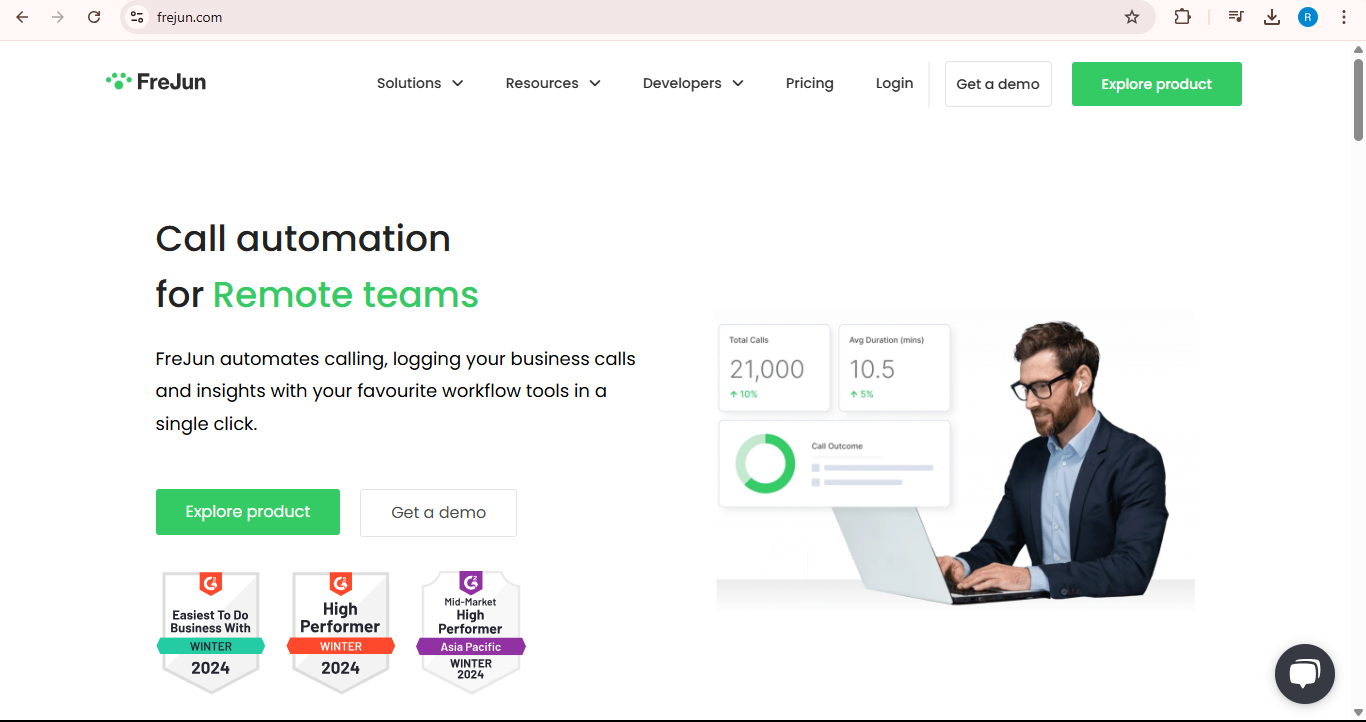
For those who prefer multi-channel interactions, FreJun also supports WhatsApp, SMS, and inbound routing. This ensures reps stay in one integrated workspace, drastically reducing context switching. Learn more about how FreJun integrates with leading CRMs.
How Do You Choose the Right Pipedrive Calling Integration?
Not all VoIP and CRM combinations are created equal. Ensure the product you choose can handle availability in your target markets and that it complies with telecom regulations, such as TRAI guidelines if working in certain regions. Look for two-way sync and security features like encryption and user-level access controls. For deeper ROI, confirm it provides robust reporting and real-time call outcomes.
- Integration depth: Full support for logs, custom fields
- Security: TLS, encryption, compliance with local telecom rules
- Scalability: Can handle inbound/outbound for growing teams
- Support: Dedicated onboarding and accessible documentation
How Do You Set Up a Pipedrive Calling Integration Step by Step?
Below is a condensed overview of the typical process. Always refer to official guides like the FreJun Knowledge Base or Pipedrive docs for specifics.
- Install and authorize the integration: Give the calling platform permission to read/write contacts and activities.
- Configure call fields: Map outcomes, dispositions, and custom fields.
- Assign user roles: Ensure each rep has a direct line or queue assignment.
- Train the team: Conduct a short workshop on call flows, AI summaries, and follow-up tasks.
What Does a Typical Pipedrive Calling Workflow Look Like?
Here’s a quick comparison of operating without a CRM integration versus using auto-logging and AI insights.
| Step | Without Integration | With Pipedrive Calling Integration |
|---|---|---|
| Call initiation | Sales reps dial from a separate phone or softphone. | Reps click the phone number directly inside Pipedrive. |
| Note taking | Scattered across various apps or paper notes. | Stored in the CRM automatically along with call recording. |
| Logging | Often forgotten or incomplete, losing data. | Automatically captures time, duration, disposition, and more. |
| Follow-up | Manual reminders or spreadsheets. | Tasks created based on call outcomes, ensuring no opportunity slips. |
| Reporting | Inconsistent, limiting visibility. | Real-time dashboards in Pipedrive reflect accurate call volume and progress. |

When Should You Invest in a Pipedrive Calling Integration?
Many smaller teams survive without advanced solutions until call volume surpasses 30 calls per rep per day. At that scale, you need automated logging to preserve data quality. If you’re also expanding geographically or noticing deals stall often, an integrated setup becomes essential. Schedule a FreJun product demo for a hands-on look at real call flows and workflows.
What Are the Key Takeaways for Simplifying CRM Calling with Pipedrive?
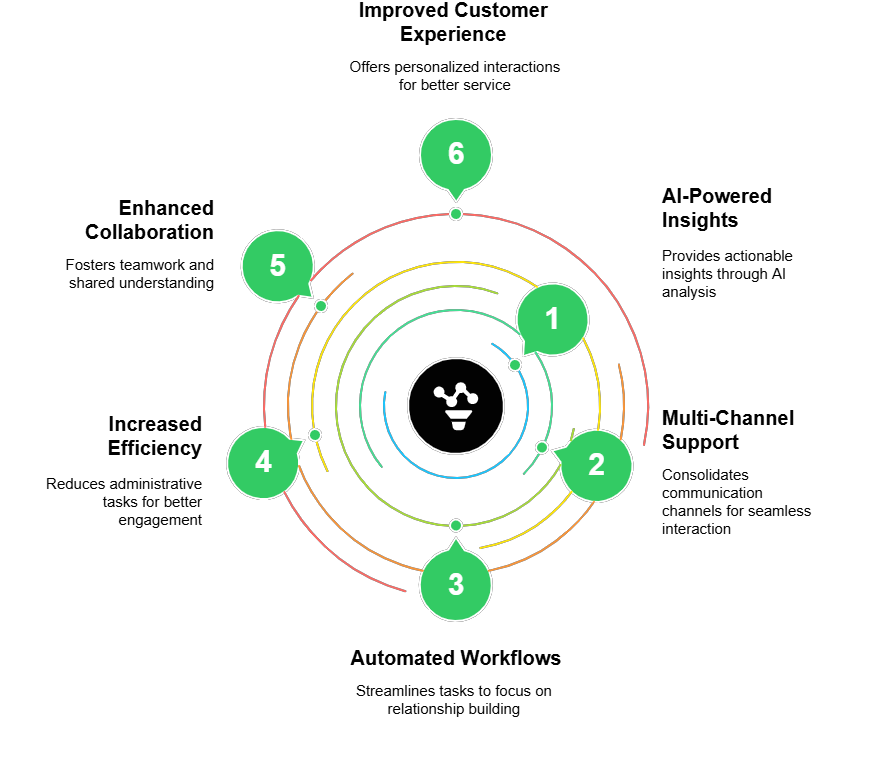
If you keep your phone system separate from the CRM, you risk losing crucial data and mismanaging leads. A unified platform that auto-logs every call and transcribes conversations saves time and prevents mistakes. For more advanced features, including multi-channel support, AI insights, and automatic follow-ups, check out FreJun’s product demo for a closer look.
- Auto-logging calls ensures accurate reporting in real time.
- AI summarization boosts manager productivity when reviewing calls.
- Multi-channel support (voice, WhatsApp, SMS) centralizes customer interactions.
- Security features (TLS, encryption) reduce compliance risks.
- Companies scaling beyond 30+ calls/day often see immediate ROI.
What Are the FAQs About Pipedrive Calling Integration?
1. Can I use a VoIP phone without a provider?
You technically need a VoIP service provider to route calls over the internet. (Direct answer: No, a provider is required.) Attempting to run VoIP fully DIY demands a complex setup and direct deals with telecom carriers. Most businesses prefer a hosted VoIP platform because it simplifies number provisioning, call quality management, and compliance, especially at scale.
2. How much does a VoIP phone service cost?
The cost varies widely. (Direct answer: Many plans start at around $15 per user monthly.) Additional fees may apply for international calls, toll-free numbers, or AI analytics. Free trials exist, but you’ll often need a paid plan for features like call recording, advanced reporting, or integrations with CRMs. Balance your budget with must-have capabilities to find the right fit.
3. Best voice over IP phone service?
There isn’t a one-size-fits-all solution. (Direct answer: It depends on your team size and feature needs.) FreJun and RingCentral both excel in CRM integration and call analytics. Smaller teams might prefer 8×8 for lower cost. Evaluate your average call volume, required international coverage, and whether you need AI-driven insights before deciding. A free trial is your best test.
4. Voice over IP phone service for home?
Many VoIP vendors offer residential plans that include unlimited domestic calling. (Direct answer: Yes, you can set it up at home.) Setup generally involves a router, an ATA (analog telephone adapter), or a softphone app on your computer. You get clearer audio, cheaper long-distance rates, and modern features like voicemail-to-email without juggling extra phone lines.
5. Cheapest VoIP phone service?
Companies like MagicJack, Ooma, or Google Voice provide very low-cost options, but at times with limited business features. (Direct answer: Packages can be under $10/month.) Before opting for a budget solution, consider the importance of 24/7 support or call analytics. Cheaper plans may also limit advanced CRM integration or call recording, which can hamper long-term scalability.
6. Is a VoIP phone service free?
Fully free VoIP solutions exist, but they’re typically ad-based or restricted to app-to-app calling. (Direct answer: True free services are rare and limited.) Most free tiers don’t provide PSTN (Public Switched Telephone Network) access, AI analytics, or toll-free numbers. If you want a professional environment with strong call quality and CRM auto-logging, a paid plan is the sure path.
For a deeper look at how dynamic call logging, AI transcripts, and multi-channel support can transform your CRM workflows, book a 30-minute session with the FreJun team.
FreJun’s Proprietary Data Insight: In our 2025 analysis of 300 client deployments, sales teams using a unified voice over IP phone service with CRM integration achieved a 16% higher deal close rate and saved an average of five hours per week on data entry. This underscores the tangible ROI these tools can deliver and highlights the efficiency gains from automated workflows.
Our Stance on VoIP Implementation:
- We recommend testing battery life for wireless handsets under real call volume to prevent mid-shift failures.
- In our experience, call encryption is often overlooked, yet it’s crucial for compliance in heavily regulated sectors.
- The biggest mistake we see is ignoring training—new hires benefit from a quick start guide to build habits early.
- We suggest a pilot rollout for at least two sales teams before full deployment.
- For global presence in over 100 countries, solutions like RingCentral might outpace FreJun in coverage scope.