
Bring your platform. We'll route the calls to it
Already building with ElevenLabs, Vapi, LiveKit Cloud, or any voice AI provider that supports SIP trunking? Connect your stack to Teler and start taking calls.







How it works
Create your SIP trunk.
Choose your authentication method.
Configure inbound routing.
Built for SIP-native platforms

No hosting required
Everything is configured in your Teler dashboard and your platform's own SIP trunk settings. No bridge to deploy, nothing to maintain.

Bidirectional on one trunk
Inbound and outbound calls share a single trunk - no separate setup for each direction.
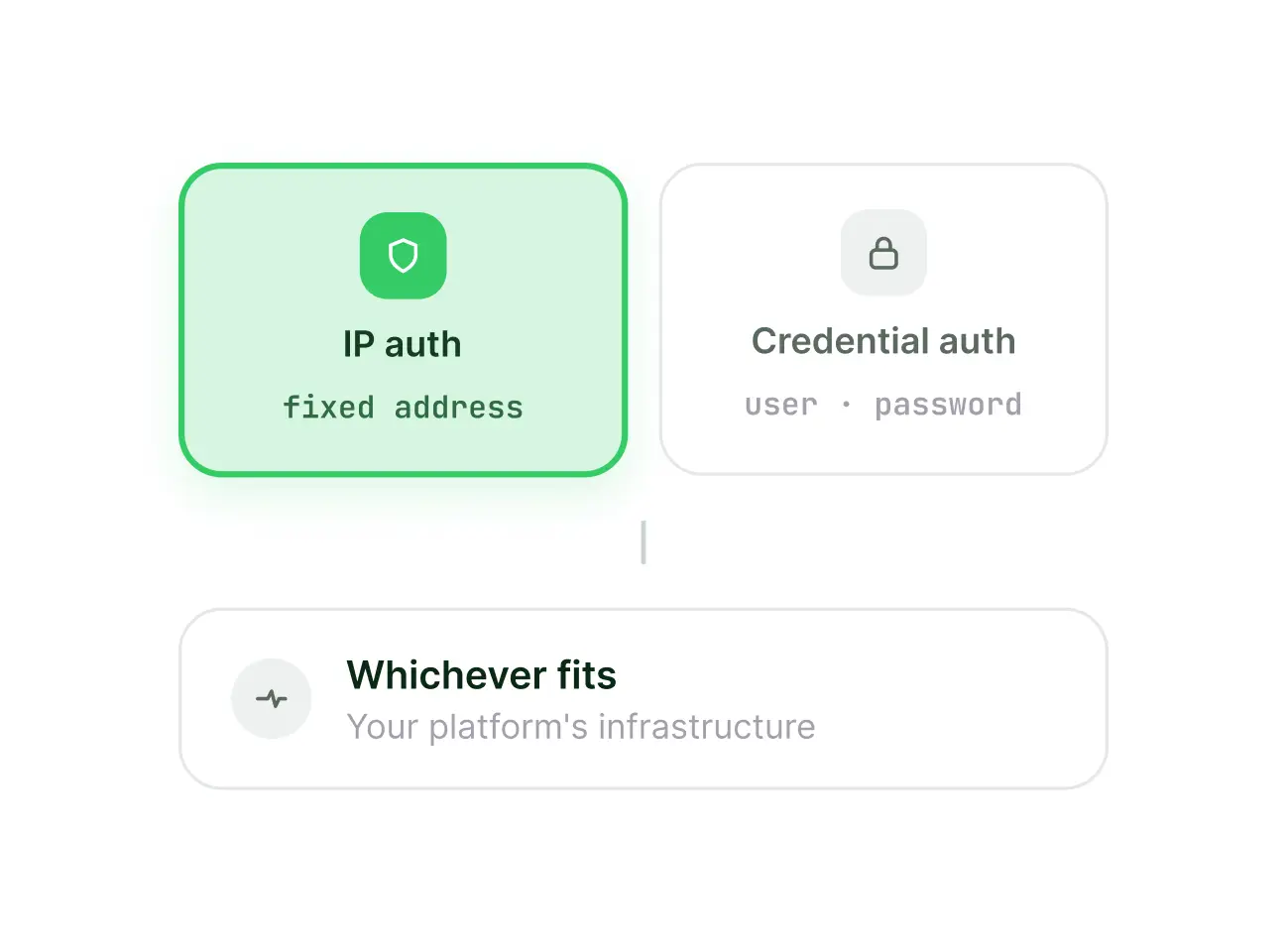
Flexible authentication
IP authentication or credential authentication, whichever fits your platform's infrastructure.
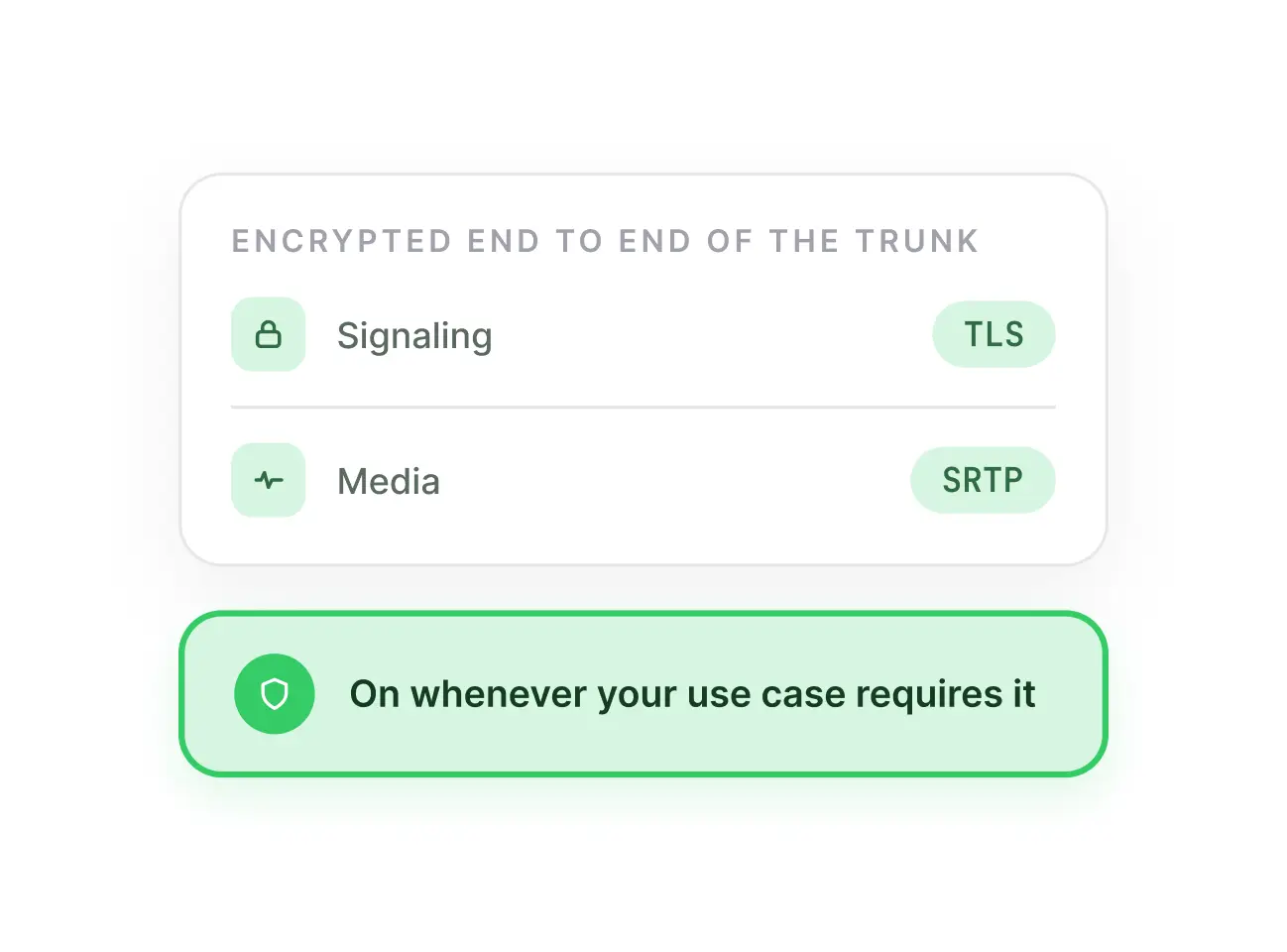
Built-in encryption
Protect signaling and media with TLS and SRTP whenever your use case requires it.
Works with your favorite tools
Teler connects natively with ElevenLabs, VAPI, LiveKit Cloud, and Bolna - or any standards-compliant SIP system.
What you can build
Build a screening agent for candidate calls
Point an agent you built on VAPI at a Teler trunk, and start taking real candidate calls the same day - no telephony code needed.
Modernize your phone system without rebuilding it
Point your PBX's existing call routing and IVR logic at a Teler trunk for carrier connectivity - none of that logic has to change.
Set different recording rules for different teams
Record sales calls for coaching; skip it for support, per your own policy - two trunks, two recording settings, one Teler account.
Route calls by language
Send Hindi and regional-language calls to Bolna, English calls to ElevenLabs - two platforms underneath.
Keep a backup ready for an outage
Configure a second trunk pointed at a backup platform, so you can manually redirect your number if your primary platform ever goes down.
Keep patient calls separate
Run patient calls on their own trunk with strict retention rules, kept apart from general business calls on a different trunk.
Frequently Asked Questions
Have more questions?
Reach out to us at support@frejun.com.
Connect your AI platform to
real phone calls today
No code needed - just configure your Teler trunk and match the same settings on your platform.